Quick Answer
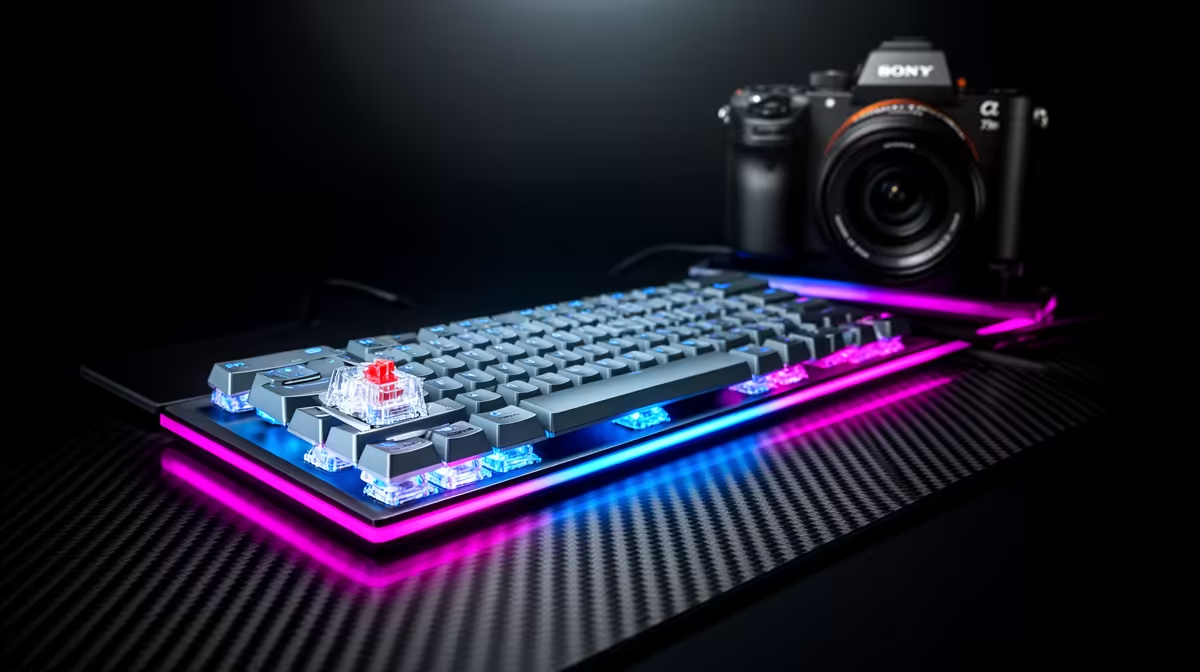
For couch co-op, most players use controllers, so a keyboard switch debate rarely applies; if one player uses a keyboard, choose a comfortable wireless board for lap use. Optical and mechanical both work, but wireless convenience matters most here. A wireless gaming keyboard at Evetech starts near R1,000 for relaxed living-room play.
Switch Choice in a Couch Setting
Couch co-op is usually a controller affair on a TV, where switch type is irrelevant for most players. If one of you prefers a keyboard for certain co-op titles, comfort and wireless freedom outweigh actuation speed. A compact wireless board is easier to use on your lap from the sofa than a full-size wired one. Optical switches bring durability and mechanical switches bring feel variety, but for relaxed couch play either is fine, the priority is a tidy, cable-free setup that works from across the room.
Setting Up for Living-Room Play
Choose a compact tenkeyless or 75% wireless keyboard for lap comfort, with reliable low-latency wireless so inputs stay responsive at distance. Long battery life matters so you are not tethered mid-session, and a quiet switch keeps things pleasant in a shared room. Pair the board with controllers for players who prefer them, and ensure your PC connects to the TV via HDMI 2.1 with Game Mode enabled. A wireless mouse rounds out the setup if a co-op game needs pointer control. Convenience defines a good couch experience.
What SA Couch Gamers Should Pick
If your co-op nights are controller-first, do not overthink the switch debate, just keep a comfortable wireless keyboard handy for the occasional keyboard-based co-op title, from around R1,000. Optical or mechanical both serve fine; prioritise wireless reliability, battery life, and a compact lap-friendly size. Spend your budget on good controllers and a solid TV connection, which shape couch co-op far more than switch technology.
FAQ
Does switch type matter for couch co-op?
Rarely. Couch co-op is mostly controller-based, and even keyboard users in this relaxed setting care more about wireless comfort than actuation speed. Choose a switch you find pleasant and move on.
What keyboard works best from the sofa?
A compact wireless tenkeyless or 75% board is easiest to use on your lap, with low-latency wireless and long battery life. Quiet switches keep it pleasant in a shared living room.
Do I need a mouse for couch co-op?
Only if a co-op title requires pointer control. Many couch games play fine with controllers, but a low-profile wireless mouse is handy to keep nearby for menus or the occasional mouse-driven co-op game.
Pro Tip
For couch co-op, keep a compact wireless keyboard with long battery life on the coffee table, and let controllers handle the games that play better on a pad.