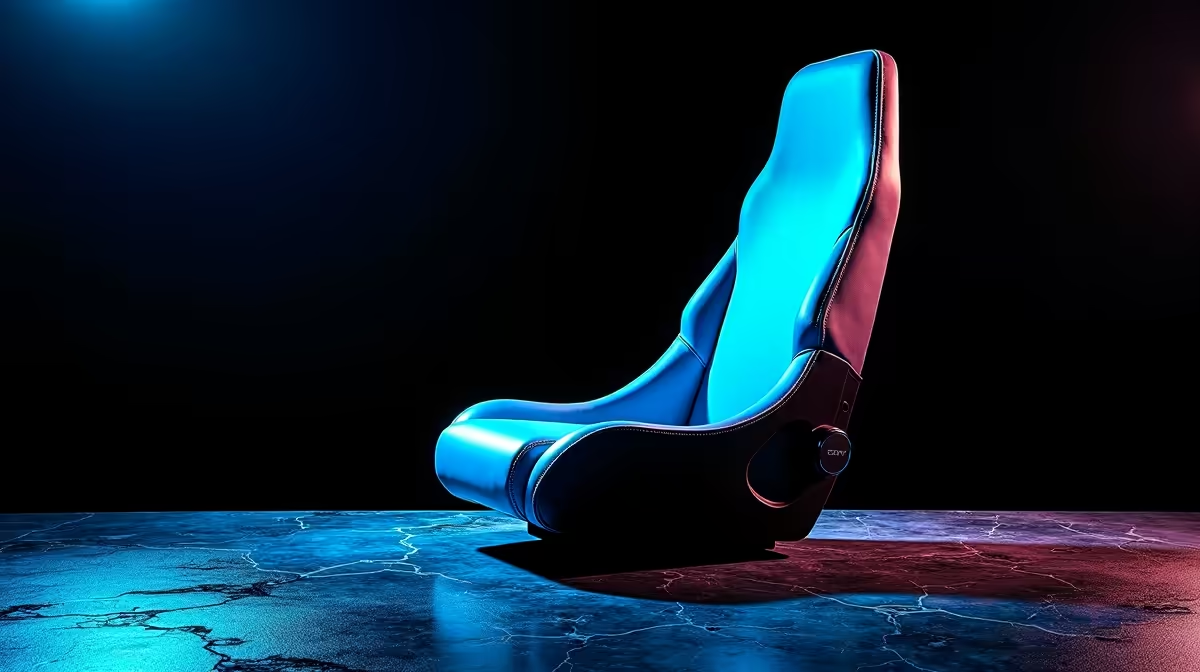
That nagging ache between your shoulders after a marathon gaming session? It's a common complaint for many South African gamers. Before you blame your mouse or keyboard, look at your throne. The secret to epic, pain-free performance often lies in an overlooked detail: finding the optimal backrest width for shoulder comfort. It’s not just about luxury; it’s about ergonomic science that keeps you focused on the win, not the wince. ⚡
Why Backrest Width is Key for Gaming Endurance
Think of your gaming chair's backrest as your tactical support. If it's too narrow, it pinches your shoulder blades (your scapulae), forcing you into a hunched-over posture that restricts movement and causes strain. Too wide, and you lose that crucial lateral support, making you feel like you're floating rather than being securely held. The right fit is everything.
The optimal backrest width for shoulder comfort allows your shoulders to rest naturally against the chair, promoting a healthy, open chest posture. This improves breathing, reduces fatigue, and allows for quicker, more precise reflex movements. When you’re comfortable, you’re not distracted by pain, meaning you can focus entirely on clutching that round. Finding the right chair is the first step, and our full range of gaming chairs in South Africa offers options for every body type.
Finding Your Perfect Fit: A Quick Guide
So, how do you determine the right backrest size for you? It’s simpler than you think. You don't need complex tools, just a tape measure and a friend to help.
Measure Your Shoulder Width 📏
- Stand or Sit Straight: Keep your posture relaxed but upright.
- Measure Across: Have a friend measure the distance from the bony point of one shoulder (the acromion process) straight across your back to the same point on the other shoulder.
- Add a Buffer: Your ideal backrest width should be slightly wider than this measurement—typically by 5 to 10 cm. This gives you room to move without your shoulder blades hitting the hard edges of the chair's frame, especially on models with pronounced side bolsters.
Many gamers find that chairs designed for their budget still offer fantastic ergonomic features. You can explore some great options under R4000 that deliver on this crucial comfort metric.
Pro Posture Tip
Always check the product specifications on Evetech.co.za for the "Shoulder Width" or "Backrest Width" dimension before you buy. Cross-reference it with your own measurement for a near-perfect fit right out of the box.
Features That Boost Shoulder Comfort
While width is critical, other features work alongside it to create the ultimate ergonomic experience. The design of the shoulder wings or flares plays a huge role. Some chairs have aggressive wings that cradle you, which is great for immersion, while others have a flatter design for more freedom of movement.
For those investing in long-term health and performance, looking at premium features is a smart move. Adjustable 4D armrests, for example, allow you to perfectly align your elbow and wrist, taking significant strain off your shoulders. Paired with a properly sized backrest, it’s a recipe for success. Many premium chairs above R4000 bundle these high-end ergonomic features together for a complete solution. ✨
End the Aches and Pains
Stop letting shoulder strain dictate your gaming sessions. Explore our curated selection of chairs designed for superior ergonomic support and find your perfect match today. Check out the best gaming chair deals and level up your comfort.