

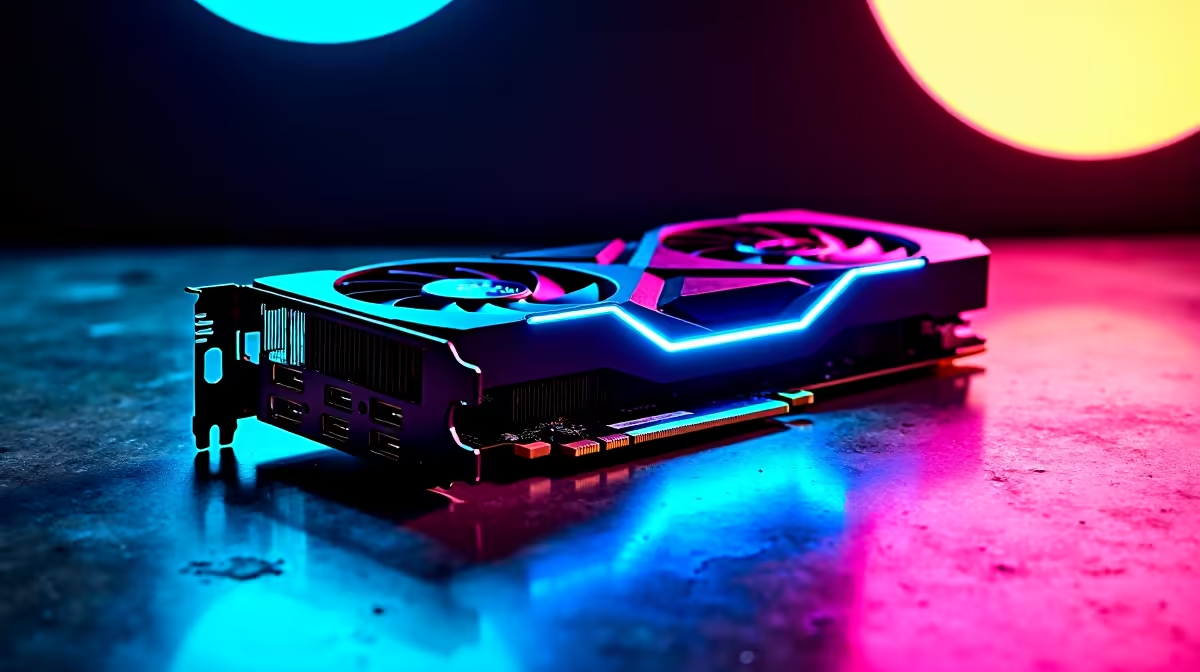
Dropping thousands of Rands on next-gen hardware is exciting... until your frame rates stutter. With the arrival of ultra-fast components in South Africa, optimising PCIe 5.0 graphics cards is essential. If you want to push every pixel without bottlenecks, you need more than raw power. Let us explore how to unlock the true potential of your high-end GPU.
Why PCIe 5.0 Bandwidth Matters ✨
PCIe 5.0 offers a staggering 64 GB/s of bidirectional bandwidth. That is double what the previous generation provided. This massive pipe ensures high-resolution textures load instantly. It also prevents stuttering in massive open-world titles.
If you plan to upgrade your graphics card, understanding this bandwidth leap is crucial. It prepares your rig for future titles that demand insane data transfer rates.
Checking Motherboard and CPU Bottlenecks
Plugging a Gen 5 GPU into an older motherboard wastes its potential. You need a compatible platform like Intel's Z790 or AMD's X670. Even older solid NVIDIA GeForce GTX options ran fine on older boards... but modern beasts need modern lanes.
Ensure your CPU can keep up. A slower processor will bottleneck your system long before your GPU maxes out its PCIe lanes.
BIOS Update Pro Tip ⚡
Always update your motherboard BIOS to the latest version before installing a new PCIe 5.0 GPU. Manufacturers frequently release updates that improve lane stability, fix bandwidth allocation issues, and enable features like Resizable BAR for free performance gains.
Power Delivery and Thermal Management 🔧
Next-gen performance requires serious power. These cards often use the new 12VHPWR connectors. Make sure your power supply is ATX 3.0 compatible. It needs to handle massive transient spikes.
If you are worried about building from scratch, exploring some pre-built gaming PC deals can save you the headache. Good airflow is just as vital. South African summers are notoriously hot. Thermal throttling will ruin your bandwidth speeds in seconds. Invest in high-static pressure fans to keep temperatures low.
Software Tweaks for Peak Performance 🚀
Hardware is only half the battle. To truly succeed in optimising PCIe 5.0 graphics cards, you must dive into software. Enable Hardware-Accelerated GPU Scheduling in Windows. Turn on Resizable BAR in your BIOS. This allows your CPU to access the entire GPU frame buffer at once.
If you are hunting for the best graphics card deals in SA, remember that optimising them costs nothing. A few clicks can yield massive frame rate boosts in demanding titles. Keep your drivers updated. Use software like MSI Afterburner to monitor your lane usage and temperatures.
Finally... always keep an eye on our latest tech specials to ensure your entire rig stays balanced. This ensures maximum value for your hard-earned ZAR.
Ready to Find Your Perfect Match? The hardware upgrade debate is complex, but for maximum power, choice, and value in South Africa, Evetech is hard to beat. Explore our massive range of graphics card deals and find the perfect machine to conquer your world.











