

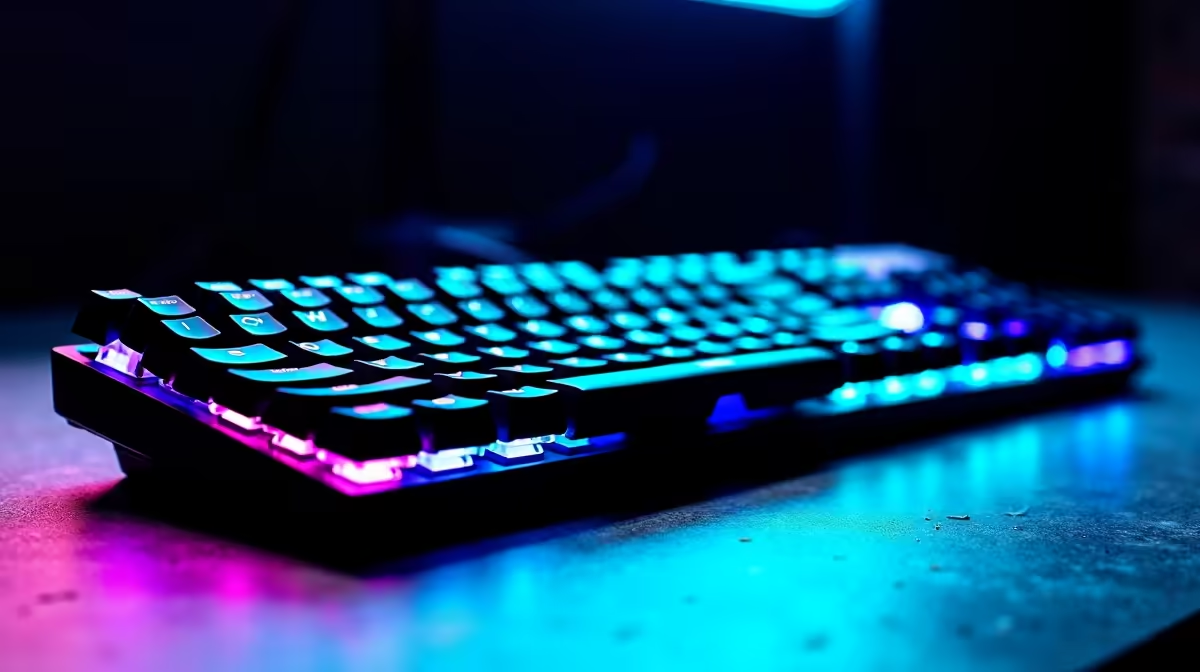
Load shedding might be taking a break, but late-night gaming sessions are forever. When the lights go out, your setup comes alive. But are you draining your battery just to look cool? Optimising smart backlighting on wireless keyboards is the secret to marathon sessions. Let us show you how to perfectly balance RGB aesthetics with battery life, eye comfort, and late-night usability.
The Magic Behind Smart Illumination ✨
Modern tech has evolved past simple on-and-off switches. Today, ambient light sensors and proximity detection do the heavy lifting. Your board knows exactly when your hands approach. It also senses when the sun goes down.
This automation is incredible for saving power. If you step away to grab a snack, the lights fade out. When you sit back down, the keys glow instantly. Finding the right balance ensures your setup looks amazing without constant charging. If you are browsing for premium keyboards in South Africa, these smart features are worth every single Rand.
Maximising Battery Life Without Losing Style 🔋
Wireless freedom is brilliant... until you need to plug a cable in mid-match. RGB LEDs are notorious power hogs. However, a few quick software tweaks will keep you running for days.
First, adjust your sleep timeout settings. Set your lights to dim after exactly one minute of inactivity. Second, lower your peak brightness. You rarely need 100% brightness unless you are playing in direct, bright sunlight. Dropping your illumination to 50% can literally double your battery life. It is the easiest way to optimise performance.
Many top-tier gaming keyboards feature dedicated software to automate these exact profiles. You can set them to switch off completely when your battery hits 15%. This guarantees you finish your match without losing your wireless connection.
Battery Saver Pro Tip ⚡
Drop your RGB brightness to 30% during the day. Most premium wireless boards look just as striking, and you will easily double your time between charges.
Eye Comfort for Late-Night Grinding 🌙
Staring at bright blue LEDs in a dark room is a recipe for serious eye strain. Optimising smart backlighting on wireless keyboards is also about your physical comfort. Your eyes need protection during those marathon sessions.
When playing at night, shift your lighting colour profile. Warm colours like red, orange, or soft yellow are much easier on your eyes. They preserve your natural night vision and significantly reduce visual fatigue. Many smart boards let you sync your lighting directly with the time of day.
You can program your setup to automatically shift from cool blue at noon to warm amber by midnight. This simple change actually helps you sleep better after a long gaming session. Upgrading your peripheral setup does not have to break the bank either. Keep an eye on the latest tech specials to find smart RGB gear at unbeatable ZAR prices.
By taking just a few minutes to tweak your software settings, you get the absolute best of both worlds. You save precious battery power, protect your vision, and keep your gaming desk looking incredible.
Ready to Upgrade Your Setup? Finding the right balance of style and performance is crucial for any South African gamer. Explore our massive range of gaming deals and find the perfect wireless keyboard to light up your next victory.











