


RTX 4060 Ti Throttling Under Load: SA Temperature Guide
RTX 4060 Ti Throttling Under Load: Temperature. Everything you need to know with SA pricing, step-by-step instructions & expert recommendations.
Read moreBoost Excel, Photoshop Zoom performance easily. ✅ Expert tips for seamless multitasking with resource-heavy apps. 💻🚀
Howzit! Is there anything more frustrating than a PC that chokes when you need it most? That spreadsheet calculation taking forever, Photoshop freezing on a simple filter, or your Zoom call turning into a slideshow... It’s enough to make you want to throw your mouse. If you want to truly optimize your Excel, Photoshop, and Zoom performance, you need the right tool for the job. Let's get your workflow flying. 🚀
You might have a beast of a gaming rig, but that doesn't always translate to smooth sailing in productivity software. These applications stress your system in different ways.
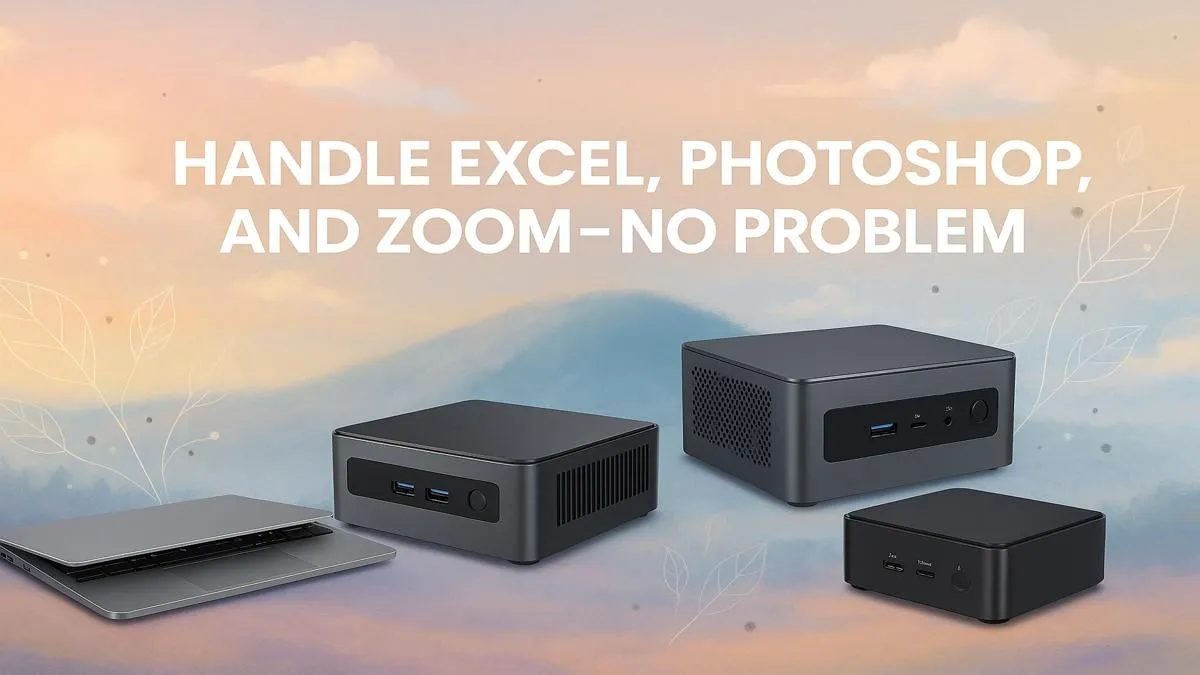
When your daily driver struggles, a dedicated powerhouse might be the answer. Modern Mini PCs pack a surprising punch without taking over your desk.
Before you upgrade your hardware, there are a few software-side tricks you can try to optimize Excel, Photoshop, and Zoom performance on your current setup. A few small changes can sometimes make a noticeable difference.
Most modern applications can offload tasks from your CPU to your graphics card (GPU). In Zoom, go to Settings > Video > Advanced and ensure "Hardware Acceleration" is ticked for both sending and receiving video. This simple check can massively improve call quality. ✨
Edit > Preferences > Performance. Ensure Photoshop is using at least 70-80% of your available RAM and that your fastest SSD is selected as the primary scratch disk.If these tweaks don't cut it, it’s a clear sign your hardware is the bottleneck. Exploring a purpose-built mini computer is your next logical step for a serious performance boost.
Sharing your gaming rig for work can be a hassle. You have to close games, launchers, and Discord every time you start your workday. The ultimate solution is a separate, compact PC dedicated to your productivity. This is where Mini PCs truly shine.
These little boxes are quiet, power-efficient (a big plus during load-shedding!), and take up almost no space. But don't let their size fool you. Top-tier brands like Minisforum equip their machines with powerful Ryzen and Intel processors, fast NVMe storage, and ample RAM, giving you everything needed for a seamless workflow.
Imagine a work environment that’s always on, ready, and completely separate from your gaming world. That's the superior experience a Mini PC offers, providing the best possible performance for Photoshop, Zoom, and Excel without compromise.
End the Lag. Unleash Your Productivity. Stop waiting for progress bars and start creating. A compact PC dedicated to your work can revolutionise your day. Explore our powerful range of Mini PCs at Evetech and get the performance you deserve.
Upgrade RAM and use SSD storage for Excel and Photoshop synergy.
Opt for at least 16GB RAM and Intel i5+ processors for Zoom and Excel efficiency.
Use lightweight alternatives or upgrade components for Photoshop and Zoom compatibility.
Enable GPU acceleration and close background apps to boost Photoshop performance.
Higher RAM enhances Excel calculations and smoothen Zoom video conferencing.
Adjust app-specific settings and optimize system resources for peak productivity.
Use SSD drives and ensure proper cooling systems for Zoom and Photoshop efficiency.
RTX 4060 Ti Throttling Under Load: Temperature. Everything you need to know with SA pricing, step-by-step instructions & expert recommendations.
Read more
Apex Legends Max Settings on RTX 4080. Tested & verified settings for best FPS and visual quality on SA hardware budgets.
Read more
GPU Buying Guide. Everything you need to know with SA pricing, step-by-step instructions & expert recommendations.
Read more
GPU Terms Guide. Everything you need to know with SA pricing, step-by-step instructions & expert recommendations.
Read more
AMD Adrenalin Download & Setup Guide: GPU. Clear setup instructions with SA-specific considerations, troubleshooting tips & recommended components.
Read more
Back-to-School GPU Buying Guide. Everything you need to know with SA pricing, step-by-step instructions & expert recommendations.
Read more
Can RTX 4080 Super Run AI Workloads for SA Developers Detailed answer with SA data, expert analysis & practical recommendations for local buyers.

Can RTX 4090 Run AI Workloads for SA Developers Detailed answer with SA data, expert analysis & practical recommendations for local buyers.

Top Settings for Intel Arc B580 at Ultrawide 1440p picks evaluated on performance, value & SA availability with current Rand pricing from Evetech.

RX 7600 Overclocking Guide: Safe OC Settings for. Real-world benchmark data, FPS numbers & performance analysis. What SA gamers can actually expect.

RTX 4060 CS2 Low Settings at 1080p: FPS Results. Real-world benchmark data, FPS numbers & performance analysis. What SA gamers can actually expect.

Visual Artifacts: Possible GPU Issue Issue #1. Diagnosis steps, proven fixes & when to seek professional help. SA-specific support info included.

Can the RTX 4090 Handle 1440p 144Hz Gaming. Performance testing verdict with real data & practical recommendations for SA buyers.

Top ASUS GPU Under R15000 picks evaluated on performance, value & SA availability with current Rand pricing from Evetech.
RTX 4060 Ti Throttling Under Load: Temperature. Everything you need to know with SA pricing, step-by-step instructions & expert recommendations.
Apex Legends Max Settings on RTX 4080. Tested & verified settings for best FPS and visual quality on SA hardware budgets.
GPU Buying Guide. Everything you need to know with SA pricing, step-by-step instructions & expert recommendations.
GPU Terms Guide. Everything you need to know with SA pricing, step-by-step instructions & expert recommendations.