

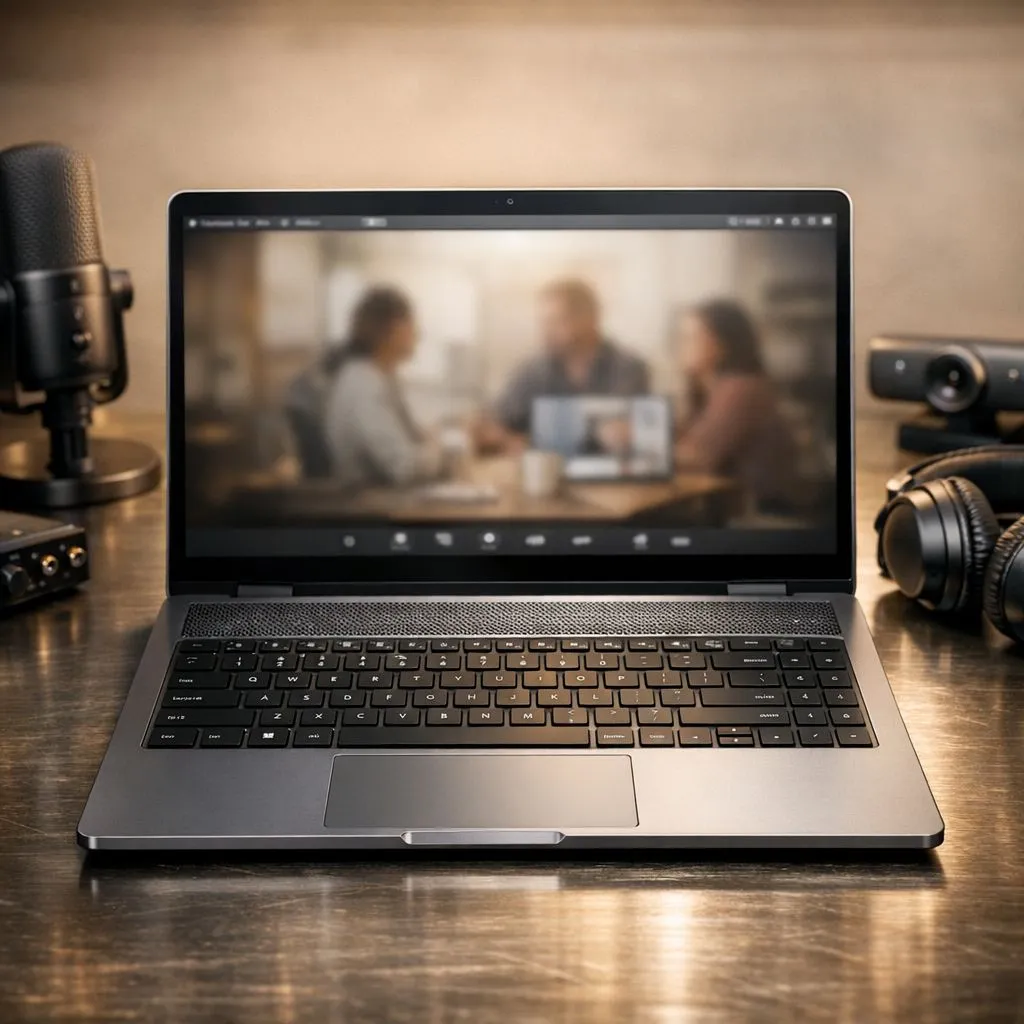
How to Optimise Laptop Audio for Online Meetings and Streaming
In South Africa’s vibrant gaming and tech scene, crisp audio can make or break your online presence. Whether you’re diving into competitive gaming, hosting an online meeting, or streaming your favourite content, optimising your laptop audio elevates every experience. Clear sound keeps you engaged, reduces fatigue, and makes conversation flow smoothly — all without expensive gear. Let’s explore smart ways to unlock your laptop’s audio potential and sound your best.
Essential Settings to Improve Laptop Audio for Streaming and Calls
First, check your Windows or macOS sound settings. Adjust the input and output devices to the best microphones and speakers you have connected. Many laptops still rely on built-in mics, which tend to pick up background noise and lack clarity. Consider swapping to a dedicated headset or even an external USB mic for sharper capture.
Enable noise suppression features where available. Platforms like Microsoft Teams and Zoom often include built-in noise cancellation—toggle these on for studio-level vocal clarity. In Windows, you can enhance audio via the “Enhancements” tab, turning on noise suppression or bass boost depending on your preference.
South African gamers looking to upgrade their laptops with superior sound hardware should explore different options. Whether you prefer the raw power of Intel laptops on special or Ryzen’s efficiency at great prices (see Ryzen laptop deals here), devices with higher-end audio chipsets can make streaming and meetings smoother and crisper.
Selecting the Right Laptop for Great Audio and Streaming Performance
Not all laptops are created equal when it comes to audio and streaming. For gamers who dabble in content creation or stream during downtime, a machine with robust CPU and GPU power often comes paired with better sound components. Browse the best gaming laptop deals at Evetech to find models built for immersive audio-visual experiences.
If you’re budget-conscious but still want decent sound, there are quality gaming laptops under R20,000 that offer respectable audio output coupled with adequate processing speed — check out the options here. These models won’t just improve your streaming or meeting sound; they’re an excellent step up from older devices struggling to keep pace.
For the audiophile gamer or streamer craving dynamic soundscapes, investing in a laptop with a high-performance GPU also helps optimise multimedia experiences. The GeForce RTX gaming laptops on special offer exceptional graphics and tend to include advanced audio drivers that smooth out your streaming and voice chats.
Practical Tips to Enhance Your Laptop Audio Setup 🔧
Positioning and Accessories Matter
Your laptop’s microphone works best when you’re close and facing it directly. Avoid muffling the mic by placing the laptop on uneven surfaces or clutter nearby. Adding a pop filter or windscreen to an external mic can cut down on hissing or popping sounds during speech.
Software Boosts
Test your audio using simple tools like Voice Recorder or Audacity before important meetings or streams. Experiment with equaliser settings in apps to adjust trebles and bass, matching your voice tone.
Keep Your Drivers Updated
Outdated or corrupt audio drivers can cause glitches and poor sound quality. Regularly check for updates through your OS or laptop manufacturer’s website to keep audio drivers current.
Experiment With Third-Party Audio Enhancers
Software like Equalizer APO or Voicemeeter can add fine-grain control over your audio output and input, perfect for fine-tuning sound dynamics in real-time.
Quick Audio Optimisation Tip
Place a soft cloth or foam under your laptop to reduce vibration and echo on hard surfaces. This small tweak can make your voice sound clearer during calls — no extra gear needed! }}
Final Thoughts: Make Audio Quality a Priority
In our connected world, whether gaming, streaming, or working remotely, your laptop audio quality sets how others experience you. With tweaks, proper hardware, and smart software choices, South African users can upgrade audio without breaking the bank. And if a new laptop is on your list, Evetech offers excellent options across brands and price points tailored to audio and streaming needs.
Upgrade Your Streaming and Meeting Experience Don’t settle for muddy sound or frustrating glitches. Shop now at Evetech to unlock laptops with powerful audio and processing performance.











