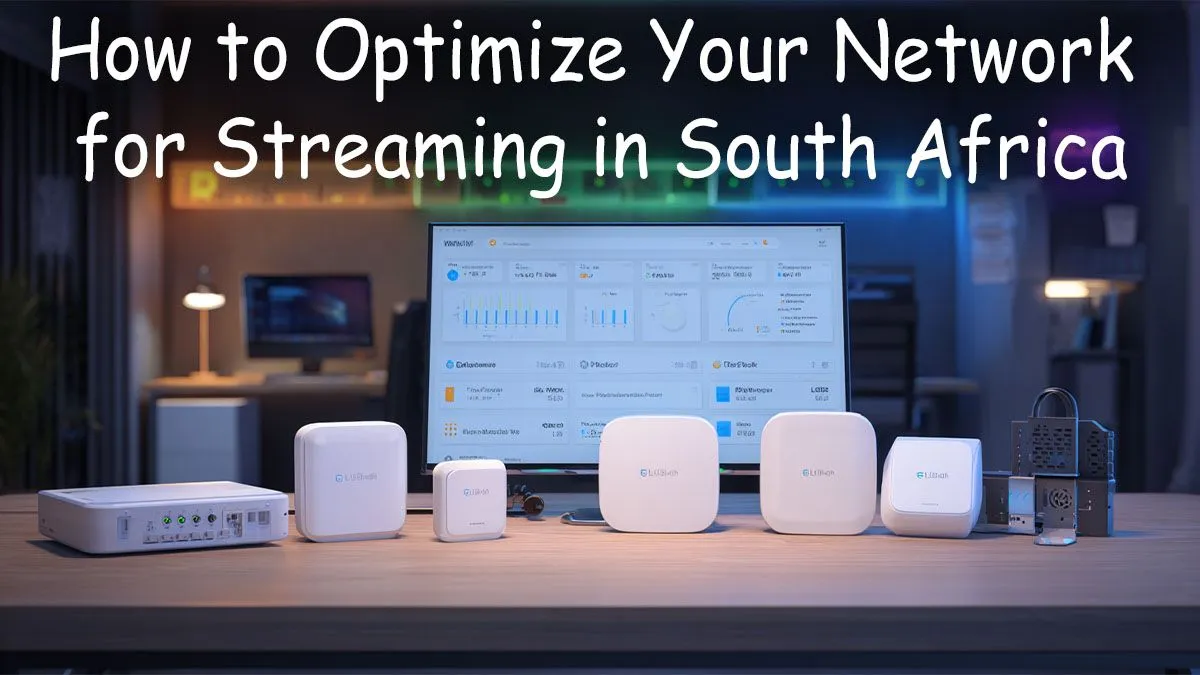
Stuck with a laggy stream that looks more like a slideshow? You’re not alone. For South African gamers and creators, a smooth broadcast can feel like a constant battle against buffering, high latency, and dodgy pings. But what if you could fix it? To truly optimize your network for streaming in South Africa, you need more than just fast fibre. It’s about building a stable, reliable connection from your PC to the world. Let's get your stream running flawlessly. 🚀
Why Streaming in SA Requires a Bulletproof Network
Streaming from South Africa presents unique challenges. We're geographically distant from major international servers in Europe and North America, which means higher baseline latency (ping). Add unpredictable ISP performance and the occasional an unexpected outage shuffle, and you have a recipe for dropped frames and frustrated viewers.
A successful stream relies on two things: high download speed for gaming and high upload speed for broadcasting. While many fibre plans boast impressive download numbers, the upload speed is often much lower. This is the metric that matters most for sending your gameplay to platforms like Twitch or YouTube. An optimised network ensures you're making the most of every megabit your ISP gives you.
Start with the Heart of Your Network: The Router
Your Internet Service Provider's free router is... fine. But "fine" doesn't cut it for serious streaming. These basic units often struggle when multiple devices are connected, leading to packet loss and jitter—the enemies of a smooth stream. Investing in a quality gaming router is the single biggest upgrade you can make. 🔧
Look for features like:
- Quality of Service (QoS): This allows you to prioritise traffic to your gaming PC, ensuring your stream gets the bandwidth it needs, even if someone else in the house starts streaming Netflix.
- Wi-Fi 6 (802.11ax): Offers better performance in congested environments and lower latency compared to older standards.
- Gigabit Ethernet Ports: For the most stable connection, always connect your streaming PC directly to the router with an Ethernet cable.
Eliminate Dead Zones and Weak Signals
Is your gaming setup far from your router? A weak Wi-Fi signal is a guaranteed way to ruin your stream. Walls, floors, and even appliances can interfere with the signal, causing instability. Before you start drilling holes to run a 20-metre Ethernet cable, consider a simpler solution.
High-performance Wi-Fi range extenders can effectively boost your signal, covering those hard-to-reach corners of your home. They pick up your existing Wi-Fi signal and rebroadcast it, creating a stronger, more reliable connection for your gaming rig. For larger homes, a mesh Wi-Fi system provides seamless coverage everywhere.
Wi-Fi Pro Tip ⚡
Use a free app like Wi-Fi Analyser on your phone to find the least congested Wi-Fi channel in your area. Manually setting your router to this channel can significantly reduce interference from your neighbours' networks, leading to a more stable connection for your stream.
Don't Let Your PC Be the Bottleneck
You can have the best internet and the best router in the world, but if your PC's connection to the network is weak, your stream will suffer. The built-in Wi-Fi on some motherboards isn't always optimised for the high-throughput, low-latency demands of simultaneous gaming and streaming.
Upgrading to a dedicated PCIe network card or one of the latest powerful wireless adapters can make a noticeable difference. These devices often feature better antennas and more advanced chipsets, ensuring a rock-solid link to your router. A stable connection at your PC is the final piece of the puzzle to optimize your network for streaming in South Africa. ✨
Ready to Build Your Unbreakable Connection?
A stable stream starts with solid hardware. Stop letting lag and buffering ruin your broadcast. From powerful routers to signal-boosting extenders, we have everything you need to build a flawless streaming setup. Explore our complete range of wireless networking solutions and go live with confidence.