

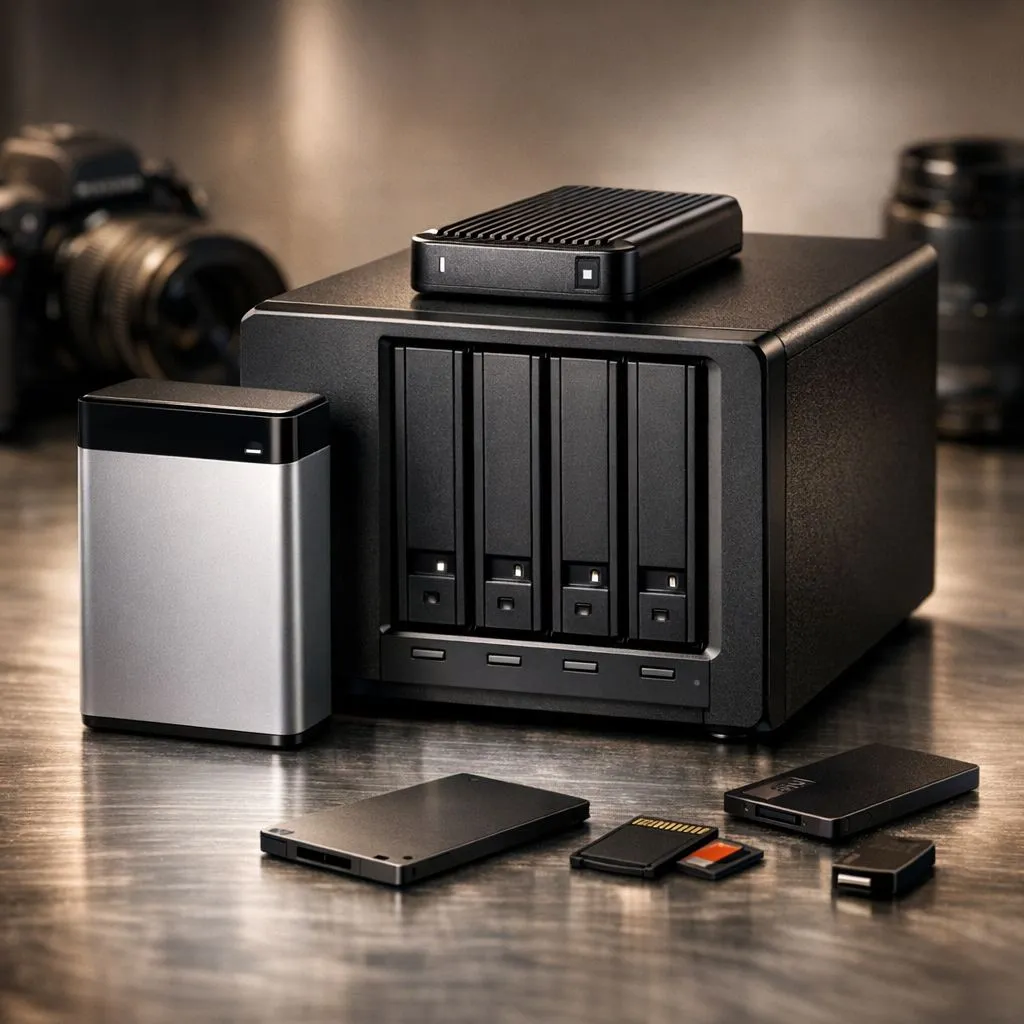
If your "Recent" folder looks like a digital landfill, you are not alone. Whether you are a wildlife photographer in the Kruger or a local content creator, those 4K files add up fast. Learning to organize large photo library: best ways to manage terabytes is essential to keep your workflow smooth. Nobody wants to lose a precious shot because their drive is stuttering under the weight of raw files.
Choosing the Right Hardware for Massive Libraries
Managing a massive collection of high-resolution images requires a foundation of reliable hardware. You cannot rely on ancient mechanical drives if you want to browse through thousands of thumbnails without lag. Investing in high-quality solid state drives is the first step toward a faster system.
For those who demand the absolute best performance, the latest Gen 5 (NVME) drives offer speeds that make loading massive libraries feel instantaneous. When your storage is this fast, you spend less time waiting for previews to generate and more time perfecting your colour grades. ⚡
Speed vs Capacity: Finding the Balance
When you start to organize large photo library: best ways to manage terabytes, you quickly realise that speed is just as important as space. A common mistake is buying the largest drive possible without checking the transfer rates. If you are moving 100GB of photos from a shoot, a slow drive will keep you tethered to your desk for hours.
Many South African professionals prefer ADATA storage solutions because they offer a fantastic balance of price and performance. Alternatively, Western Digital drives are a staple in the industry for their long-term reliability and robust software support. 🔧
Organisation Pro Tip ⚡
Use a Year Month Date folder structure (e.g., 2023_10_27_Wedding_Job). This ensures your files are always sorted chronologically in Windows Explorer. Combine this with keywords in your metadata to find specific shots in seconds without digging through deep sub-folders.
External Solutions for Photographers on the Move
If you are often out in the field, you need a way to offload your cards quickly. Carrying a bulky laptop is not always ideal... which is where portable storage comes in. High-performance external SSD options allow you to back up your work while you are still on location.
Selecting a drive with a dedicated External form factor ensures that the device is built for portability. These drives are often more rugged and designed to handle the bumps of travel better than a standard desktop drive. 🚀
Software and Metadata Strategies
Hardware is only half the battle. To truly organize large photo library: best ways to manage terabytes, you need a software strategy. Use tools like Adobe Lightroom or Capture One to catalogue your images. These programmes do not move your files... they create a database that points to them.
Always use "Star Ratings" and "Coloured Labels" to separate the keepers from the bin-fodder. By being ruthless with your deletions, you save space and make your best work easier to find. In South Africa, where high-capacity storage can cost several thousand ZAR, keeping your library lean is a smart financial move. ✨
Ready to Find Your Perfect Match? Managing terabytes of data requires the right tools for the job. Whether you need blazing speed or massive capacity, we have the hardware to help you stay organised. Explore our massive range of storage specials and find the perfect drive to protect your digital legacy.











