Building a new PC should be exciting, but picking parts can feel like a high-stakes exam. Choose wisely, and you get a buttery-smooth machine. Choose poorly? You get a bottlenecked rig that wastes your hard-earned cash. Finding the right PC component combos is the secret to unlocking peak performance without overspending. It’s about creating synergy, not just buying the most expensive gear. Let’s dive into some component pairings that just… work.
Understanding Perfect PC Component Combos
Before we talk parts, let's nail down the most important concept: the bottleneck. Think of it like this: you wouldn't put a V8 engine in a go-kart. The powerful engine (your CPU or GPU) would be held back by the weak chassis (the other component). The goal is to find PC component combos where every part allows its partners to perform at their full potential. A balanced system delivers a smoother, more responsive experience in everything from Apex Legends to video editing.
The Core Combo: CPU and GPU Harmony ⚡
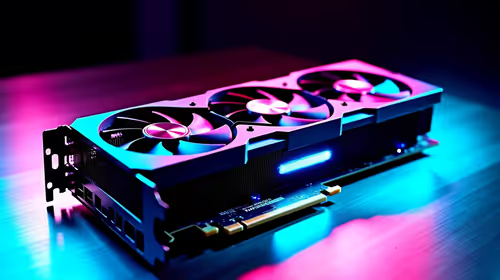
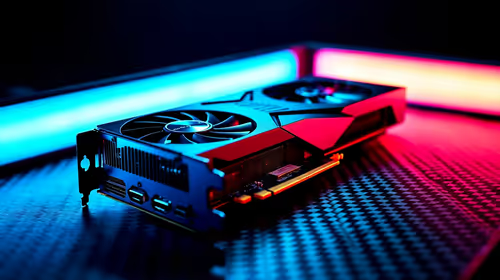
The Central Processing Unit (CPU) and Graphics Processing Unit (GPU) are the heart and soul of any gaming rig. Their relationship is the most critical one in your build.
Mid-Range Masters (1080p/1440p Gaming)
For the vast majority of South African gamers, a combination like an AMD Ryzen 5 series CPU paired with an NVIDIA GeForce RTX 4060 is a sweet spot. The CPU is a multitasking beast, easily handling Discord and background apps, while the GPU delivers fantastic frame rates and features like DLSS at the most popular gaming resolutions. This combo ensures your GPU isn't waiting around for the CPU to issue instructions, giving you fluid gameplay.
High-Performance Heroes (4K & High Refresh Rate)
If you’re chasing maximum frames at 1440p or stepping into the 4K arena, you need more power. A perfect PC component combo here would be an Intel Core i7 or AMD Ryzen 7 CPU with a GeForce RTX 4070 SUPER or better. This pairing ensures that even in the most demanding titles, your CPU has enough single-core speed and multi-core muscle to keep your high-end GPU fed with data.
Check Your RAM's QVL
Motherboard manufacturers test specific RAM kits for compatibility. Always check your motherboard’s Qualified Vendor List (QVL) on their support page to guarantee your chosen RAM will run flawlessly at its advertised speed.
Crafting Your Battlestation's Vibe ✨
Performance is key, but aesthetics and function complete the experience, especially for streamers. A clean, coordinated setup looks incredible on camera and makes your space a pleasure to be in. Creating a unified lighting and cooling scheme is easier than ever. For example, building within a unified CORSAIR ecosystem allows you to sync the colour of your fans, RAM, and keyboard with a single piece of software.
To take your stream's production value up a notch, consider what's in your camera's background. Adding dynamic ambient lighting from brands like Cololight can transform a plain wall into a professional-looking backdrop that sets the mood for your content.
Smart Combos That Won't Break the Bank 🔧
Building a great PC doesn't mean you have to empty your wallet. The key is value-focused part selection. You can find incredible performance by focusing on last-generation heroes or carefully selected mid-range parts. It's entirely possible to assemble a fantastic setup with a budget in mind. With a bit of research, you can find some of the best streaming gear under R6000, proving that a smart component combo is always better than an expensive one.
Ready to Build a Balanced Rig?
Stop guessing and start building with confidence. Explore our curated selection of components guaranteed to work in harmony, giving you the power you need without the headache. Shop our top streaming essentials at Evetech and build a rig that just works.