

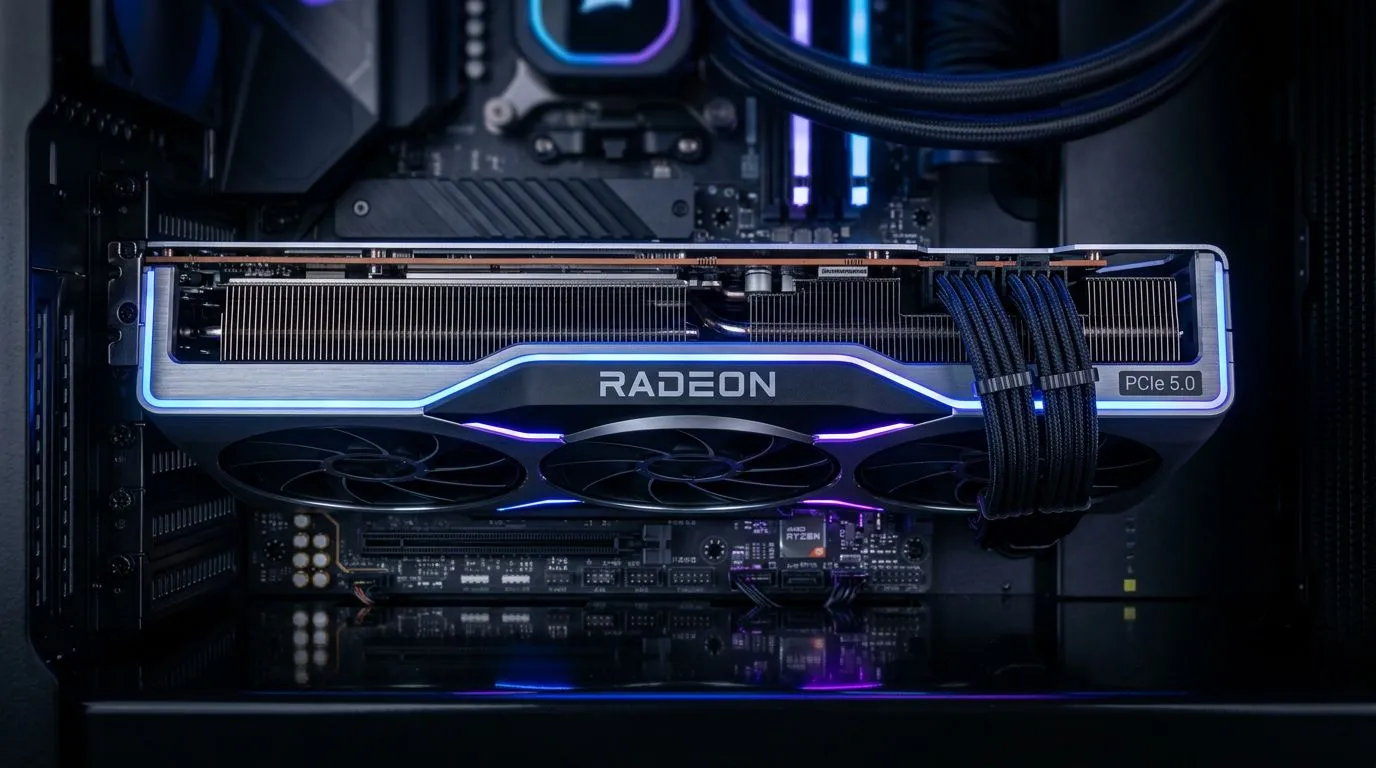
PCIe 5.0 Explained: Boosting AMD Build Performance for Gamers… Without the Guesswork
If you’re building (or upgrading) an AMD rig and you’ve seen “PCIe 5.0” everywhere… you’re not alone. South African gamers want smooth frame rates, faster load times, and fewer “why is this bottlenecking?” moments. But the real question is simple: is PCIe 5.0 worth your money right now? 🚀
In this Deep Dives guide, we’ll unpack PCIe 5.0 Explained: Boosting AMD Build Performance for Gamers in plain English. You’ll learn when it matters, what to pair it with, and how to avoid wasting budget on specs that won’t move your gameplay.
What PCIe 5.0 actually does (and why it sounds faster than it feels)
PCI Express (PCIe) is the lane system that connects your CPU to high-speed components like NVMe SSDs and GPUs. PCIe 5.0 doubles the bandwidth compared to PCIe 4.0 (in ideal conditions). That sounds huge… and on paper, it is.
But here’s the gamer reality check: most GPUs usually aren’t limited by PCIe lane bandwidth at typical gaming settings. In other words, PCIe 5.0 often won’t magically add FPS. Where PCIe 5.0 can help is storage throughput and certain workstation-style workloads.
So when does PCIe 5.0 Explained: Boosting AMD Build Performance for Gamers become useful for an AMD build? When your build includes:
- A PCIe 5.0 NVMe SSD (and you know your workload can benefit)
- Motherboard M.2 slots that physically support the speed you’re paying for
- A platform that actually routes the lanes correctly (not all boards behave the same)
When PCIe 5.0 helps gamers the most: NVMe SSDs and stutter control
Real talk… load screens and texture streaming are where players feel storage performance. PCIe 5.0 SSDs can offer higher sequential speeds and better performance headroom, especially under heavy transfers. That can translate to faster installs, quicker level loads, and less “hitching” during busy scenes.
That said, gaming benefits depend on game engines and whether they use fast storage effectively. A cheaper PCIe 4.0 SSD can still be plenty for many players.
Still, if you’re building a future-ready AMD system, it’s smart to plan around SSD upgrades now instead of later. ⚡
The practical checklist before you buy an AMD PCIe 5.0 motherboard
To get value, confirm these three things before checkout:
- Your target AMD platform supports PCIe 5.0 at the slots you’ll use.
- Your chosen board has PCIe 5.0 M.2 support for the slot you plan to populate.
- Your cooling plan is real. PCIe 5.0 SSDs run warmer, and thermal throttling can erase the gains.
If you’re cross-shopping AMD boards, start by filtering to boards that match your layout needs. This is where Evetech’s motherboard category browsing helps you compare quickly:
- Browse AMD motherboards here: https://www.evetech.co.za/PC-Components/amd-motherboards-29.aspx
Slot speed isn’t magic: GPUs, SSDs, and what won’t bottleneck you
A common misunderstanding is thinking “PCIe 5.0 = better FPS.” Usually, your GPU is limited by compute and rendering, not the bus bandwidth.
For GPUs:
- PCIe 4.0 is already more than enough for most gaming needs.
- If you’re on a mainstream PCIe 4.0 board, you’ll likely see no visible gaming FPS difference from PCIe 5.0.
For NVMe SSDs:
- PCIe 5.0 has more meaningful upside.
- Your results depend on sustained workloads and whether the SSD is thermal-managed.
If you’re looking at alternatives, here’s a helpful starting point for motherboard selection logic across platforms:
- Explore Intel motherboards: https://www.evetech.co.za/PC-Components/intel-motherboards-27.aspx
PCIe 5.0 Explained: Boosting AMD Build Performance for Gamers… on a budget
Budget matters, especially in South Africa where upgrades can be spaced out over months. The key is spending where it’s felt:
- Prioritise a reliable CPU and a good-quality NVMe SSD first.
- Only chase PCIe 5.0 if the rest of the system benefits (especially the SSD).
You don’t need the most expensive board to get a strong build. If you’re trying to keep it lean while still building around AMD and sensible features, compare value options like these:
- Check cheap Intel & AMD-based motherboards options: https://www.evetech.co.za/components/cheap-intel-amd-based-motherboards-19.aspx
Productivity Pro Tip ⚡
Before you pay for PCIe 5.0 “everywhere” on the spec sheet, decide your first upgrade. If your next purchase is an NVMe SSD, prioritise a board with the PCIe 5.0-ready M.2 slot(s) and proper heatsinks. If you’ll buy a PCIe 4.0 SSD first, a PCIe 4.0 board can still be a smart spend, and you can upgrade SSDs later when you’re ready.
Practical AMD build scenarios (so you can choose confidently)
Let’s make this decision easier with three common South African gamer upgrade paths:
Scenario A: New build + you want the fastest SSD now 🚀
Choose an AMD platform with PCIe 5.0 support, then buy a PCIe 5.0 NVMe SSD and ensure you have cooling coverage. This is where PCIe 5.0 Explained: Boosting AMD Build Performance for Gamers becomes more than marketing.
Scenario B: New build + you’re starting with a solid PCIe 4.0 SSD
PCIe 5.0 motherboard can still be “future insurance,” but your immediate performance will likely be similar to PCIe 4.0 gaming systems. Put your budget into GPU and RAM stability first.
Scenario C: Upgrade later (GPU first, then storage)
If your current SSD is already good and your GPU is the bottleneck, don’t overpay for PCIe 5.0 today. Plan the SSD upgrade when you can also manage thermals properly.
What to look for on Evetech listings (fast buyer’s guide)
When you’re comparing motherboard options, focus on:
- M.2 slot layout (how many, and which ones support what)
- Heatsink presence (especially for M.2)
- Chipset support for the CPU generation you’re buying
- Price in ZAR and bundle compatibility (CPU, RAM, cooler clearance)
If you want fewer “surprise compatibility” headaches, shop with intent: decide your CPU first, then match the motherboard for lane and slot needs. That’s how you get performance without regret.
Ready to Find Your Perfect Match? The Mac vs Windows debate is complex, but for maximum power, choice, and value in South Africa, Windows is hard to beat. Explore our massive range of laptop specials and find the perfect machine to conquer your world.











