Ever felt that slight stutter when your game loads a new area, even with a top-tier GPU? Or wondered why your lightning-fast NVMe SSD isn't quite hitting its advertised speeds? The bottleneck might not be your components, but the highway they use to talk to each other. We're diving deep into the technical standards of PCIe 5.0 vs. PCIe 4.0, explaining what an "eye diagram" is and why it matters for your next PC build in South Africa. 🚀
What is a PCIe Eye Diagram? A Simple Explanation
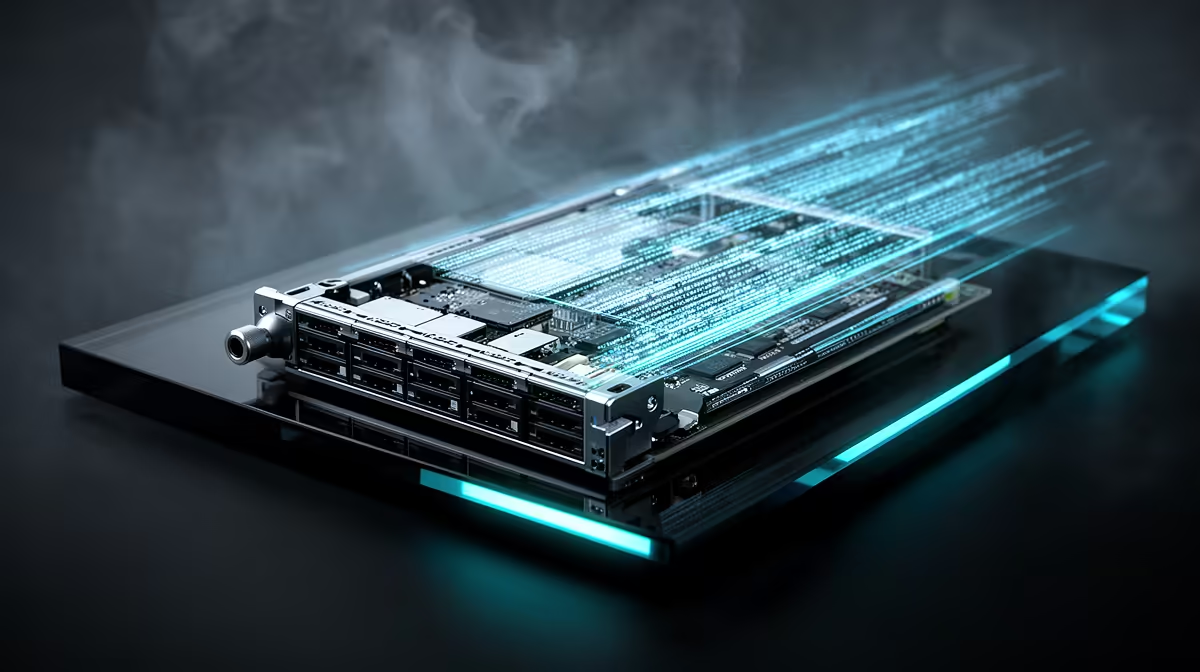
Before we compare PCIe 5.0 eye diagram standards vs. PCIe 4.0, let's demystify the term. Imagine you're sending thousands of tiny messages (data bits) down a long wire. At the other end, a receiver tries to read them. An "eye diagram" is a visual test that overlays all these signals on top of each other.
A perfect signal would create a wide-open, clean "eye" shape in the middle. This means the data is arriving clearly and without errors. A messy, closed, or distorted eye means the signal is degraded, leading to data corruption, re-transmissions, and ultimately... slower performance. Think of it as a quality check for your data's journey.
The Core Differences: PCIe 5.0 vs. PCIe 4.0 Signal Integrity
The jump from PCIe 4.0 to PCIe 5.0 doubled the data transfer rate from 16 GT/s (gigatransfers per second) to a massive 32 GT/s. While this sounds amazing, sending data that fast creates huge engineering challenges. It's like trying to have a clear conversation next to a jet engine; the faster you go, the more "noise" and signal loss you get.
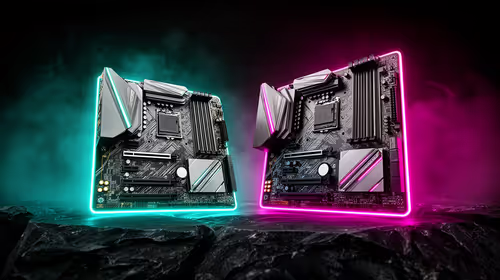
This is where the stricter PCIe 5.0 eye diagram standards come in. To handle 32 GT/s, the specification demands a much cleaner signal path. Motherboard manufacturers must use higher-quality materials, more PCB layers, and improved trace routing to ensure the "eye" remains open. This is why a PCIe 5.0 motherboard is more than just a new slot; it's a feat of electrical engineering. These advancements are crucial for getting the most out of the latest platforms, from high-end Intel motherboards to their competitors.
Motherboard Matters 🔧
When choosing a PCIe 5.0 motherboard, don't just look for the logo. Pay attention to the number of PCB layers (more is often better for signal integrity) and the quality of the VRMs (Voltage Regulator Modules). A well-built board ensures stable power and clean data paths, which are essential for hitting those top speeds without errors.
Why This Matters for Your Next PC Build
So, what does a better eye diagram mean for you, the gamer or creator in SA?
- Full GPU & SSD Speed: A clean signal path ensures your brand-new PCIe 5.0 SSD or next-gen graphics card can actually run at its maximum advertised speed without being throttled by data errors.
- Future-Proofing: Building with a solid PCIe 5.0 motherboard today means you're ready for the next wave of components. You won't need a full platform upgrade just to accommodate a faster GPU or storage device in a couple of years.
- System Stability: Better signal integrity means fewer random errors and a more stable system, especially when you're pushing your hardware to the limit during intense gaming sessions or heavy rendering tasks.
Whether you're looking at the newest AMD motherboards or their rivals, understanding the underlying quality required for PCIe 5.0 helps you make a smarter investment. ✨
Is Upgrading to PCIe 5.0 Worth It Right Now?
While PCIe 4.0 is still incredibly capable for most current gaming needs, the market is shifting. The latest high-end GPUs are starting to leverage the extra bandwidth, and PCIe 5.0 NVMe SSDs offer sequential read/write speeds that can dramatically cut down loading and project-file times.
For a high-performance or enthusiast build in 2024 and beyond, choosing a platform with robust PCIe 5.0 support is a wise decision. The stricter PCIe 5.0 eye diagram standards vs. PCIe 4.0 aren't just a number on a spec sheet; they represent a higher standard of quality and performance that guarantees your expensive components can perform at their peak.
Ready to Build for the Future?
The world of PCIe standards is complex, but choosing the right foundation for your PC doesn't have to be. For maximum performance and future-proofing, a quality motherboard is your first and most important step. Explore our massive range of Intel and AMD motherboards and find the perfect board to power your next-gen build.