

Humidity Damage to PC Components: Recovery Guide
Humidity Damage to PC Components: Recovery Guide. Everything you need to know with SA pricing, step-by-step instructions & expert recommendations.
Read moreA head-to-head look at PCIe 5.0: real-world performance, ZAR pricing and which option delivers better value for SA builders. The clear answer — no fluff.
Building a new rig in South Africa means staring at a dizzying spec sheet. You want maximum frames for your hard-earned ZAR. Suddenly, you face a big choice. Should you invest in PCIe 5.0, or is PCIe 4.0 still enough? Comparing PCIe 5.0 vs PCIe 4.0 for GPUs and NVMe SSDs reveals a simple truth. The answer depends entirely on what you plug into your motherboard. Let us break it down.
Every new generation of Peripheral Component Interconnect Express doubles the data transfer rate. PCIe 4.0 offers a massive 16 GT/s per lane. PCIe 5.0 doubles that to a staggering 32 GT/s. It sounds absolutely incredible on paper. But does your hardware actually use all that digital highway? For most local gamers, throwing thousands of ZAR at bleeding-edge tech is not always necessary. Sometimes, grabbing the best graphics card deals on current-gen hardware makes much more financial sense.
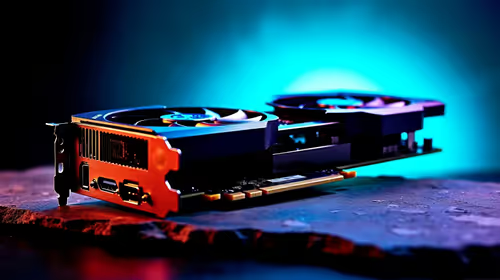
Let us look at GPUs first. Right now, even top-tier cards barely saturate a PCIe 4.0 x16 slot. Upgrading to PCIe 5.0 for gaming will not magically double your frame rate. Modern titles rely heavily on VRAM capacity and core clocks. They do not max out the PCIe bus just yet. Upgrading your processor often yields better frame pacing anyway.
If you are shopping for graphics cards, a solid 4.0 motherboard is more than adequate. This remains true whether you choose AMD or stick to reliable Nvidia GeForce GTX graphics cards and RTX models. The performance gap in gaming is currently less than three percent. You are far better off putting that extra budget toward superior cooling.
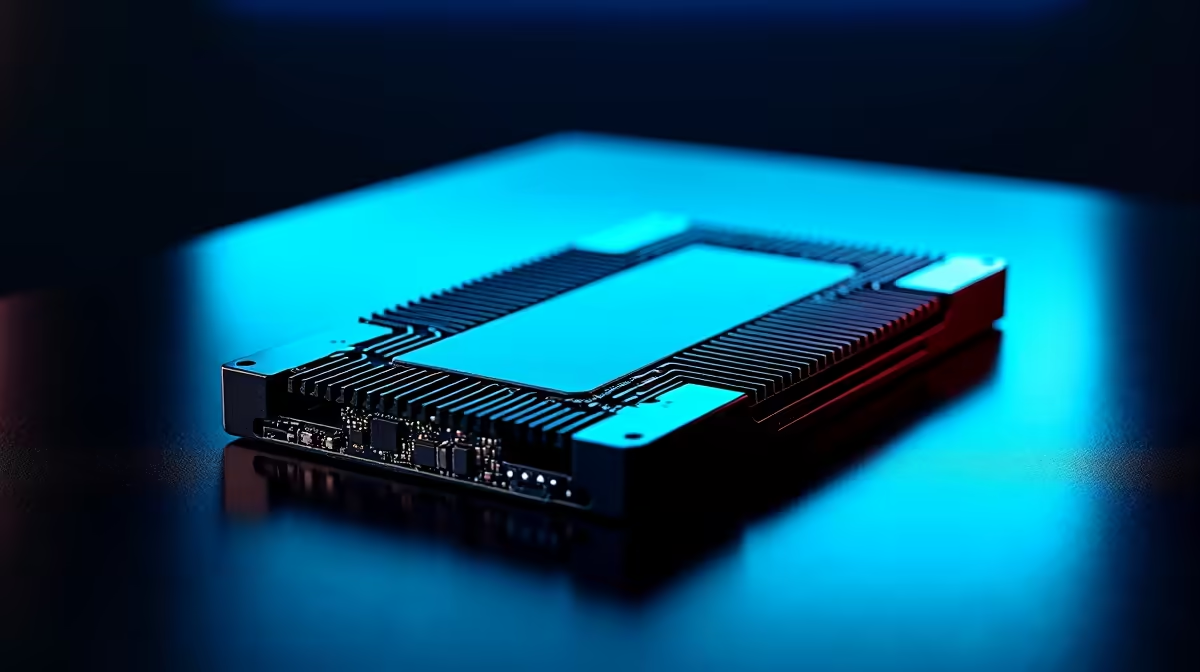
Storage is a completely different story... this is where the PCIe 5.0 vs PCIe 4.0 debate gets truly interesting. A Gen 4 NVMe SSD peaks around 7,500 MB/s. A Gen 5 drive can push past 14,000 MB/s. If you edit massive 4K video files or work with heavy 3D rendering, those speeds save hours of waiting.
For average gamers, load times only improve by a few seconds. However, DirectStorage technology is slowly changing the landscape. It allows games to load assets directly to the GPU. This bypasses the CPU entirely. Gen 5 drives will eventually dominate this space. If you just want to play without stuttering today, a Gen 4 drive in one of our best gaming PC deals is perfect.
Building a PC is about balancing your budget. Enthusiasts wanting a system that lasts five years will find great peace of mind with PCIe 5.0 motherboards. Future GPUs will eventually need that extra bandwidth. However, if you want maximum value today, PCIe 4.0 is the undisputed king. You can use the savings to browse our daily specials and upgrade your gaming monitor instead.
Remember that PCIe is backwards compatible. You can plug a PCIe 4.0 GPU into a 5.0 slot without issues. It will simply run at 4.0 speeds. Always match your motherboard and CPU capabilities to avoid bottlenecking your shiny new components.
Ready to Upgrade Your Setup? The PCIe 5.0 vs PCIe 4.0 choice comes down to your budget and workload. For maximum power and value in South Africa, Evetech has you covered. Explore our massive range of PC components and build the ultimate rig today.
PCIe 5.0 is available at Evetech.co.za with local SA warranty, Rand pricing and nationwide delivery. Stock and pricing is updated in real time on the product page.
It depends on your workload and budget. We break down the key performance differences, SA pricing gap and the scenarios where each one is the smarter buy.
Real-world gaming performance varies by title and settings. The article covers head-to-head FPS benchmarks and the resolutions where the gap actually shows up.
We compare current Rand pricing from trusted SA retailers and show which option delivers more performance per Rand for your build tier.
Each option has clear wins and compromises covered in the article — from power draw and thermals to platform cost, upgrade path and feature set.
Humidity Damage to PC Components: Recovery Guide. Everything you need to know with SA pricing, step-by-step instructions & expert recommendations.
Read more
Gamer Spending Trends April : Complete Setups. Clear setup instructions with SA-specific considerations, troubleshooting tips & recommended components.
Read more
Setting Up DDR5 32GB Kit. Tested & verified settings for best FPS and visual quality on SA hardware budgets.
Read more
Tech Setup Guide for SPU Res Students. Clear setup instructions with SA-specific considerations, troubleshooting tips & recommended components.
Read more
Monster Hunter Wilds Ultrawide Support: 21:9 and. Clear setup instructions with SA-specific considerations, troubleshooting tips & recommended components.
Read more
Apple iPad Durability Guide: Cases, Screen. Practical breakdown of costs, regulations & whether it makes financial sense for SA buyers.
Read more
AMD RX 9050 XT: Rumoured Specs, Price & Release. SA-focused analysis with local pricing data, real-world insights & actionable buying advice.

Can RTX 4080 Super Run AI Workloads for SA Developers Detailed answer with SA data, expert analysis & practical recommendations for local buyers.

Can RTX 4090 Run AI Workloads for SA Developers Detailed answer with SA data, expert analysis & practical recommendations for local buyers.

Top Settings for Intel Arc B580 at Ultrawide 1440p picks evaluated on performance, value & SA availability with current Rand pricing from Evetech.

RTX 4060 CS2 Low Settings at 1080p: FPS Results. Real-world benchmark data, FPS numbers & performance analysis. What SA gamers can actually expect.

Visual Artifacts: Possible GPU Issue Issue #1. Diagnosis steps, proven fixes & when to seek professional help. SA-specific support info included.

Can the RTX 4090 Handle 1440p 144Hz Gaming. Performance testing verdict with real data & practical recommendations for SA buyers.

Top ASUS GPU Under R15000 picks evaluated on performance, value & SA availability with current Rand pricing from Evetech.

GTA 6 Max Settings on RTX 5070. Tested & verified settings for best FPS and visual quality on SA hardware budgets.

Cyberpunk 2077 Max Settings on RTX 5080. Tested & verified settings for best FPS and visual quality on SA hardware budgets.

Starfield Max Settings on RTX 5070 Ti. Tested & verified settings for best FPS and visual quality on SA hardware budgets.

Top RTX 5090 Under R5000 picks evaluated on performance, value & SA availability with current Rand pricing from Evetech.