

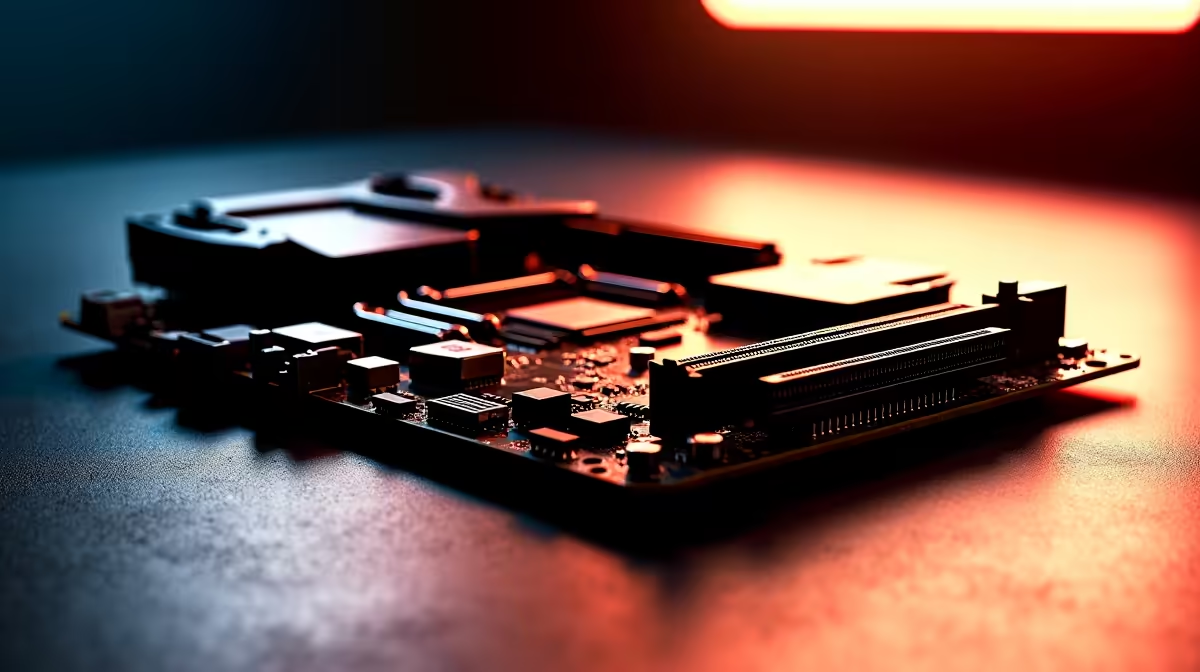
Building a new gaming rig in South Africa means making every ZAR count. You are staring at a spec sheet trying to decide if the latest tech is worth the premium. The debate around PCIe 5.0 vs PCIe 4.0 on motherboards is everywhere right now. Does doubling your bandwidth actually translate to higher frame rates... or is it just marketing hype? Let us find out.
The Core Differences in PCIe 5.0 vs PCIe 4.0 on Motherboards 🔧
PCIe (Peripheral Component Interconnect Express) is the data highway of your PC. It connects your graphics card and storage drives directly to the CPU. Every new generation doubles the speed of the last. A standard PCIe 4.0 x16 slot delivers around 32 gigabytes per second. PCIe 5.0 pushes that to a massive 64 gigabytes per second.
But having a faster highway does not help if your cars are already driving below the speed limit. When you explore the latest motherboards, you will notice that PCIe 5.0 models carry a noticeable price premium. You need to know if your specific components can actually use that extra lane before spending your hard-earned cash.
Graphics Cards and NVMe Storage: Do You Need the Speed? ⚡
Right now... even top-tier graphics cards do not fully saturate a standard PCIe 4.0 slot. Upgrading to a 5.0 board will not magically boost your gaming FPS today. The real difference only shows up in high-end storage.
If you edit massive 4K video files or render heavy 3D models... a Gen 5 NVMe SSD will save you hours of waiting. If you are building an Intel rig for heavy productivity, checking out ASUS Intel motherboards with Gen 5 support is a very smart move. Team Red fans can get the exact same blazing speeds on modern ASUS AMD motherboards. However, for pure gaming setups, Gen 4 NVMe drives already load modern titles in a matter of seconds.
Storage Pro Tip 🚀
Do not buy a Gen 5 SSD without checking your board's thermal armour. These ultra-fast drives run incredibly hot. Ensure your motherboard has a thick M.2 heatsink to prevent thermal throttling during heavy file transfers.
Future-Proofing Your South African Setup ✨
Technology moves incredibly fast. While PCIe 5.0 vs PCIe 4.0 on motherboards might not impact today's graphics cards... it gives you massive headroom for the future. PC hardware is a big investment in South Africa. If you plan to keep your rig for five to seven years without major upgrades, that extra bandwidth acts as a great safety net.
Keep in mind that jumping to the absolute latest platform usually means upgrading your system RAM too. You will need to pair your new board with high-speed DDR5 memory kits to get the most out of your processor. If picking individual parts and balancing budgets feels a bit overwhelming... you can always grab one of our expertly pre-configured gaming PC deals. They balance these exact specs perfectly to give you the best performance per rand.
Ready to Build Your Dream Rig? The PCIe generation debate is complex, but for maximum power, choice, and value in South Africa, Evetech is hard to beat. Explore our massive range of motherboards and find the perfect foundation to conquer your world.











