

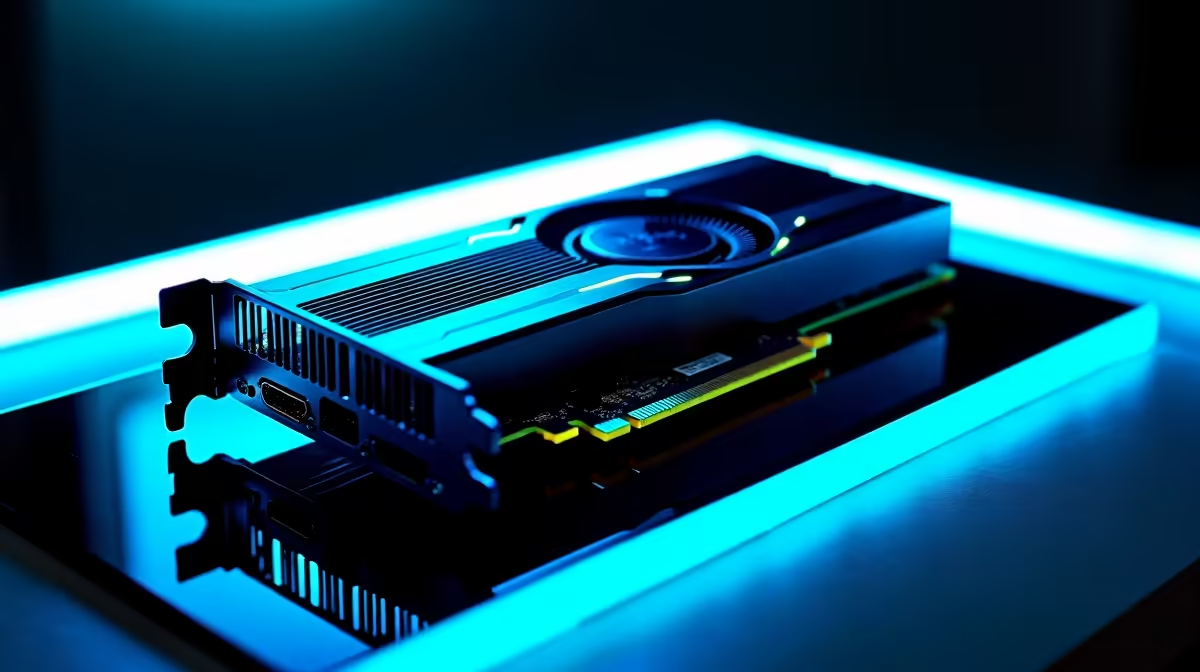
Building a rig in South Africa means making every single Rand count. When choosing a new motherboard, the debate between PCIe 5.0 vs previous-gen expansion for GPUs and SSDs often pops up. Do you genuinely need that massive bandwidth today... or is it just clever marketing? Let us break down exactly how much future headroom you actually need before you spend your hard-earned ZAR.
The Truth About Graphics Card Bandwidth 🚀
When looking at PCIe 5.0 vs previous-gen expansion for GPUs, the reality is surprisingly grounded. Right now, even the most powerful flagship cards on the market barely saturate a standard PCIe 4.0 x16 slot. The current technology is incredibly fast and highly efficient.
If you are finally upgrading from the trusted GTX series to the latest graphics cards, a high-quality PCIe 4.0 motherboard will never bottleneck your frame rates. The extra bandwidth of Gen 5 is a fantastic luxury for the distant future... but it is simply not a strict requirement for high-end 4K gaming today. You can confidently build a top-tier machine without stressing over having the absolute newest motherboard slots.
Storage Speeds: Where PCIe 5.0 Shines ✨
System storage is a completely different story. When comparing PCIe 5.0 vs previous-gen expansion for SSDs, the jump in raw speed is absolutely staggering. Gen 5 drives can push read speeds well past 14,000 MB/s.
If you regularly edit massive 8K raw video files or work with heavy 3D rendering software, this extra bandwidth saves hours of waiting. However, for the average South African gamer loading up a heavy open-world title, a solid Gen 4 NVMe drive is still plenty fast. You will barely notice a difference in load times. It often makes more financial sense to save money on storage and redirect those Rands toward top GPU deals instead.
Future-Proofing Pro Tip 🔧
If you are building a system to last five to seven years, grab a motherboard with a PCIe 5.0 SSD slot but stick to a Gen 4 drive for now. You can easily upgrade the storage later when Gen 5 prices drop, maximising your initial ZAR investment without sacrificing current performance.
Balancing Your Budget and Future Headroom ⚡
So, how much future headroom do you actually need? It depends entirely on your personal upgrade cycle. If you prefer to buy a whole new rig every three to four years, sticking with PCIe 4.0 is a perfectly fine choice.
If you prefer to keep the exact same core system for a decade, investing in PCIe 5.0 architecture makes a lot of sense. Whether you are building a custom rig from scratch or browsing pre-built gaming PCs, always prioritise your core components first. Do not sacrifice your processor or graphics budget just to secure a Gen 5 motherboard. Keep a close eye on our weekly tech specials to find the perfect balance of price, performance, and longevity.
Ready to Build Your Next Masterpiece? Whether you need the bleeding-edge speeds of PCIe 5.0 or the unbeatable value of previous-gen hardware, Evetech has you covered. Explore our massive range of PC components and start building your ultimate South African dream rig today.











