


GTA 6 Max Settings on RTX 5070: Complete Guide
GTA 6 Max Settings on RTX 5070. Tested & verified settings for best FPS and visual quality on SA hardware budgets.
Read more- Peripheral software comparison: Razer Synapse vs Logitech G Hub vs Corsair iCUE - Score features, performance, and customization - Recommend best pick for gamers and creators - Setup tips and troubleshooting Peripheral software comparison helps you choose the right app fast 🔧🎮
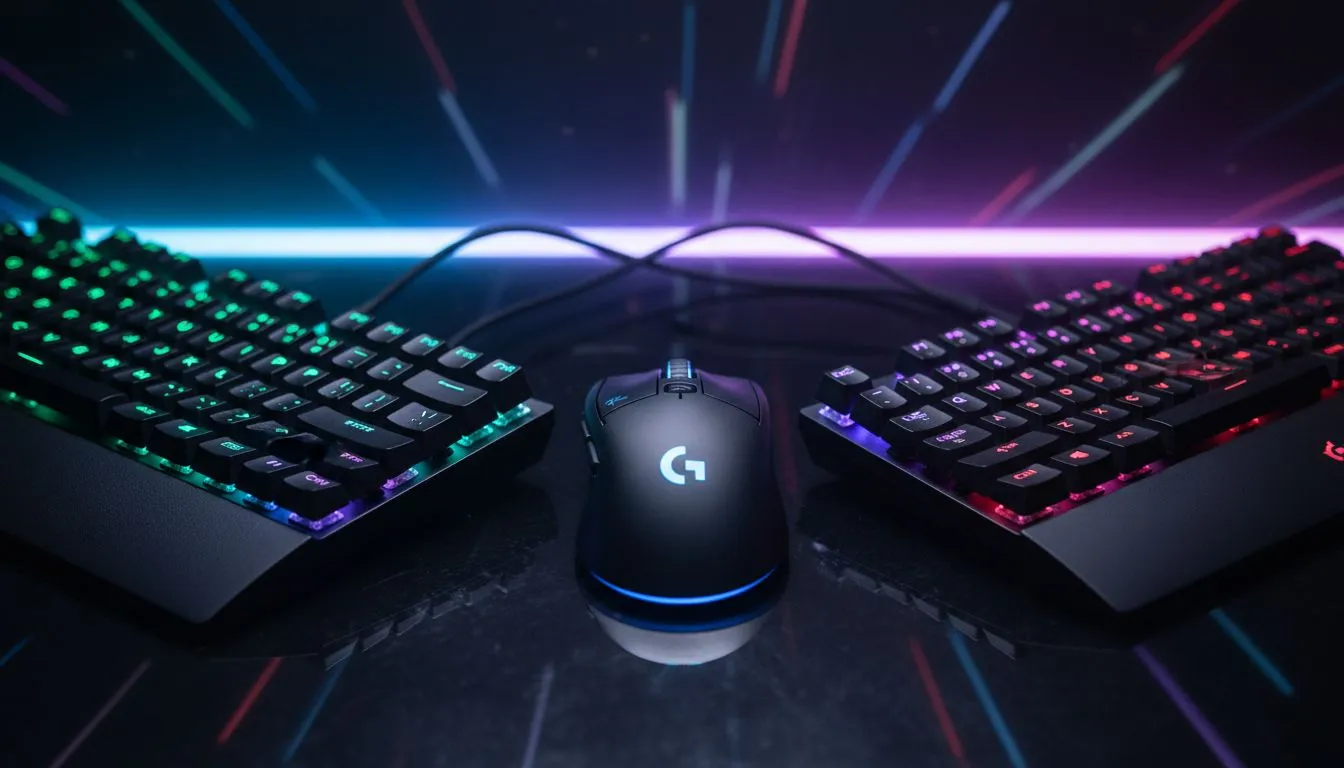
Buying top-tier gear is only half the battle. To truly unlock that high-performance potential, you need to master the software driving it. Whether you are syncing RGB across your room or setting complex macros for an MMO raid, the utility behind the hardware matters. We’re diving into the "Big Three" ecosystems—Razer Synapse, Logitech G Hub, and Corsair iCUE—to see which one deserves a spot on your SSD. 🔧
If you love granular control, Razer Synapse is likely your playground. It is arguably the most feature-rich platform for RGB lovers. The Chroma Studio allows for layer-based lighting effects that are frankly unmatched in the industry.
Beyond the pretty lights, the macro recording capabilities are robust. If you are using a high-end gaming mouse like the Naga, mapping those side buttons is intuitive. Synapse also introduces "Hypershift," effectively doubling the number of inputs on your gaming keyboard by holding a modifier key.
Pros:
Cons:
Logitech moved away from their old "Gaming Software" to the modern G Hub, and the interface is undeniably cleaner. It is visual, minimalist, and generally easier for newcomers to navigate. It detects your installed games and switches profiles automatically... usually.
G Hub shines with audio management. Tweak the EQ on your wireless headsets or enable Blue VO!CE filters without needing a sound engineering degree. It also handles firmware updates seamlessly, which is critical if you use a gaming controller that needs to stay compatible with the latest titles.
Pros:
Cons:
Corsair iCUE is not just a peripheral driver; it is a full system monitoring suite. It unifies everything. We are talking about controlling the fan curves on your case, monitoring the temperatures of your solid state drives, and syncing RAM lighting.
If you have a full Corsair build, iCUE is incredibly powerful. You can even extend ambient lighting to compatible PC monitors to make your screen feel larger than life. However, this power comes at a cost. iCUE is a large download and can eat up a significant chunk of RAM if you have a complex dashboard set up.
When installing new peripheral software like iCUE or Synapse, always ensure you have completely removed drivers from competing brands if you aren't using them. conflicting lighting drivers are the #1 cause of background stuttering in games.
For content creators, stability is everything. You cannot have your gear failing when you are live. Logitech G Hub is often favoured here because of its integration with Blue microphones and Streamlabs.
However, if you are building a studio, you need to consider your audio chain. High-end microphones often require their own proprietary software, but integrating your RGB lighting with your streaming essentials (like key lights or capture cards) is where the ecosystem lock-in happens. Corsair’s acquisition of Elgato puts iCUE in a strong position for streamers who want one button to dim the lights and start the stream simultaneously. ✨
There is no single winner, only the right fit for your rig.
Upgrade Your Battlestation Today Whether you need the precision of Razer, the reliability of Logitech, or the power of Corsair, we have the gear to back it up. Shop our full range of gaming peripherals and find the perfect ecosystem for your playstyle.
It depends: Synapse pairs best with Razer gear, G Hub shines for Logitech customization, and iCUE provides the deepest RGB and Corsair ecosystem control.
They use modest CPU/RAM. Disable unused modules and background hooks to reduce impact. See peripheral software performance impact for tips.
Corsair iCUE offers the most advanced RGB ecosystem; Synapse and G Hub handle per-device effects well but fewer cross-brand scenes.
Not usually. Cross-brand sync needs third-party tools or manual workarounds. Compare g hub icue synapse features for integration options.
Both support macros: Razer Synapse has easy recording, while G Hub offers detailed per-profile scripting and sequence options.
Razer and Logitech excel at quick profile switching and macro layers; iCUE integrates well with Corsair stream devices for complex setups.
Pick the ecosystem matching your hardware, prioritize macros, RGB, and resource use, and check best peripheral software for gaming reviews.
GTA 6 Max Settings on RTX 5070. Tested & verified settings for best FPS and visual quality on SA hardware budgets.
Read more
Cyberpunk 2077 Max Settings on RTX 5080. Tested & verified settings for best FPS and visual quality on SA hardware budgets.
Read more
Starfield Max Settings on RTX 5070 Ti. Tested & verified settings for best FPS and visual quality on SA hardware budgets.
Read more
AMD RX 9050 XT: Rumoured Specs, Price & Release. SA-focused analysis with local pricing data, real-world insights & actionable buying advice.

Can RTX 4080 Super Run AI Workloads for SA Developers Detailed answer with SA data, expert analysis & practical recommendations for local buyers.

Can RTX 4090 Run AI Workloads for SA Developers Detailed answer with SA data, expert analysis & practical recommendations for local buyers.

Top Settings for Intel Arc B580 at Ultrawide 1440p picks evaluated on performance, value & SA availability with current Rand pricing from Evetech.

RTX 4060 CS2 Low Settings at 1080p: FPS Results. Real-world benchmark data, FPS numbers & performance analysis. What SA gamers can actually expect.

Visual Artifacts: Possible GPU Issue Issue #1. Diagnosis steps, proven fixes & when to seek professional help. SA-specific support info included.

Can the RTX 4090 Handle 1440p 144Hz Gaming. Performance testing verdict with real data & practical recommendations for SA buyers.

Top ASUS GPU Under R15000 picks evaluated on performance, value & SA availability with current Rand pricing from Evetech.
GTA 6 Max Settings on RTX 5070. Tested & verified settings for best FPS and visual quality on SA hardware budgets.
Cyberpunk 2077 Max Settings on RTX 5080. Tested & verified settings for best FPS and visual quality on SA hardware budgets.
Starfield Max Settings on RTX 5070 Ti. Tested & verified settings for best FPS and visual quality on SA hardware budgets.

Top RTX 5090 Under R5000 picks evaluated on performance, value & SA availability with current Rand pricing from Evetech.