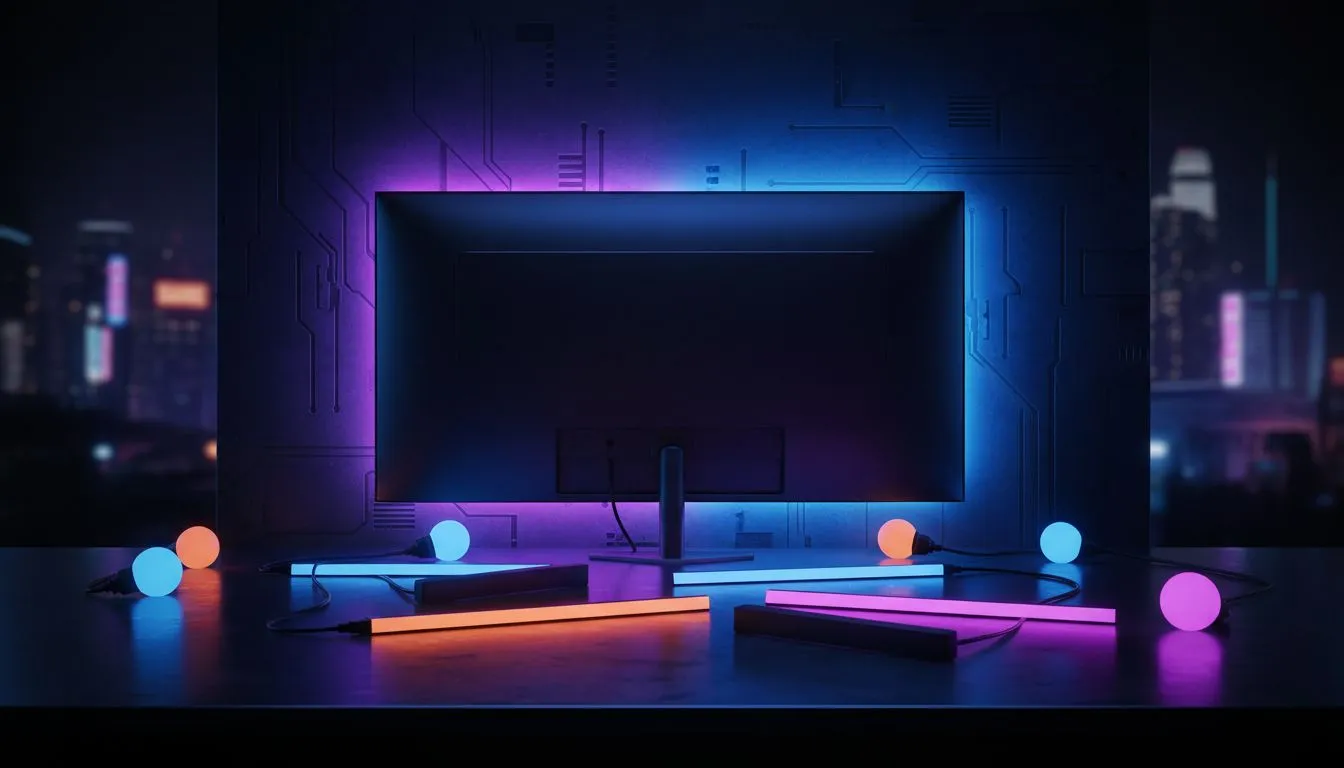
Night City isn't just a place. It’s a mood. If you’re exploring Dogtown in a pitch-black room, you’re only getting half the experience. A proper Philips Hue Ambilight sync: Cyberpunk lighting guide setup pulls those neon pinks and electric blues off your monitor. It paints your walls with the chaos of the future. Let’s turn your South African gaming den into a high-tech masterpiece. ⚡
Building the Foundation of Your Cyberpunk Rig
Before you can sync your lights, you need a system that doesn't stutter when the action heats up. Running high-end lighting software alongside a demanding title like Cyberpunk 2077 requires a solid hardware foundation. If you’re starting from scratch, browsing the latest pre-built PC deals is the quickest way to get into the game. You want a machine that handles ray reconstruction and frame generation without breaking a sweat.
Choosing Your Lighting Hardware
For the full Ambilight effect, you’ll need a Philips Hue Bridge and either a Play Gradient Lightstrip or Play Light Bars. These devices communicate with your PC to mirror the colours on your screen. If you are running a premium setup with PCs above R20k, you likely have the overhead to run the Hue Sync desktop app at its highest polling rate. This ensures the lights react instantly to every explosion or neon sign you pass in the game... creating a seamless transition from glass to wall.
Immersion Pro Tip ⚡
For the best results in Cyberpunk 2077, set your 'Minimum Brightness' in the Hue Sync app to about 10%. This prevents the room from going completely dark during stealth missions in the Badlands, maintaining that moody, low-light dystopian atmosphere without losing the effect entirely.
Software Configuration and Performance
The Hue Sync desktop app is where the magic happens. It captures the colour data directly from your screen and sends it to your bridge. For those using PCs under R20k, it is worth noting that the app uses a small amount of CPU resources. However, modern multi-core processors handle this with ease. You can adjust the "Intensity" setting to "Extreme" for fast-paced combat or "Subtle" for those long drives through the city outskirts.
Maximising Your Budget for Aesthetics
We know that building a dream setup in South Africa can get pricey. Checking for the best gaming PC deals allows you to allocate more of your ZAR toward the peripheral experience. You don't need to spend a fortune to get a great experience. Many budget gaming PCs provide more than enough power to run the sync software while maintaining high frame rates at 1080p. The goal is to balance your component spend with your ambient lighting to create a cohesive environment. ✨
Final Tweaks for the Ultimate Dystopia
Once everything is plugged in, position your lights about 10cm to 20cm away from the wall. This allows the colours to bleed and blend naturally rather than creating harsh hotspots. In the Hue app, create an "Entertainment Area" and map your lights to their physical positions relative to your monitor. When that Arasaka tower glows red on your screen, your whole room should feel the heat. 🚀
Ready to Light Up Your World?
The Cyberpunk aesthetic is all about high tech and low life, but your hardware should always be top tier. Explore our massive range of gaming PC deals and find the perfect machine to power your immersive lighting setup.