


Starfield Max Settings on RTX 5070: Complete Guide
Starfield Max Settings on RTX 5070. Tested & verified settings for best FPS and visual quality on SA hardware budgets.
Read morePortable SSD game library management made easy 🎮⚡ Learn how to organize, optimize, and maintain a 4TB drive so your game library stays fast without slowing down.
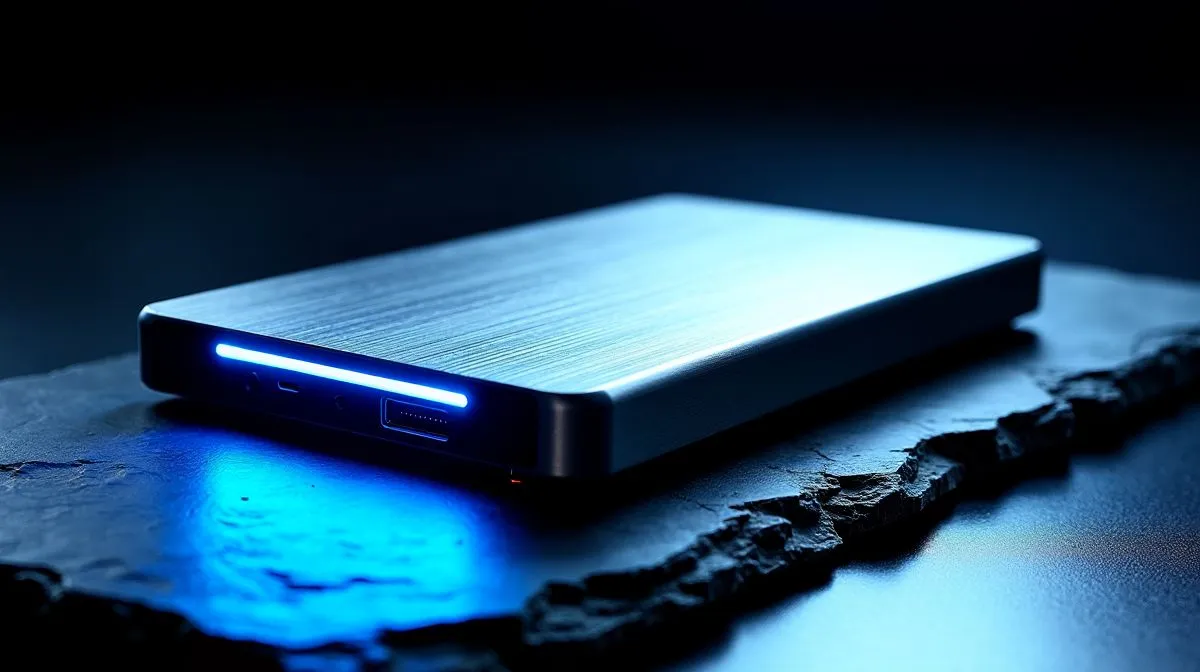
Tired of deleting games just to install the latest 150GB Call of Duty update? With local fibre speeds often struggling during peak hours... and let us not even mention load shedding... re-downloading massive titles is a massive pain. Enter the ultimate solution... a massive 4TB external drive. Mastering portable SSD game library management for a 4TB drive means you carry your entire gaming world in your pocket. You are always ready to plug and play.
When you upgrade to a massive storage solution, you are looking at holding over 50 massive AAA titles. But without proper 4TB drive organisation, finding what to play becomes a frustrating chore. You want to create dedicated folders for different launchers... think Steam, Epic Games, and Xbox PC Game Pass. This keeps your directories clean and prevents file conflicts. If you are building your own custom portable drive, starting with high-quality solid state drives is the crucial first step. It gives you the foundation for a flawless gaming experience.
Not all storage solutions are created equal. When moving massive game files or playing directly off the drive, sustained read and write speeds are everything. Reliable ADATA SSDs offer excellent thermal management. This prevents throttling during intense gaming sessions. Alternatively, you might prefer the proven durability of Kingston drives to keep your precious save files safe while commuting. Whether you are heading to a LAN or a friend's house, your data stays protected.
Buying an off-the-shelf portable drive is easy. However, building your own often offers way more performance for your hard-earned ZAR. By grabbing a high-speed USB-C enclosure and pairing it with a standard M.2 2280 form factor drive, you get desktop-level speeds on the go. This setup is fully upgradeable too. If you want to absolutely future-proof your rig, you can even look into blazing-fast Gen 5 NVMe drives to eliminate loading screens completely.
When setting up Steam on an external drive, always create a new Steam Library Folder at the root directory. This stops Steam from getting confused when drive letters change between different PCs.
Taking your games to a mate's house is a proud local tradition. Instead of waiting hours for a game to copy over a slow network, a portable SSD lets you boot up instantly. You just plug in your drive, locate the game folder in your launcher, and verify the files. Within minutes, you are ready to drop into the lobby. Effective portable game library management saves you precious time and bandwidth.
To keep your drive running at peak performance, never fill it past 90% capacity. SSDs need empty space to shuffle data around efficiently. Always keep about 400GB free on your massive 4TB drive. This simple habit maintains those lightning-fast load times and extends the lifespan of your hardware. Nobody wants to replace a premium drive just because they forgot to clean out their old game installs.
Ready to Build Your Ultimate Portable Library? Stop deleting your favourite games just to make room for new ones. For maximum speed, massive capacity, and unbeatable value in South Africa, our storage upgrades are hard to beat. Explore our massive range of SSD specials and find the perfect drive to conquer your storage woes.
Use folders or launcher categories, keep free space available, and move rarely played games off the drive to protect speed.
Yes, performance can dip when it gets too full. Leave headroom and avoid filling the drive close to capacity.
Group games by launcher, genre, or play frequency. That makes large game library management faster and easier.
No. Keep your most-played games on the SSD and archive the rest elsewhere to reduce clutter and maintain speed.
Try to keep 10 to 20 percent free. That helps the drive stay responsive and supports better SSD performance.
Yes, most modern games run well from a portable SSD if the connection is fast and the drive has enough free space.
Starfield Max Settings on RTX 5070. Tested & verified settings for best FPS and visual quality on SA hardware budgets.
Read more
When Will the RTX 6090 Launch in South Africa Detailed answer with SA data, expert analysis & practical recommendations for local buyers.

Top Valorant Settings for RTX 5070: FPS Optimisation picks evaluated on performance, value & SA availability with current Rand pricing from Evetech.

RDNA 3.5 Graphics in Ryzen AI 400? Can You Game. Plain-English explanation of what it means, why it matters & how it affects your buying decisions in SA.

GPU Price Index : December Report. Current stock data & price tracking for SA buyers. See what is available and where prices are heading.

Core i5-14600K + B760 + RTX 5060 Build Under. Full parts list, Rand pricing & expected performance. Build confidently with SA-available components.

RX 7600 Apex Legends at 4K: FPS Benchmark. Real-world benchmark data, FPS numbers & performance analysis. What SA gamers can actually expect.

RX 7900 XTX GTA 6 at 4K: FPS Benchmark & Optimal. Real-world benchmark data, FPS numbers & performance analysis. What SA gamers can actually expect.

Head-to-head comparison of RTX 5070 vs RX 9070 XT: Gaming Performance for SA gamers. Performance benchmarks, Rand pricing & which delivers better value.
Starfield Max Settings on RTX 5070. Tested & verified settings for best FPS and visual quality on SA hardware budgets.

Top RX 7800 XT Model Under R8,000 picks evaluated on performance, value & SA availability with current Rand pricing from Evetech.

RTX 5070 Valorant Optimised Settings: Graphics. Real-world benchmark data, FPS numbers & performance analysis. What SA gamers can actually expect.

Top Laptop with Core i7 + RX 7700S: Picks picks evaluated on performance, value & SA availability with current Rand pricing from Evetech.