The Load Shedding Survival Guide: Powering Your Portable Rig
Load shedding hits right when your deadline looms or your squad is mid-raid. We’ve all been there... staring at a "10% battery remaining" warning while the lights are off. The big question is always: can a power bank charge a laptop, and how many times can it charge before it’s empty? Let’s break down the math so you aren’t left in the dark. ⚡
Understanding the Math Behind Laptop Charging
Laptops are power-hungry beasts compared to smartphones. While a standard phone might have a 5,000mAh battery, a modern gaming laptop or ultrabook requires significantly more juice. If you are looking for budget-friendly power banks under R500, these are usually perfect for keeping your phone alive, but they won't have the "oomph" needed for a laptop.
To figure out the capacity, we look at Watt-hours (Wh) rather than just Milliamp-hours (mAh). Most laptop batteries range from 50Wh to 99Wh. To calculate the charge count, you take the power bank's total Wh, multiply it by an efficiency factor (usually around 0.8 to account for heat loss), and divide it by your laptop’s battery capacity.
Power Bank Charge Laptop: How Many Times Can It Charge?
The answer depends entirely on the size of your backup. Reliable brands like Promate power banks often list their Watt-hour ratings clearly on the box. For a typical 20,000mAh power bank (roughly 74Wh), you can expect about 0.7 to 1 full charge for a standard ultrabook.
If you have a beefy gaming laptop with a 90Wh battery, that same power bank might only give you a 60% boost. For heavy-duty users, choosing power banks under R1200 provides a better balance of high capacity and Power Delivery (PD) speeds, ensuring you get at least one full cycle during a long Stage 6 session.
Battery Efficiency Tip ⚡
To maximise your backup power, lower your screen brightness and close background apps like Chrome or Discord. This reduces the Watt-hour drain on your battery, effectively giving you more 'recharges' from your external power source during a blackout.
Why Power Delivery (PD) Matters for Laptops
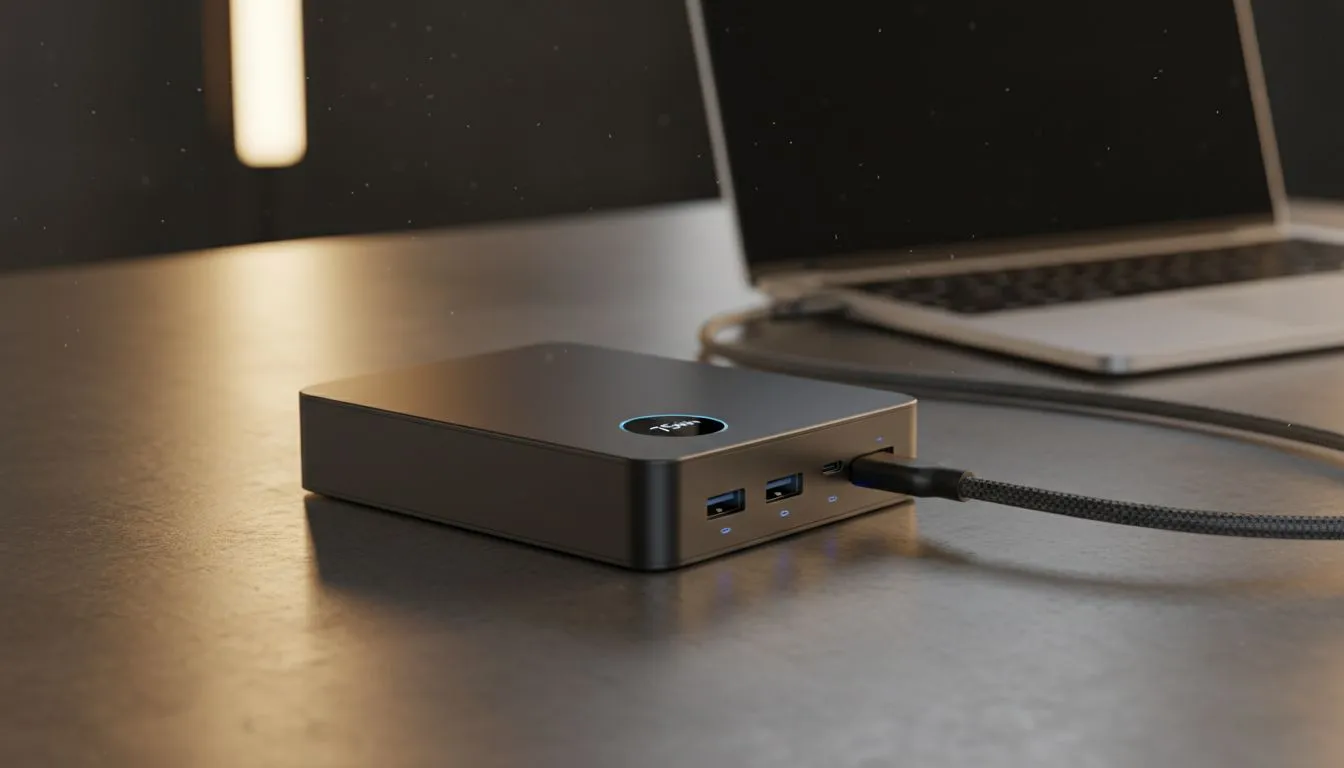
You can't just plug any USB cable into your laptop and expect it to charge. Your power bank must support Power Delivery (PD) via USB-C, typically outputting at least 45W to 65W. Without enough wattage, your laptop might actually lose charge while plugged in... or simply refuse to recognise the power source entirely.
Before you buy, check your laptop’s original brick to see the required wattage. Browsing the full range of power banks at Evetech will help you find a unit that matches your hardware's specific voltage requirements. 🔧
Never Get Caught in the Dark Again
Don't let the next round of load shedding interrupt your flow. Whether you need a massive unit for your workstation or a portable backup for your phone, we have the right gear for you. Explore our massive range of power banks and keep your tech running no matter what.