

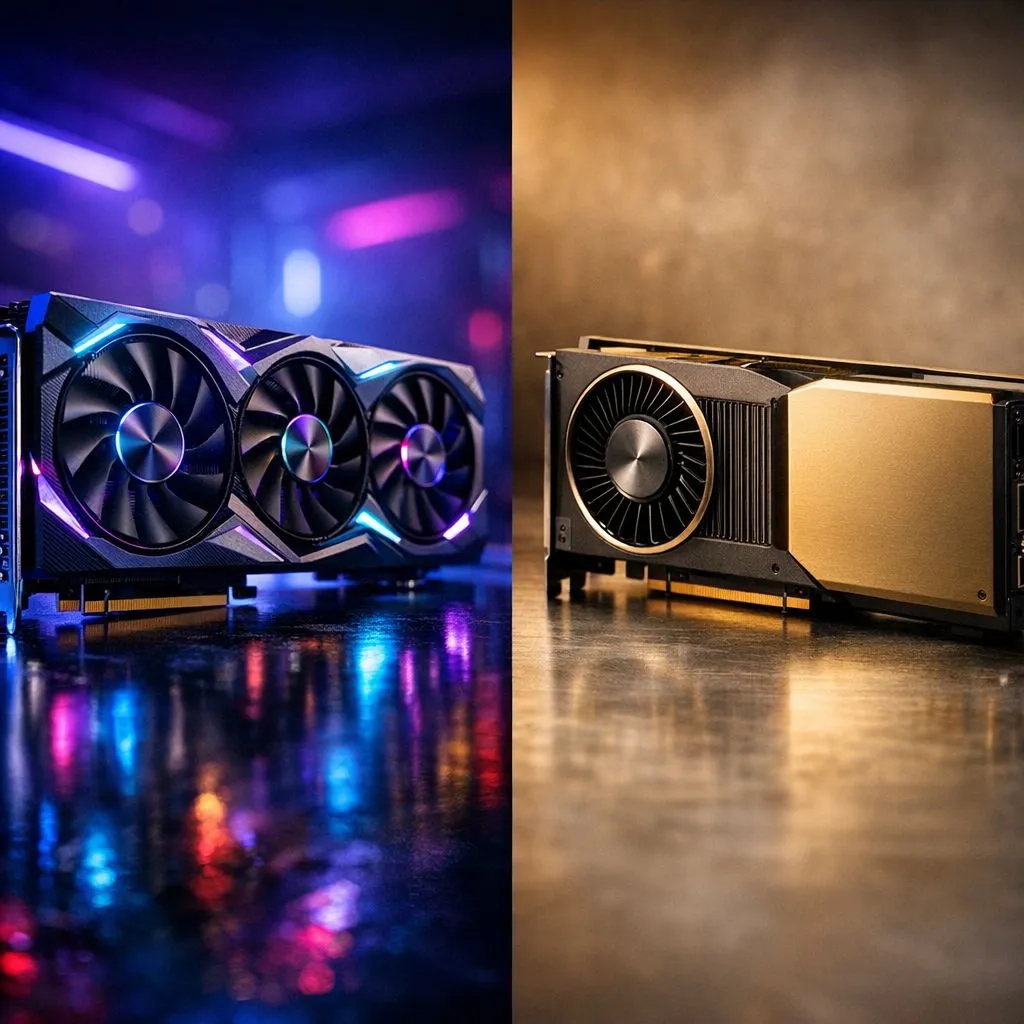
Professional vs Gaming GPU: Quick overview
South African gamers and pros, listen up — picking the right card matters whether you render VFX or chase 240 fps in Apex Legends. In this piece we unpack the Professional vs Gaming Graphics Card: Key Differences Explained so you buy smart, spend ZAR wisely, and build a PC that fits your workload and playstyle. Ready? 🔧✨
Professional vs Gaming Graphics Card: Performance and drivers
Professional cards (often called workstation GPUs) and gaming cards share silicon DNA, but diverge in tuning and support. Workstation GPUs favour stability, certified drivers, and long double‑precision calculations for CAD, 3D modelling, and scientific compute. Gaming cards push clock speeds, rasterisation and gaming driver stacks for smooth frame rates and low latency. See how major ranges line up on Evetech’s full graphics catalogue for model choices and support options. (Reference: Evetech catalogue) Link: NVIDIA/ATI full graphics catalogue
Memory, ECC and precision: where they differ
If your work needs large datasets, ECC memory and larger VRAM buffers are common on professional cards. Gaming GPUs usually prioritise faster GDDR memory and higher clock speeds for textures and framebuffers. For a quick look at GDDR and HBM options across brands, check the NVIDIA GeForce range and specifications listed on Evetech — useful when comparing VRAM sizes in ZAR-priced builds. ⚡ Link: Browse GeForce graphics cards
Software certification and ecosystem matters
Professional GPUs come with ISV certifications for apps like SolidWorks, Autodesk and DaVinci Resolve. Those certifications reduce render bugs and improve driver predictability. Gamers get frequent driver updates optimised for new titles instead. If you use both creative apps and play, that hybrid use-case often points to a high‑end gaming card or a dual‑GPU workstation. For Radeon options tuned for creators and gamers, see the AMD Radeon lineup at Evetech. 🚀 Link: AMD Radeon graphics cards
Choosing a brand and cooling for long sessions
Cooling, power draw and factory overclocks differ by vendor. MSI and other brands offer models tuned for quieter acoustics or better thermals — important if you stream or render overnight. Compare MSI models and their cooling designs before settling on a ZAR figure for your build. Link: MSI models selection
Build-Balance Tip ⚡
If your work is 70% creative and 30% gaming, favour a prosumer GPU with strong driver support and more VRAM. For primarily gaming use, prioritise single‑card frame rates and cooling. Don’t forget PSU headroom; high‑end cards can add 200–350W to your system.
Final checklist before you buy
- Define primary use: CAD/3D, video editing, gaming or a mix.
- Check driver certification and VRAM size against your main apps (and confirm on vendor pages).
- Factor in ZAR budget for PSU, case airflow and compatible motherboards.
- Consider warranty and local support from Evetech when buying in South Africa.
Ready to Find Your Perfect Match? The Mac vs Windows debate is complex, but for maximum power, choice, and value in South Africa, Windows is hard to beat. Explore our massive range of laptop specials and find the perfect machine to conquer your world.











