

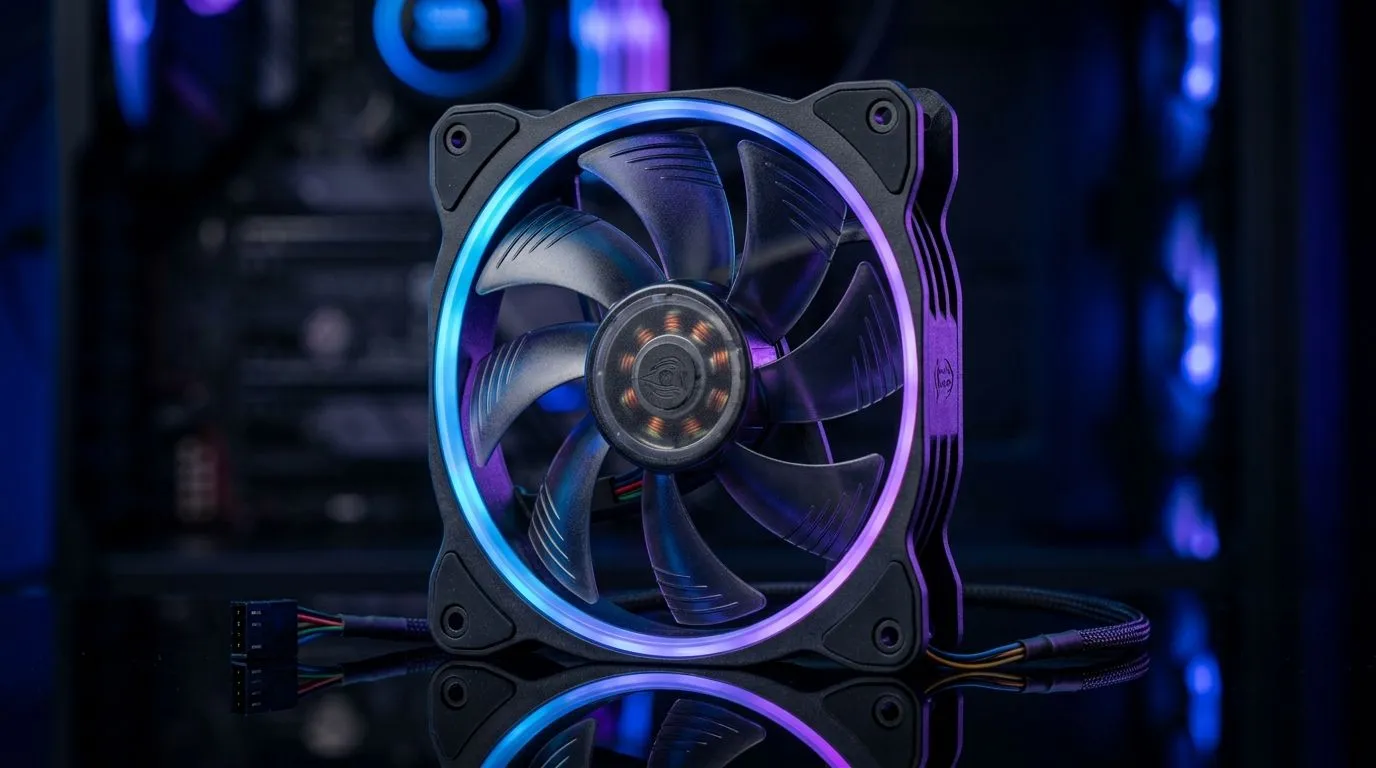
PWM Fan Control vs Fixed-Speed Fans for Gaming PCs: The Cooling Choice That Affects Every FPS Drop
If your PC sounds like a small jet engine under load, you’re not alone… and you don’t have to live with it. South African gamers want stable temps, quiet nights, and airflow that actually matches the workload. 🔧 In this guide, we’ll break down PWM Fan Control vs Fixed-Speed Fans for Gaming PCs so you can choose the right case fans for your build, your room heat, and your budget.
PWM Fan Control vs Fixed-Speed Fans: What’s Different in Real Life?
PWM (Pulse Width Modulation) uses a motherboard signal to change fan speed in steps, usually keeping noise lower when you’re doing lighter tasks. Fixed-speed fans run at one speed all the time. That can be fine… until you’re mining the same settings you use for browsing Facebook and Discord.
For gaming PCs, the key is load variation:
- During idle/desktop use: you want lower noise and good enough airflow.
- During gaming: you want more airflow to protect CPU/GPU boost clocks.
With PWM control, fans ramp up when temperatures rise, then calm down when things stabilise. Fixed-speed fans don’t get that “breathing” behaviour.
Why PWM Helps in South Africa’s Heat (and Why It Still Needs Setup) ⚡
In many parts of South Africa, ambient temperatures can swing a lot. Even “normal” summer days can push case temps higher. PWM fans react to that automatically if your motherboard and fan headers support PWM.
But remember: fan placement matters too. Front intake, rear exhaust, and often top exhaust is a common pattern. If you’re using high static pressure fans, they’re typically better at pushing through denser areas like mesh filters or radiator cores.
Quick sanity check before buying
- Confirm your motherboard fan headers (PWM vs DC). If you’re unsure, ask before ordering.
- Don’t overfill the case with fans blindly. Balanced intake and exhaust beats “more everywhere”.
Productivity Pro Tip 🔧
On your first boot, use a monitoring tool (like your motherboard software or HWInfo) to watch temperatures and fan RPM. If your GPU idles hot but fans never slow down or ramp correctly, you may have connected fans to the wrong header type (PWM vs DC) or set an incorrect fan curve.
Choosing Case Fans: Sizes, Airflow Targets, and Matching Your Build 🚀
Fan size affects blade area and typical airflow capability. Common gaming setups use 120mm or 140mm fans, and many cases support both.
- 120mm fans: great for tighter spaces and common mount points. They can be loud if run aggressively.
- 140mm fans: often move more air at lower RPM, which can feel quieter for the same cooling.
If you want to compare fan options (including size and lighting filters), you can browse Evetech’s case fan selection here:
- 120mm options: Compare 120mm case fans
- 140mm options: Compare 140mm case fans
- Full case fan range: Shop all case fans at Evetech
If you already know the brand, filtering helps. For example:
Lighting matters, but don’t let it lead
RGB is great for aesthetics, but don’t ignore cooling performance. If you want a clean look without extra visual noise, filter it out. If you want glow, check that the controller or header support is included in your plan.
So, Which Should You Choose? PWM Control vs Fixed Speed for Gaming PCs
Choose PWM Fan Control vs Fixed-Speed Fans for Gaming PCs if you care about:
- quieter idle and less constant noise
- smoother ramp-up during spikes in CPU or GPU load
- better control through BIOS fan curves
Choose fixed-speed fans only if:
- your build is simpler and you don’t want to configure curves
- you have a reason to standardise the same sound level under all conditions
Either way, pair your fans with a sensible layout and fan curve. Your ears will thank you… and your temps will stay where they should.
Call in the right fans now, and get the best deal for your build ✨
Ready to Find Your Perfect Match? The Mac vs Windows debate is complex, but for maximum power, choice, and value in South Africa, Windows is hard to beat. Explore our massive range of laptop specials and find the perfect machine to conquer your world.











