

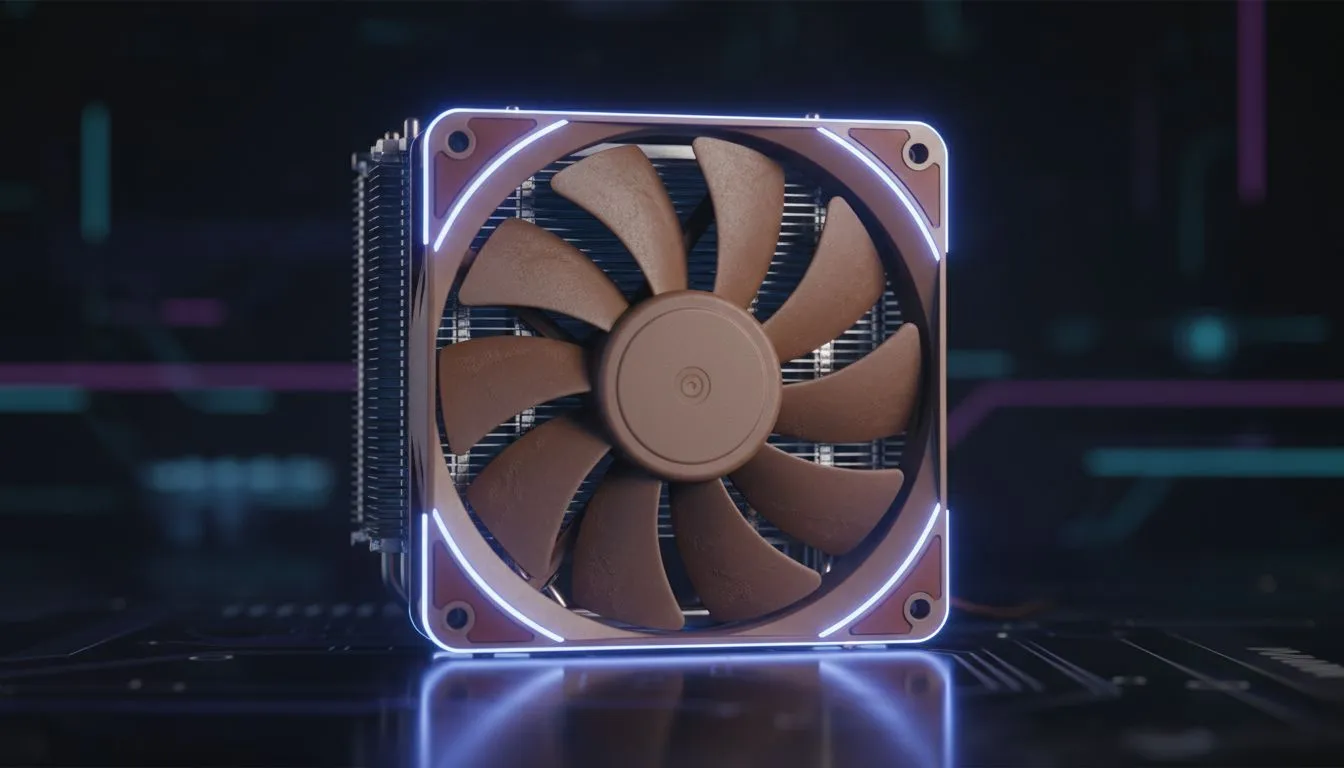
PWM fans: what they are and why South African builders should care 🔧
If your PC sounds like a Johannesburg taxi at rush hour, PWM fans can fix that. PWM fans deliver precise speed control so your CPU stays cool when gaming and quiet when idling. This guide explains how PWM control works, why it matters for CPU cooling, and how to pick and tune fans without breaking the bank. ⚡
PWM fans: how PWM works — the basics
Pulse Width Modulation (PWM) uses a 4‑pin connector to tell a fan exactly how hard to spin. Instead of varying voltage, the motherboard sends a pulse pattern that adjusts RPM smoothly. The result is better temperature control and less noise under light loads. For a quick look at popular cooler options and how manufacturers implement PWM, check Evetech’s CPU coolers category: Evetech CPU coolers.
PWM fans: common specs to watch
- Connector: 4‑pin PWM header (not the 3‑pin DC type).
- Bearing type: fluid dynamic or rifle bearings last longer.
- Noise and airflow: measured in dBA and CFM respectively.
For air cooler shoppers who want to stick with tried-and-tested form factors, Evetech lists air coolers specifically here: Air coolers at Evetech.
PWM fans vs DC fans: why PWM matters for CPU cooling
PWM fans let your system build a fan curve that reacts to CPU temp rather than fixed voltage steps. That means:
- Quiet idle and fast spin during heavy gaming.
- Finer control around thermal thresholds so temperatures don’t overshoot. If you prefer compact, high‑RPM solutions, 120mm fans remain popular for balance between airflow and noise. See Evetech’s 120mm air cooler options here: 120mm fan air coolers.
PWM fans — how to pick the right fan for your build 🚀
Think about case clearance, radiator compatibility, and whether your motherboard has enough 4‑pin headers. Some brands like Deepcool offer excellent value and bundled PWM fans that are easy to tune: Deepcool air coolers at Evetech. If you’re building on a budget, look for models with good static pressure and an advertised PWM controller or 4‑pin header support.
Fan Tuning Tip ⚡
with a conservative fan curve: 20% at idle, 60% around 70°C, and 100% at 85°C. Run a 10‑minute stress test (Prime95 or a long gaming session) and tweak the curve to shave noise or temps. Use motherboard software for fine adjustments; it’s the easiest way to balance acoustics and performance.
PWM fans: installation and tuning, with a quick micro anecdote
I once swapped a noisy 3‑pin fan on a friend’s Johannesburg LAN rig for a PWM 4‑pin unit and set a mild curve in the BIOS. Idle noise dropped about half, and peak temps were unchanged. The key steps: confirm 4‑pin headers, secure good fan airflow direction, and use PWM curves in BIOS or vendor software.
If you want a concrete example to test, Evetech lists EINAREX models that include PWM fans and easy mounting hardware — handy when you’re installing after hours before a big match: EINAREX air coolers.
Final thoughts on PWM fans for CPU cooling
PWM fans aren’t just for enthusiasts. They give everyday builders in Cape Town, Durban, and across South Africa a quieter PC with reliable temperature control. Choose the right size, verify 4‑pin support, and spend ten minutes tuning the curve—your ears will thank you.
Ready to Find Your Perfect Match? The Mac vs Windows debate is complex, but for maximum power, choice, and value in South Africa, Windows is hard to beat. Explore our massive range of laptop specials and find the perfect machine to conquer your world.











