

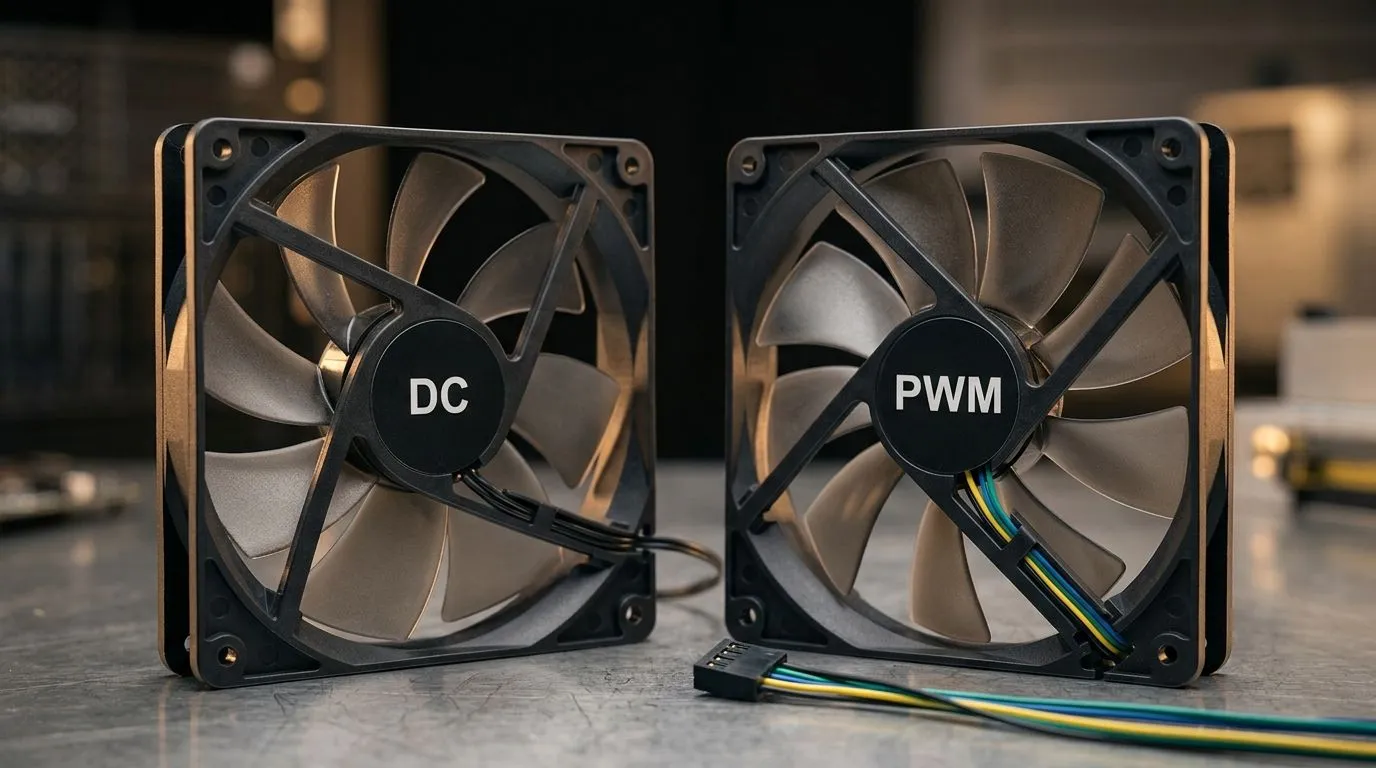
Cooling Control Explained for South African Gamers: PWM vs DC Fans
If your PC sounds like a mini aircraft at night, the fan control method is often to blame. In South Africa’s heat and dust-filled setups, how your fans ramp up matters just as much as raw RPM. PWM fans can feel smoother, quieter, and more “intelligent”… while DC fans are simpler and often cheaper. 🔧
In this Deep Dives guide, we break down PWM vs DC Fans: Cooling Control Differences Explained in plain terms, so you can buy the right case fans, confidently.
PWM vs DC Fans: Cooling Control Differences Explained (The Core Idea)
Both PWM and DC fans move air the same way. The difference is how they’re told to change speed.
PWM (Pulse Width Modulation) fans
PWM fans receive a constant power supply, and the controller “pulses” the signal to command speed changes. That usually gives tighter speed control. Think of it like smooth steering… not on/off.
DC (voltage-controlled) fans
DC fans typically vary speed by changing voltage. Less voltage means slower rotation. It’s straightforward, but the control curve can feel less precise, especially across different fan models.
Which one is better for gaming PCs?
For most modern builds, PWM is the safer bet if your motherboard supports PWM headers and you want consistent behaviour. However, DC fans can still be perfectly fine in mid-range builds or where you’re matching airflow requirements more than chasing fine noise tuning. ⚡
What You’ll Notice in Real Life (Noise, Thermals, Reliability)
Here’s a quick micro-story: a mate of mine swapped his old DC case fans for newer PWM models. Under load, the fans ramped less abruptly, and the “revving” sensation reduced. Temperatures stayed in range, but the experience felt calmer. ✨
In practical terms:
- PWM often sounds steadier because speed steps can be finer.
- DC fans can be a little more variable depending on the controller and the fan’s built-in behaviour.
- Dust management still wins, because any fan type will struggle if the filter is clogged.
For a hands-on selection, browse compatible case airflow options here:
Picking the Right Fans for Your Build: RPM, Size, and Lighting
Fan control isn’t just PWM vs DC. Size and airflow area matter too.
Start with the right diameter (120mm vs 140mm)
- 120mm fans fit many mainstream cases and are easy to match.
- 140mm fans often move more air at lower speeds, which can help with noise.
Explore 120mm and 140mm options:
- https://www.evetech.co.za/PC-Components/case-fans-97.aspx?attributes-size=120mm
- https://www.evetech.co.za/PC-Components/case-fans-97.aspx?attributes-size=140mm
If you care about aesthetics: RGB needs the right thinking
RGB won’t cool your CPU or GPU, but it can affect your fan “budget” and wiring. Make sure your case and controller can support the lighting type you want.
If you want RGB-focused builds:
If you prefer a cleaner look (no lighting effects):
Brand matching (it’s a buying shortcut)
Different manufacturers can implement PWM behaviour slightly differently. If you’re trying to reduce guesswork, stick to a known ecosystem for your build.
Browse examples from:
- https://www.evetech.co.za/PC-Components/case-fans-97.aspx?brands=CORSAIR
- https://www.evetech.co.za/PC-Components/case-fans-97.aspx?brands=Deepcool
PWM vs DC Fans: Quick Setup Tips to Get Better Temps (and Less Whine) 🔧
Even the best fan will underperform if you set the curve badly.
Productivity Pro Tip ⚡
On Windows, open your motherboard or fan control software and start by setting a “quiet first” curve. Then test in a game for 10 minutes. If temps are stable, reduce the ramp aggressiveness slightly. This prevents fans from oscillating between speeds as your load fluctuates.
Use these steps:
- Set a gentle ramp. Aim for fans to increase gradually rather than jumping.
- Balance intake and exhaust. Positive pressure can reduce dust, but you still need exhaust pathing.
- Don’t ignore GPU heat soak. A great CPU fan setup won’t fix a blocked GPU intake.
- Check BIOS options. If PWM is supported, use PWM mode on your headers.
When buying, look for support for your motherboard’s fan header type (PWM vs DC). If you’re not sure, choose PWM fans for smoother control.
PWM vs DC Fans: Cooling Control Differences Explained (Bottom Line)
- If you want consistent, fine-grained control, PWM is usually the better experience in gaming rigs.
- If you want simplicity and affordability, DC can still get the job done, especially with sensible fan placement.
- Either way, airflow layout and dust control decide more than marketing claims.
Ready to Find Your Perfect Match? The Mac vs Windows debate is complex, but for maximum power, choice, and value in South Africa, Windows is hard to beat. Explore our massive range of laptop specials and find the perfect machine to conquer your world.











