


Complete Guide: Setting Up Monitor Light
Setting Up Monitor Light. Tested & verified settings for best FPS and visual quality on SA hardware budgets.
Read moreQuiet your PC case fans below 20 dBA without sacrificing CPU performance. Use smart fan curves, right airflow, and noise-damping upgrades to keep temps stable. 🔇❄️
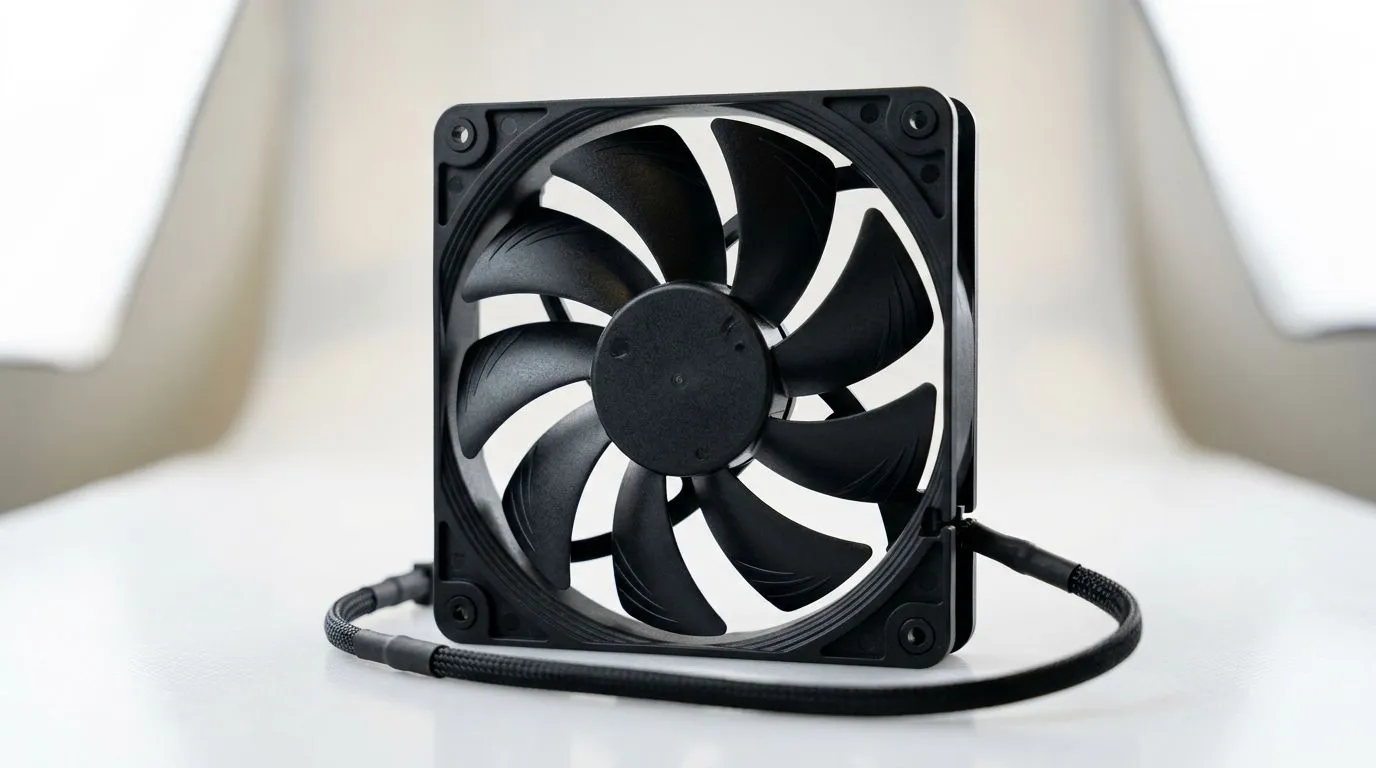
Is your gaming rig sounding more like a jet engine during a high-stakes load-shedding session? Nothing ruins immersion faster than the aggressive whirring of chassis fans when you are trying to clutch a win. You can effectively quiet your PC case fans below 20 dBA without performance loss by fine-tuning your airflow and upgrading your thermal hardware. It is time to reclaim your focus and silence your setup. 🔧
The secret to a whisper-quiet system lies in the quality of your cooling components. If you are still relying on stock fans, you are likely pushing them to their RPM limit just to keep your CPU within safe operating temperatures. To manage heat effectively, you should browse our comprehensive collection of CPU coolers to find a solution that offers better static pressure at lower speeds.
Use your motherboard's BIOS "Fan Curve" settings to set a "flat" profile for your case fans. By keeping them at a constant, low RPM rather than having them spike every time your CPU temp fluctuates, you eliminate the annoying "revving" sound that catches your attention during quiet gaming moments.
Modern cooling technology has come a long way. If you want maximum thermal headroom with minimal noise, a high-quality liquid cooler (AIO) is often the best path forward. For those who trust market-leading engineering, we see incredible acoustic performance from CORSAIR liquid coolers when paired with a well-ventilated chassis. 🚀
If you are looking for budget-friendly excellence, Deepcool liquid coolers provide a fantastic balance between noise levels and heat dissipation. When selecting your size, a 360mm radiator offers the most surface area, allowing fans to spin slower while moving the same volume of air as smaller units. However, if your case is a bit more compact, a 240mm radiator remains the sweet spot for most mid-tower builds in South Africa. ✨
Beyond hardware, ensure your fan curves are set to prioritize low noise until temperatures hit 70°C. By investing in quality fans and managing your curves, you can achieve that elusive sub-20 dBA target without sacrificing a single frame. ⚡
Ready to Find Your Perfect Match? The pursuit of a silent PC doesn't have to be a headache. Whether you are building from scratch or upgrading your current thermal solution, we have the components you need to stay cool and quiet. Explore our full range of PC cooling components and build the rig of your dreams today.
20 dBA is a very low noise level for PC fans. With quiet PC case fans below 20 dBA, you still need airflow to avoid CPU temperature spikes and throttling.
Use a realistic fan curve, prioritize proper airflow (intake vs exhaust), and target the right RPM range so the CPU stays cool while noise stays under 20 dBA.
Set the fan curve to ramp more gently at low temperatures, then accelerate when CPU load rises. This quiet fan curve approach helps prevent throttling.
Not necessarily. Many high airflow low dBA fans keep static pressure and airflow effective. Pair them with airflow optimization for low dba results.
Use rubber fan mounts, tighten screws lightly, and ensure cables do not touch fan blades. Fan vibration reduction can dramatically lower perceived noise at low dBA.
PWM fans usually offer finer control for quiet PC case fans. DC can work, but PWM often makes it easier to hold stable temperatures with minimal noise.
Yes. Lower CPU power can reduce fan ramp needs. Combine power limits with noise-dampening upgrades to maintain stable thermals under quiet settings.
Start with high airflow low dBA fans, then optimize airflow paths, refine the fan curve, and add vibration reduction. These steps help achieve 20 dBA while maintaining CPU performance.
Setting Up Monitor Light. Tested & verified settings for best FPS and visual quality on SA hardware budgets.
Read more
Assassins Creed Shadows Ultrawide Support: 21:9. Clear setup instructions with SA-specific considerations, troubleshooting tips & recommended components.
Read more
Complete Gaming Setup Guide for the Collector. Clear setup instructions with SA-specific considerations, troubleshooting tips & recommended components.
Read more
Will the Steam Deck 2 Have an OLED Screen? Leaked. Plain-English explanation of what it means, why it matters & how it affects your buying decisions in SA.
Read more
Setting Up Ultrawide 144Hz. Tested & verified settings for best FPS and visual quality on SA hardware budgets.
Read more
Kingdom Come: Deliverance 2 Ultrawide Support. Clear setup instructions with SA-specific considerations, troubleshooting tips & recommended components.
Read more
When Will the RTX 6090 Launch in South Africa Detailed answer with SA data, expert analysis & practical recommendations for local buyers.

Top Valorant Settings for RTX 5070: FPS Optimisation picks evaluated on performance, value & SA availability with current Rand pricing from Evetech.

RDNA 3.5 Graphics in Ryzen AI 400? Can You Game. Plain-English explanation of what it means, why it matters & how it affects your buying decisions in SA.

GPU Price Index : December Report. Current stock data & price tracking for SA buyers. See what is available and where prices are heading.

Core i5-14600K + B760 + RTX 5060 Build Under. Full parts list, Rand pricing & expected performance. Build confidently with SA-available components.

RX 7600 Apex Legends at 4K: FPS Benchmark. Real-world benchmark data, FPS numbers & performance analysis. What SA gamers can actually expect.

RX 7900 XTX GTA 6 at 4K: FPS Benchmark & Optimal. Real-world benchmark data, FPS numbers & performance analysis. What SA gamers can actually expect.

Head-to-head comparison of RTX 5070 vs RX 9070 XT: Gaming Performance for SA gamers. Performance benchmarks, Rand pricing & which delivers better value.

Starfield Max Settings on RTX 5070. Tested & verified settings for best FPS and visual quality on SA hardware budgets.

Top RX 7800 XT Model Under R8,000 picks evaluated on performance, value & SA availability with current Rand pricing from Evetech.

RTX 5070 Valorant Optimised Settings: Graphics. Real-world benchmark data, FPS numbers & performance analysis. What SA gamers can actually expect.

Top Laptop with Core i7 + RX 7700S: Picks picks evaluated on performance, value & SA availability with current Rand pricing from Evetech.