

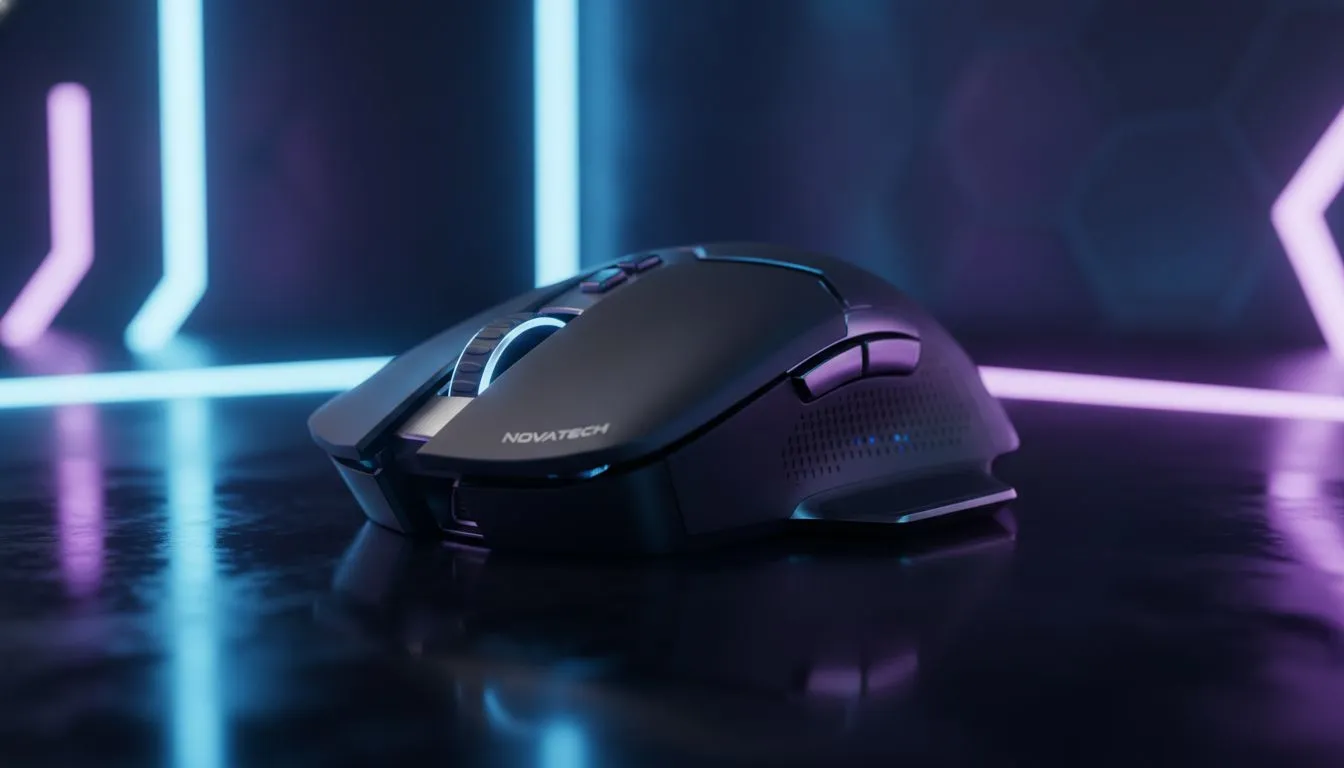
We’ve all stared at that checkout screen, hovering over the "Buy" button on a R3000 rodent. It looks incredible, promises zero latency, and weighs less than a packet of chips. But will it actually improve your aim, or is it just serious wallet damage? Let’s break down the law of diminishing returns in gaming tech… and find the sweet spot for South African gamers.
The Sensor Plateau: Good vs. God Tier
Five years ago, a budget mouse meant "spin-out" city. If you moved your hand too fast, the cursor would look at the floor. Today? Even entry-level sensors are flawed-less to the human eye. The reality is that once you pass the R800 to R1200 mark, sensor performance becomes indistinguishable for 99% of players.
When you look at a top-tier premium gaming mouse, you aren't paying for the sensor alone. You are paying for the R&D that went into shaving off grams, proprietary wireless tech, and optical switches that never double-click. If you are stuck in Silver rank, a R3000 mouse won't magically make you a Global Elite... practice does that.
Build Quality and Features
This is where the extra cash actually goes. Cheaper mice often use ABS plastic that shines over time and rubber cables that drag on your desk. Premium options offer PTFE feet (skates) that glide like butter and paracord-style cables or flawless wireless connectivity.
It’s similar to the difference between membrane and mechanical keyboards. Both type letters, but the feel, sound, and actuation consistency of the latter offer a distinct competitive advantage. However, does a R5000 custom keyboard make you strafe faster than a R1500 mechanical board? Probably not. The curve flattens quickly.
Check Your Mouse Feet ⚡
Many gamers buy expensive mice but use them on worn-out pads. The condition of your mouse feet (skates) matters more than having 20,000 DPI. If your glide feels scratchy, replace the feet with aftermarket PTFE skates or get a new pad before upgrading your mouse.
The "System Balance" Argument
Here is the biggest trap for local gamers. Spending R3000 on a mouse when you are playing on a 60Hz screen is like putting Ferrari wheels on a Citi Golf. Your peripheral budget should be balanced against your system performance.
If your monitor can’t display the frames your mouse movements are reacting to, that money is wasted. You would see a bigger jump in performance by investing in high-refresh-rate monitors first. Smooth motion clarity helps your tracking far more than a slightly lighter mouse.
The same logic applies to your PC's responsiveness. If your games stutter because you're loading textures from a spinning hard drive, you need fast solid state drives to eliminate hitching before worrying about mouse polling rates.
Diversifying Your Setup
If you have a R3000 budget for peripherals, dumping it all into one item is rarely the best move. A balanced setup creates a better immersive experience. For example, competitive awareness relies heavily on audio. Pair a decent mid-range mouse with immersive headsets, and you’ll hear footsteps clearer than the guy with the expensive mouse and cheap earbuds.
Perhaps you prefer Rocket League or Elden Ring over shooters? In that case, dedicated controllers offer far better ergonomics and precision for those genres than any mouse ever could.
The Content Creator Perspective
The only exception to the "diminishing returns" rule is if your gear doubles as production equipment. If you are trying to build a brand, that R3000 might be better spent on streaming gear like capture cards or lighting.
Viewers will forgive average aim, but they won't forgive bad audio. Investing in standalone microphones ensures your comms are crisp, which is arguably more important for team play than having the lightest honeycomb shell on the market. 🚀
Final Verdict: Is It Worth It?
If you have the disposable income and want the absolute best engineering, a R3000 mouse is a joy to use. But purely from a performance-per-Rand perspective? The sweet spot sits comfortably between R1000 and R1800. Beyond that, you are paying for luxury, not frags.
Upgrade Your Armoury Today Whether you need a budget beast or the ultimate esports weapon, we stock the widest range of peripherals in South Africa. Browse our gaming mouse deals and find the perfect fit for your hand size and playstyle.











