

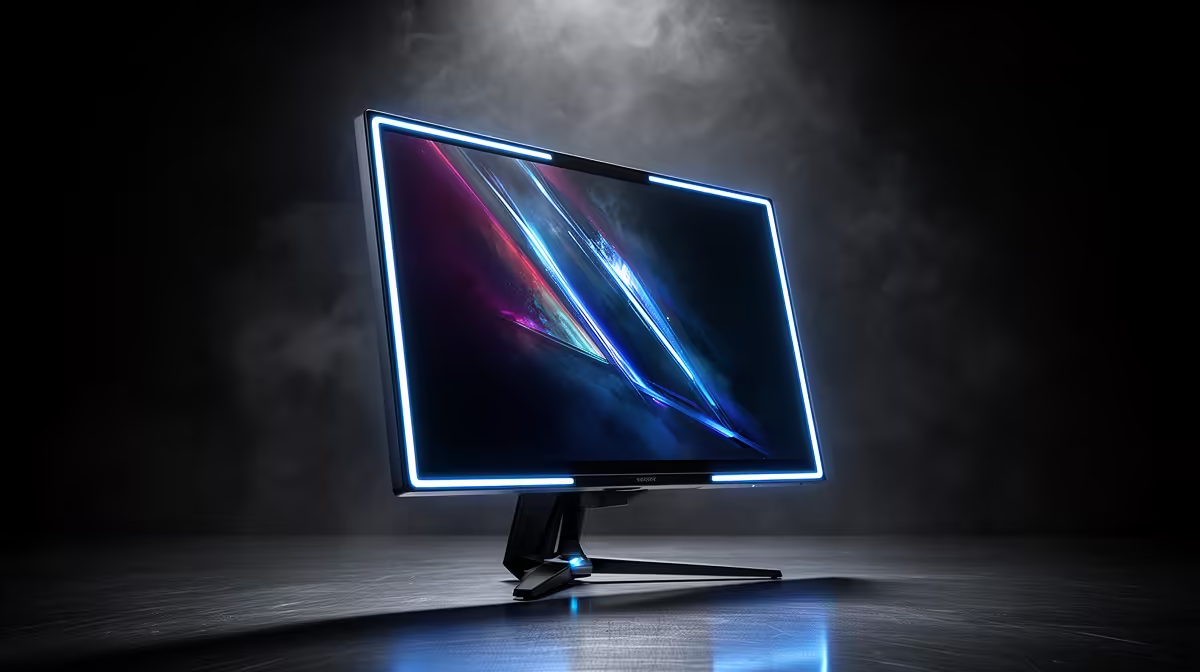
Stared at your screen so long your eyes feel like they’ve been rubbed with sandpaper? We’ve all been there. After a marathon gaming session or a long day of work, that familiar gritty, tired feeling kicks in. But what if it’s not just the hours you’re putting in, but the screen you’re staring at? In South Africa, understanding the link between your monitor's refresh rate and eye strain is the first step to protecting your vision.
What is Refresh Rate and Why Does it Matter for Your Eyes?
Think of your monitor’s screen like a digital flipbook. The refresh rate, measured in Hertz (Hz), is how many times per second the "page" or image is updated. A standard 60Hz monitor redraws the image 60 times every second. While that sounds fast, your brain can still perceive the subtle flicker and motion blur between frames. This constant micro-adjustment forces your eye muscles to work overtime, leading to fatigue, headaches, and digital eye strain.
For everyday browsing, 60Hz is often fine, but for dynamic content like gaming or video editing, it can be a real drag on your eyes. Upgrading to a monitor with a higher refresh rate is one of the most effective ways to combat this. Modern PC monitors now offer 120Hz, 144Hz, and even higher rates as a standard feature.
The Clear Link Between High Refresh Rates and Reduced Eye Strain
So, how exactly does a higher refresh rate help protect your vision in SA? By refreshing the image more frequently—say, 144 times per second—a 144Hz monitor creates a significantly smoother and more stable picture.
Here’s the breakdown:
- Less Flicker: The image is so consistent that imperceptible flicker is virtually eliminated.
- Smoother Motion: Fast-moving objects in games or when scrolling appear crisp, not blurry.
- Reduced Tearing: Screen tearing, where the monitor displays parts of multiple frames at once, is drastically reduced, especially when paired with technologies like G-Sync or FreeSync.
Your eyes don't have to work as hard to track movement or compensate for jittery images. This direct correlation between a higher refresh rate and reduced eye strain means you can game longer and work more comfortably. It's a tangible difference you can feel after just one session. Ready to see the difference? You can explore all our gaming monitors to find the perfect fit for your needs.
Beyond Hertz: Other Monitor Features That Protect Your Vision 🔧
While a high refresh rate is crucial, it’s not the only factor. To truly optimise your setup for eye comfort, look for these features:
Flicker-Free Technology & Low Blue Light
Many modern monitors use Flicker-Free technology to provide a constant, stable light source, preventing the screen brightness from flickering at low levels. Paired with a Low Blue Light mode, which filters out high-energy blue light known to disrupt sleep and cause strain, your eyes will thank you.
Resolution and Screen Type
Crisper is better. Squinting at blurry text is a fast track to a headache. Moving to a higher resolution display makes everything sharper, reducing the effort needed to focus. That's why many professionals and creators are opting for stunning 4K and 5K monitors for their setups. Furthermore, the form factor can help. Many users find that curved monitors create a more immersive field of view, reducing eye movement and strain as the screen's edges are closer to your peripheral vision.
The 20-20-20 Rule 👓
This is a classic for a reason. Every 20 minutes, take a 20-second break to look at something at least 20 feet (about 6 metres) away. This simple habit forces your eye muscles to relax, preventing the fatigue that builds up from focusing on a close-up screen for hours. Set a timer on your phone to remind you!
Practical Tips for Your SA Setup
Technology is only half the battle. Your environment plays a huge role in preventing eye strain.
- Positioning is Key: Place your monitor about an arm's length away, with the top of the screen at or slightly below eye level. This promotes better posture and a more natural viewing angle.
- Control the Lights: Avoid having a bright window or lamp directly behind or in front of your screen. Ambient lighting should be soft to minimise glare and reflections on your monitor.
- Stay Hydrated: It sounds simple, but dehydration can lead to dry, irritated eyes. Keep a water bottle handy, especially during those long sessions.
- On the Go? Even when you're not at your main desk, these principles apply. Modern portable monitors often include eye-care technologies, but remember to take breaks and be mindful of your posture.
Ultimately, addressing the relationship between refresh rate and eye strain is an investment in your health and performance. A comfortable gamer is a better gamer, and a focused worker is a more productive one. You don't need to spend a fortune to get a massive upgrade, either. With so many options on the market, finding a high-refresh-rate monitor that fits your budget is easier than ever.
Ready to See the Difference? Don't let eye strain hold you back from your best performance. A quality monitor is an investment in your comfort and health. Explore the best PC monitor deals in South Africa and find the perfect screen to protect your vision.











