

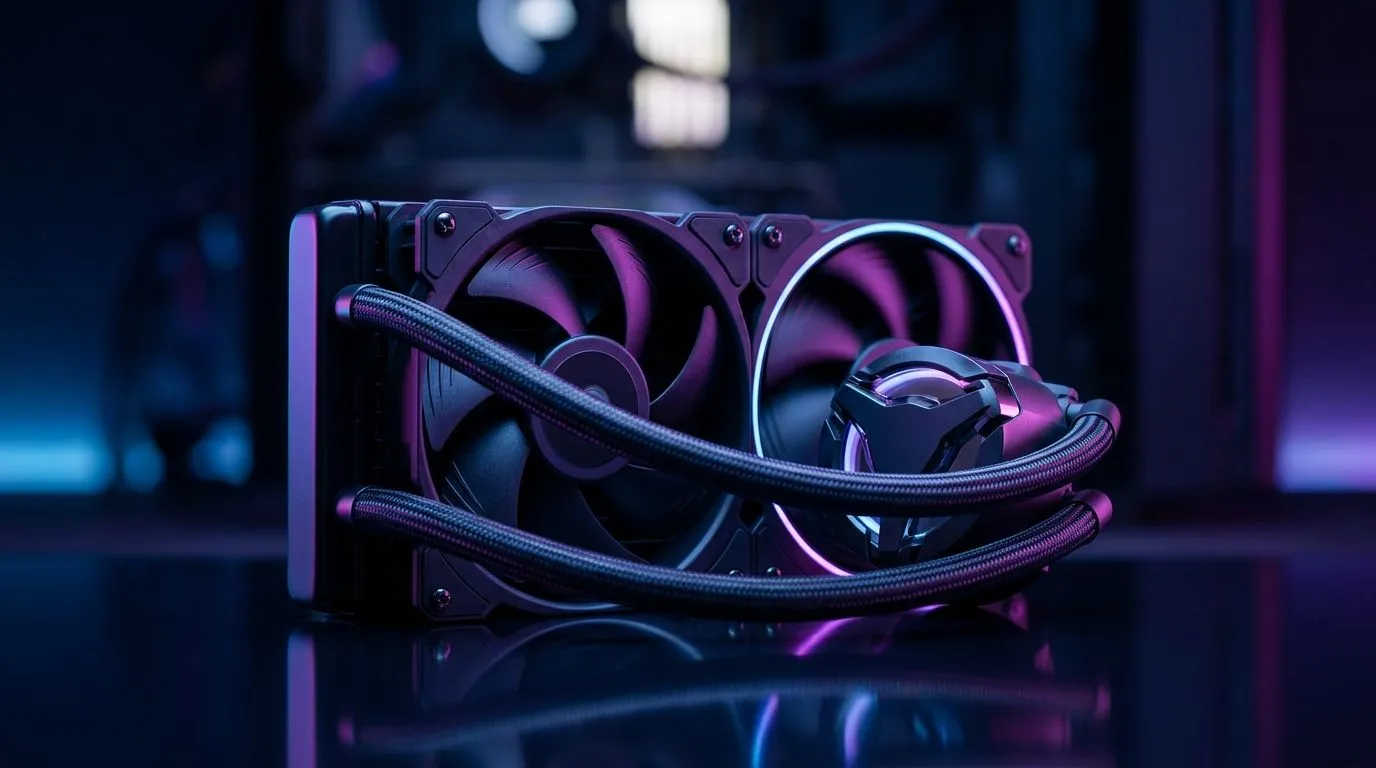
Do I Need to Replace Fans on a Closed-Loop AIO? Quick Answer for South Africans
If your closed-loop AIO is still cooling your CPU, you might not need to replace anything… ever. But in South Africa’s hot rooms and load-shedding pauses, fans can wear out, noise can change, and temps can drift. 🤔
The real question is this: Do I need to replace fans on a closed-loop AIO? Often, no. Usually, you diagnose first… then decide.
In this Deep Dives guide, we’ll walk through the common failure signs, what you can safely fix, and when it makes sense to upgrade your cooling setup instead. 🔧
Do I Need to Replace Fans on a Closed-Loop AIO? Understand What’s Actually Failing
Closed-loop AIO coolers usually have two “moving parts” to think about:
- Radiator fans (the obvious spinning bits)
- The pump inside the AIO (not normally user-replaceable)
Fans vs pump: the difference you can hear
A dying fan typically shows up as:
- Rattling or grinding at spin-up
- Unstable RPM (fan “hunting”)
- Visible dust buildup and warped blades
A failing pump tends to show up as:
- CPU temps climbing quickly under load
- Cooler sounding “wrong” (often quieter over time)
- Fans may still spin normally while cooling performance drops
If you’re unsure, don’t guess. Start by checking the fan control and readings in your motherboard BIOS or monitoring software. (AIO fans running at 100% but temps still rising is a big clue.) 🚀
What you can and can’t realistically replace
Most AIO units don’t offer a clean “swap fan module only” experience. Even if the radiator fans are technically replaceable, the AIO’s pump is the core cooling engine. If the pump is the problem, replacing the fans won’t restore performance.
Do I Need to Replace Fans on a Closed-Loop AIO? Signs You Should Act
Here’s a practical checklist you can use before you buy anything.
Replace (or upgrade) radiator fans if you notice…
- Noise that gets worse over days or weeks
- Fans that don’t spin consistently at the same PWM/RPM target
- Obvious blade damage or fan wobble
- You’ve cleaned the radiator and it still won’t perform
Don’t focus on fans first if…
- Idle temps are fine, but load temps are suddenly worse
- The AIO pump speed (if your board reports it) looks abnormal
- Your system overheats even with fresh thermal paste applied correctly
In those cases, you’ll likely be looking at a new AIO rather than a fan-only fix.
Do I Need to Replace Fans on a Closed-Loop AIO? Step-by-Step Diagnosis (No Guesswork)
Before replacing anything, do these steps in order.
1) Confirm fan curves and control mode
In BIOS (or your monitoring tool), check:
- Are AIO fans set to the correct header?
- Do they ramp properly during CPU stress?
- Is the fan curve reasonable for your case airflow?
If the fans are stuck at a low curve during load, “bad cooling” can be a settings issue, not a hardware issue.
2) Inspect mounting pressure and thermal interface
Even a perfectly healthy AIO can underperform if the cooler isn’t seated well.
- Remove the cooler once power is off.
- Clean old paste properly.
- Reapply thermal paste using a method that matches your cooler’s mounting pressure.
(If you’re not sure, avoid over-torquing or uneven pressure.)
3) Clean the radiator gently
Dust blocks airflow and kills performance fast.
- Use low-pressure air and avoid bending fins.
- Let everything dry fully before powering on.
4) Run a short load test
Observe:
- Temperature trend over 5–10 minutes
- Whether temps stabilise or keep climbing
- Whether AIO pump and fans behave normally
This is where you separate “fan issue” from “AIO issue”.
Productivity Pro Tip 🔧
On a troubleshooting session, log your CPU temps and fan RPMs before changes. Use a simple spreadsheet or notes so you can compare results after cleaning, paste reapplication, or curve tweaks. It keeps you from repeating the same trial-and-error when you’re short on time during load-shedding schedules. The goal is measurable “before vs after”, not vibes.
Do I Need to Replace Fans on a Closed-Loop AIO? When Upgrading Makes Sense
Sometimes the simplest fix is a newer AIO designed for today’s CPU power curves and your case constraints.
If you’re already shopping, it helps to match:
- Radiator size (240mm vs 360mm)
- Liquid cooler type (AIO)
- Brand ecosystem and warranty support
For cooling options, you can browse Evetech’s selection here:
- If you want a broad starting point, check Evetech’s CPU coolers (84) for AIO choices.
- If you’re specifically looking at AIO liquid models, go through this Liquid Cooler (AIO) filtered view.
- Brand-hunting? Here’s the CORSAIR AIO selection for consistent parts and compatibility.
- Prefer Deepcool? Explore Deepcool AIO options.
Radiator size matters too:
- For more mounting flexibility and better headroom in many mid-tower cases, see 360mm radiator AIO coolers.
- Or if your case supports it but you want a slightly easier fit, check 240mm radiator AIO coolers.
Do I Need to Replace Fans on a Closed-Loop AIO? The Best Decision Rule
Here’s the rule I’d use as a buyer in SA:
- If the AIO still cools well and only the fans make noise or stumble, then replacing/adjusting fans can be enough.
- If temperatures are trending worse under load despite correct seating, paste, and fan ramping, assume the AIO (pump) is the issue and replace the AIO rather than the fans.
And remember… if you’re servicing during a power outage window, plan fast. Keep your tools ready, avoid rushing paste application, and double-check fan header connections after reinstall.
Ready to Find Your Perfect Match? The Mac vs Windows debate is complex, but for maximum power, choice, and value in South Africa, Windows is hard to beat. Explore our massive range of laptop specials and find the perfect machine to conquer your world.











