

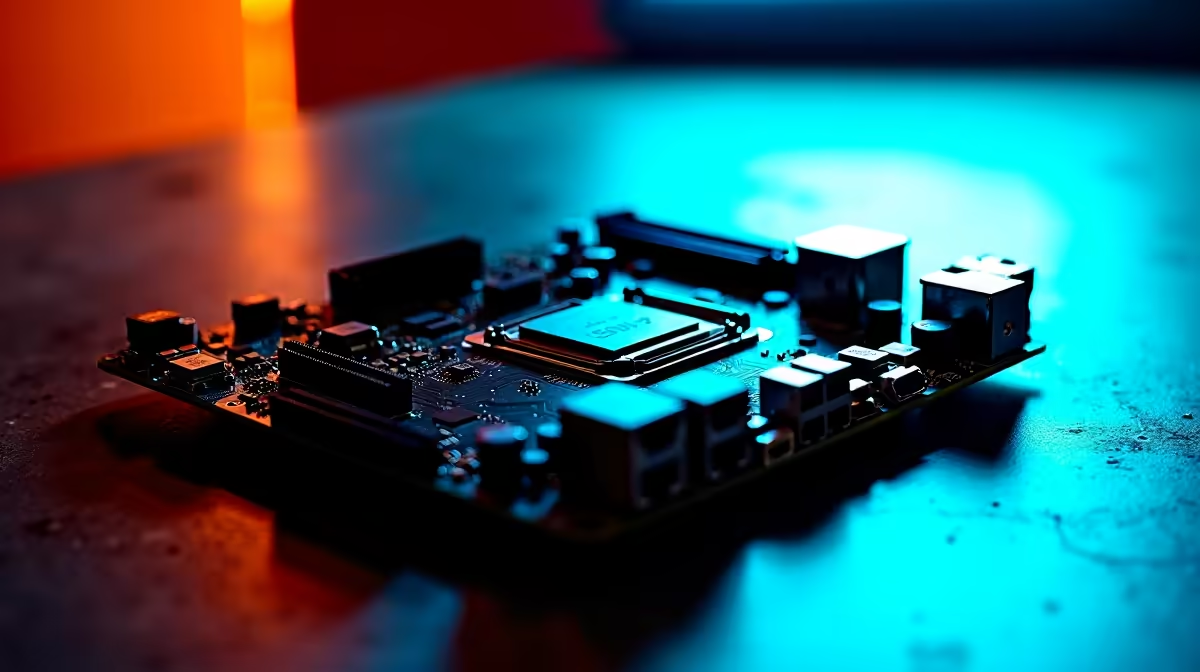
You dropped thousands of ZAR on a killer gaming rig 🔧. You boot it up, expecting a sleek cyberpunk glow. Instead, your fans flash red while your GPU does its own thing. If your RGB is not syncing properly, you are not alone. Let us dive into motherboard lighting compatibility and cure that dreaded rainbow vomit.
Understanding the Core Ecosystem
The heart of your PC's lighting ecosystem is the motherboard. Different brands use proprietary software to control colours. ASUS uses Aura Sync, MSI has Mystic Light, and Gigabyte relies on RGB Fusion. If you buy components that ignore these standards, your RGB is not syncing properly. When you shop for the latest motherboards, always verify the lighting ecosystem before checking out.
The Dangerous 5V vs 12V Header Trap
Here is where many South African builders make a costly mistake. Motherboards usually feature two distinct types of lighting headers. The older 12V RGB headers use four pins. They control the entire strip as one solid colour. Modern 5V ARGB headers use three pins. These allow individual LED control for those sweet wave effects. Plugging a 5V cable into a 12V header will fry your lights instantly.
Compatibility Pro Tip ⚡
Always check your component boxes for the "Aura Sync" or "Mystic Light" logos. If you are building a new rig, sticking to one ecosystem is the easiest way to guarantee perfect harmony without needing heavy third-party software running in the background.
Choosing the Right Path for Your Build
If you want a seamless setup, brand loyalty really pays off. Pairing an ASUS Intel motherboard with ASUS peripherals is incredibly smart. It ensures everything talks flawlessly through Armoury Crate. The exact same logic applies if you are strictly Team Red. Grabbing an ASUS AMD motherboard gives you that same Aura Sync reliability. This creates a perfectly unified glow across your entire rig.
Memory Modules and Pre-Built Solutions
Memory is another notorious culprit for lighting mismatches. To avoid unnecessary headaches, choose your parts wisely. Ensure you select premium memory kits that state compatibility with your motherboard software. Managing headers, voltages, and software can feel like too much admin. You can bypass the hassle entirely. Grabbing one of our expertly assembled pre-built gaming PCs solves the problem. Our technicians handle the complex wiring and software setup for you. You just plug in, power up, and enjoy the show.
Can Third-Party Software Fix the Mess?
Sometimes you already own a mix of different components. If your RGB is not syncing properly across multiple brands, do not panic. Third-party applications like SignalRGB or OpenRGB might be your saving grace. These programs attempt to override standard motherboard lighting compatibility restrictions. They work hard to unify your entire setup. However... they can be quite buggy. They often clash with your existing software. For a truly flawless aesthetic, hardware-level compatibility is always best. It saves system resources and prevents nasty software conflicts. This keeps your frame rates high during intense competitive matches.
Wrapping Up Your Lighting Journey
Building a PC is a true art form. Getting the colours right is the final brushstroke. Understand the critical difference between ARGB and standard headers. Stick to unified ecosystems to create a visual masterpiece. Say goodbye to those frustrating rainbow effects. Welcome pure, synchronised brilliance that makes your gaming room look incredible.
Ready to Light Up Your Setup? ✨ Do not let mismatched lighting ruin your dream rig. Whether you need a fresh board or a whole new system, Evetech has you covered with the best components in South Africa. Explore our massive range of PC deals and let your true colours shine.











