

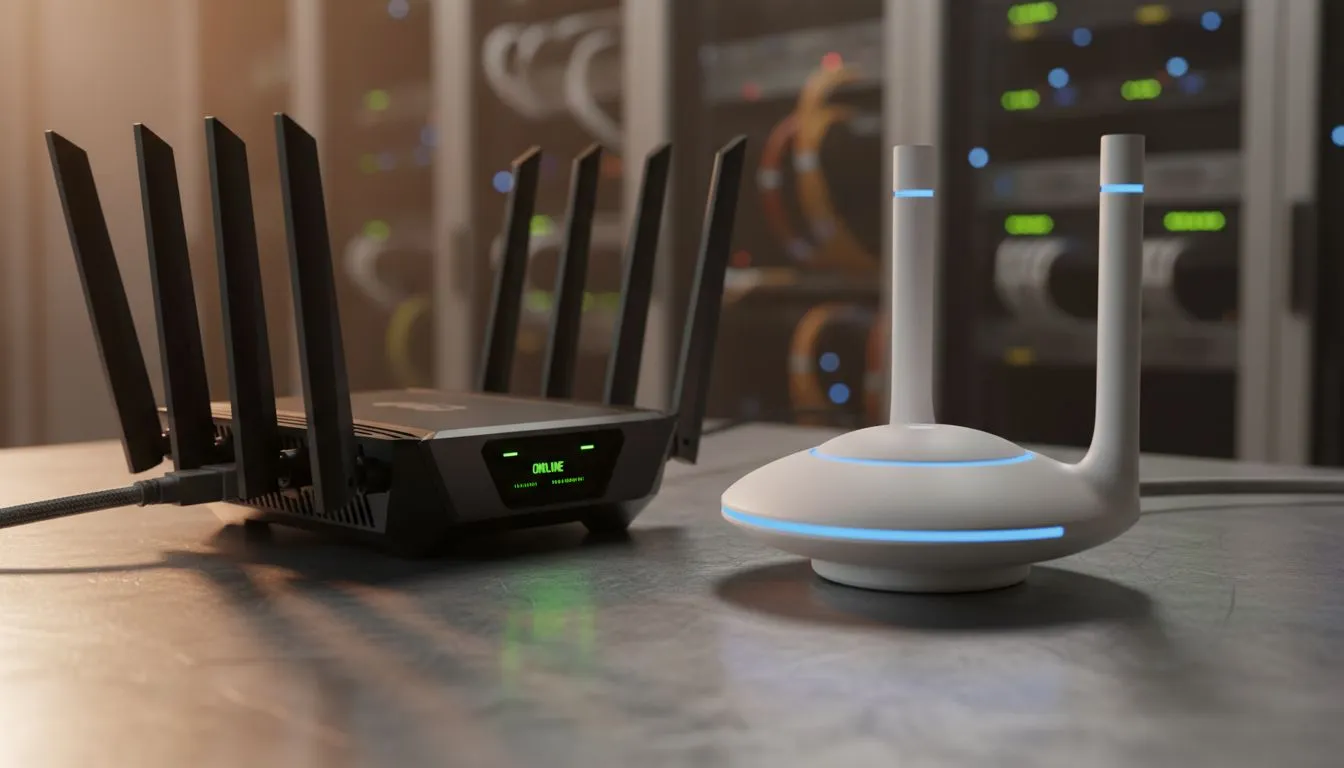
Struggling with dead zones in your home office? Whether you are grinding on a deadline or queuing for a ranked match... having the right hardware is vital. The debate of Router vs Access Point: Best Choice for Your Office often leaves people confused. You need a setup that handles South African fibre speeds without breaking a sweat. Let's break down which device actually deserves a spot on your desk. ⚡
The Role of the Wireless Router in Your Office
A router is the heart of your network. It manages traffic and assigns IP addresses to every device in your building. If you are starting from scratch... you need to buy wireless routers that can handle multiple devices simultaneously. Most modern units include a built-in switch and a firewall. This makes them the perfect "all-in-one" solution for smaller South African setups or home offices.
However... a single router has limits. Thick brick walls and double-storey layouts often kill the signal before it reaches your back office. This is where the choice between a Router vs Access Point: Best Choice for Your Office becomes a tactical decision for your workflow.
When to Deploy a Wireless Access Point
A Wireless Access Point (WAP) is different. It does not replace your router... it extends it. You connect an AP to your main router via a physical Ethernet cable. This creates a fresh wireless signal in a different part of the building. This is essential for larger offices where one signal cannot reach every corner. You can find high-performance hardware in our wireless networking section to scale up your coverage properly.
Signal Strength Pro Tip ⚡
Position your router or AP in a central, elevated position. Avoid placing it inside a cupboard or behind a metal cabinet. This simple move can drastically improve your signal strength across the room without spending a single Cent.
Router vs Access Point: Best Choice for Your Office Scenarios
Sometimes you do not need a full enterprise-grade AP. For smaller gaps in coverage... wireless range extenders are a budget-friendly way to boost a signal. They pick up the existing Wi-Fi and rebroadcast it. This is great for browsing but can sometimes add latency to your gaming sessions. 🚀
If your desktop PC lacks a built-in Wi-Fi card... you might just need to buy wireless adapters to get connected. These small USB or PCIe devices allow your machine to talk to your existing router without running long cables across the floor.
Choosing the Router vs Access Point: Best Choice for Your Office depends on your space. If you have a single room... a high-end router is enough. If you have a sprawling office complex... a mesh system or multiple access points is the only way to ensure 100% uptime. ✨
Ready to Find Your Perfect Match? The Router vs Access Point: Best Choice for Your Office debate depends on your specific space, but for maximum stability and speed in South Africa, quality hardware is key. Explore our massive range of networking specials and find the perfect gear to stay connected.











