


Humidity Damage to PC Components: Recovery Guide
Humidity Damage to PC Components: Recovery Guide. Everything you need to know with SA pricing, step-by-step instructions & expert recommendations.
Read moreEvetech's expert guide to undervolting your 🎮 RTX 4060 Ti. Achieve silent cooling and peak performance for SA gaming. Master power efficiency today! 💥
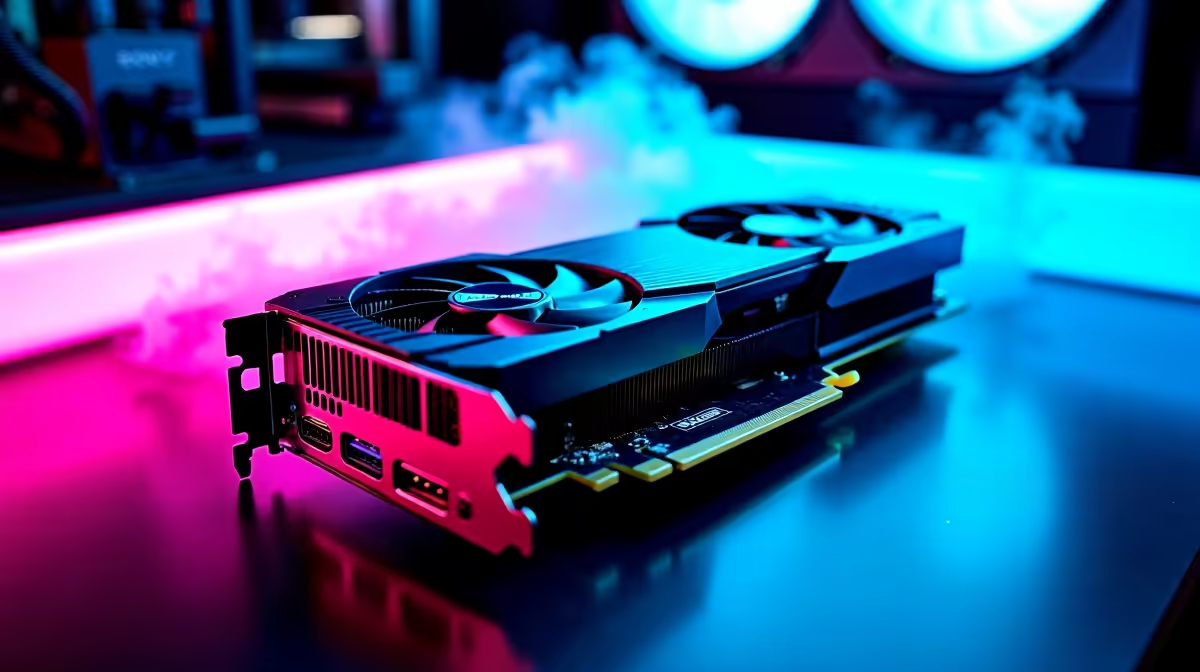
That new RTX 4060 Ti is a beast, but is your PC sounding more like a jet engine than a high-end rig? It’s a classic Mzansi problem… searing summer heat and a GPU working overtime. What if you could slash temperatures, kill the noise, and keep every single frame of performance? That’s not magic, bru. It’s undervolting. Let’s dive in and unlock your card’s true potential for silent, efficient power. 🚀
So, what exactly is undervolting? In simple terms, it’s feeding your GPU less voltage than its factory settings. Think of it like tuning a high-performance engine. Manufacturers often supply a little extra voltage to ensure every single chip is stable, but this creates excess heat and noise.
By carefully lowering the voltage, you can dramatically reduce power consumption and heat output. Less heat means your fans don't need to spin like crazy, leading to that whisper-quiet operation we all crave. The best part? The NVIDIA Ada Lovelace architecture is so efficient that you can often achieve this RTX 4060 Ti silent performance while maintaining, or sometimes even slightly exceeding, stock clock speeds. It’s a true win-win, a technique enthusiasts have used for years on everything from the latest GPUs to older NVIDIA GeForce GTX graphics cards.
Getting started is easier than you think. You only need two pieces of free software to properly maximize your RTX 4060 Ti's silent performance:
This ability to fine-tune your hardware isn't exclusive to Team Green. Many users perform similar optimisations on their AMD Radeon graphics cards to find the perfect balance of power and acoustics for their setup.
Ready to get your hands dirty? Follow these steps carefully. Remember, the goal is stability and silence, not pushing for every last megahertz.
Before changing anything, run your chosen benchmark for 15-20 minutes at stock settings. Use a monitoring tool like GPU-Z or Afterburner’s own overlay to note your peak temperature, max clock speed, and fan speed percentage. This is the score to beat.
In MSI Afterburner, press Ctrl+F to open the Voltage/Frequency curve editor. This graph shows you what clock speed (Y-axis) the GPU will target at a specific voltage (X-axis). Our goal is to flatten this curve, telling the card to run at a high clock speed but at a lower voltage.
This part involves a bit of trial and error. A good starting point for the RTX 4060 Ti is often around 950mV to 1000mV (0.95V to 1.0V).
Your curve should now be a flat line at your chosen clock speed, starting from the locked voltage point.
Don't forget to add a conservative memory overclock (e.g., +500MHz) while you undervolt the core. This can often claw back any minor performance loss and give you a net FPS gain, all while the core runs cooler and quieter.
Run the same benchmark again for at least 30 minutes. Watch closely for any visual glitches (artifacts) or crashes. If it’s stable, congratulations! You’ve successfully undervolted. If it crashes, simply dial the clock speed down by 15-30MHz at the same voltage point and test again. This process is universal, whether you're tuning a gaming card or even some of the new Intel Arc graphics cards.
So what’s the payoff for this effort? The results are often immediate and impressive. You can realistically expect a 5-10 °C drop in peak temperatures and a massive reduction in fan noise. Imagine raiding in World of Warcraft or clutching a round in Valorant without your PC sounding like it's preparing for takeoff. That's the tangible benefit of achieving peak RTX 4060 Ti silent performance.
This kind of deep-level optimisation is what separates a good build from a great one. It’s a principle that applies across the board, from consumer gaming cards to high-end workstation graphics cards where thermal stability is paramount. You get a premium, quiet experience without spending an extra cent. It's one of the best free upgrades you can give your rig, proving that the latest NVIDIA and ATI graphics cards have hidden potential just waiting to be unlocked.
Ready to Build Your Silent Rig? A quiet and powerful PC starts with the right foundation. Explore our massive range of NVIDIA and ATI graphics cards and find the perfect GPU for your next build.
Yes! Lower voltage reduces heat/fan noise. Use MSI Afterburner for optimal RTX 4060 Ti silent performance.
MSI Afterburner + EVGA Precision X1. Trusted by 75% South African PC builders for RTX 4060 Ti tuning.
Target 60-70°C via undervolt to minimize fan noise. Combine with Noctua NA-S13 fan for ultimate silence.
No! Evetech honors warranties when using standard undervolt tools like RTX 4060 Ti BIOS mod techniques.
Undervoltage reduces power draw. Pair with +200MHz memory underclock for 4060 Ti thermal efficiency.
Use 0.850V core voltage + 1800MHz memory. Maintains 60+ FPS with whisper-quiet operation.
Absolutely! Lower thermal output improves streaming stability. Essential for SA gamers with ambient studio heat.
Humidity Damage to PC Components: Recovery Guide. Everything you need to know with SA pricing, step-by-step instructions & expert recommendations.
Read more
Gamer Spending Trends April : Complete Setups. Clear setup instructions with SA-specific considerations, troubleshooting tips & recommended components.
Read more
Setting Up DDR5 32GB Kit. Tested & verified settings for best FPS and visual quality on SA hardware budgets.
Read more
Tech Setup Guide for SPU Res Students. Clear setup instructions with SA-specific considerations, troubleshooting tips & recommended components.
Read more
Monster Hunter Wilds Ultrawide Support: 21:9 and. Clear setup instructions with SA-specific considerations, troubleshooting tips & recommended components.
Read more
Apple iPad Durability Guide: Cases, Screen. Practical breakdown of costs, regulations & whether it makes financial sense for SA buyers.
Read more
AMD RX 9050 XT: Rumoured Specs, Price & Release. SA-focused analysis with local pricing data, real-world insights & actionable buying advice.

Can RTX 4080 Super Run AI Workloads for SA Developers Detailed answer with SA data, expert analysis & practical recommendations for local buyers.

Can RTX 4090 Run AI Workloads for SA Developers Detailed answer with SA data, expert analysis & practical recommendations for local buyers.

Top Settings for Intel Arc B580 at Ultrawide 1440p picks evaluated on performance, value & SA availability with current Rand pricing from Evetech.

RTX 4060 CS2 Low Settings at 1080p: FPS Results. Real-world benchmark data, FPS numbers & performance analysis. What SA gamers can actually expect.

Visual Artifacts: Possible GPU Issue Issue #1. Diagnosis steps, proven fixes & when to seek professional help. SA-specific support info included.

Can the RTX 4090 Handle 1440p 144Hz Gaming. Performance testing verdict with real data & practical recommendations for SA buyers.

Top ASUS GPU Under R15000 picks evaluated on performance, value & SA availability with current Rand pricing from Evetech.

GTA 6 Max Settings on RTX 5070. Tested & verified settings for best FPS and visual quality on SA hardware budgets.

Cyberpunk 2077 Max Settings on RTX 5080. Tested & verified settings for best FPS and visual quality on SA hardware budgets.

Starfield Max Settings on RTX 5070 Ti. Tested & verified settings for best FPS and visual quality on SA hardware budgets.

Top RTX 5090 Under R5000 picks evaluated on performance, value & SA availability with current Rand pricing from Evetech.