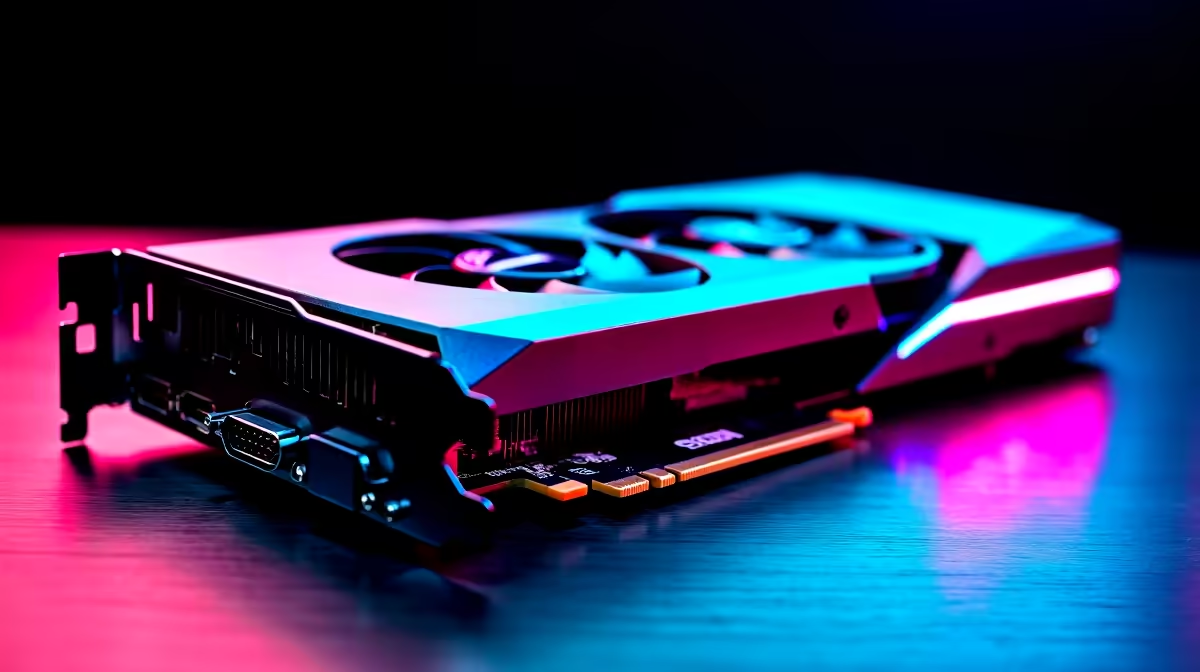
So, you've got the beast... the GeForce RTX 4090. A GPU that costs a pretty penny here in Mzansi. But are you leaving performance on the table? ⚡ The internet is buzzing with wild claims about overclocking this monster, from "you'll fry it instantly" to "it's free FPS". We're here to cut through the noise and debunk the biggest RTX 4090 overclocking myths, so you can push your rig safely and confidently.
Myth 1: Will Overclocking Instantly Fry Your RTX 4090?
Let's tackle the biggest fear first. The idea that a single wrong click in MSI Afterburner will turn your R40,000+ investment into a smouldering paperweight is one of the most persistent RTX 4090 overclocking myths.
Thankfully, it's mostly untrue. Modern GPUs, especially a flagship like the 4090, are packed with sophisticated safety features. Power limits, thermal throttling, and voltage locks all work together to prevent the card from destroying itself. Unlike some older generations of GeForce cards, you can't easily push a dangerous amount of voltage through the silicon. A bad overclock will almost always result in a system crash or visual glitches, not a dead card.
Myth 2: Is Overclocking a Magic Bullet for More FPS? 🚀
Another common belief is that overclocking the RTX 4090 unlocks a massive, game-changing performance boost. While you will see an increase in frame rates, it's crucial to have realistic expectations.
The RTX 4090 is already an incredibly powerful card, operating close to its peak potential right out of the box. A stable overclock might net you an extra 5-8% performance. In a game running at 150 FPS, that's an extra 7-12 frames. It's a noticeable improvement, but not a magical leap to the next generation. This principle applies across the board, from NVIDIA's top-tier cards to newer players like Intel Arc. The truth about RTX 4090 overclocking is that it's about fine-tuning, not transformation.
Myth 3: Do You Need Exotic Cooling to Overclock an RTX 4090?
Flipping through enthusiast forums, you might see epic builds with custom water loops and think that's the only way. This is another RTX 4090 overclocking myth that scares people away.
The reality? The stock air coolers on partner cards from brands like ASUS, MSI, and Gigabyte are absolute units. They're engineered with massive heatsinks and multiple fans, designed to handle the card's thermal output with headroom to spare for a decent overclock. This isn't unique to NVIDIA; many high-end competing AMD Radeon cards also boast fantastic cooling solutions that are more than capable.
Airflow is King
Instead of costly cooling, focus on your case. Ensure you have at least two intake fans at the front and one exhaust at the back. Good airflow can lower your GPU temps by 3-5 °C, giving you more thermal headroom for a stable overclock.
A Safe and Simple Approach to RTX 4090 Overclocking 🔧
Okay, myths busted. So how do you actually do it? This simple RTX 4090 overclocking guide prioritises safety and stability.
Step 1: Tools & Baseline
Download a trusted utility like MSI Afterburner and a benchmarking tool like Unigine Heaven or 3DMark's Time Spy. Run a benchmark with stock settings and note your score and peak temperature. This is your starting point.
Step 2: Core Clock Increments
In Afterburner, unlock voltage control (but don't touch the slider yet!). Max out the Power and Temp limits. Now, increase the Core Clock by +25 MHz. Apply, then run your benchmark. If it's stable (no crashes or artifacts), repeat the process. When it becomes unstable, back it down by 15-20 MHz to find your stable peak.
Step 3: Memory Clock
Once your Core Clock is set, do the same for the Memory Clock, but in larger +50 MHz or +100 MHz increments. Test for stability after each increase. Remember, this optimisation isn't just for gaming; creative professionals using powerful workstation graphics cards can also see render times improve.
Step 4: Save and Enjoy
Save your stable settings to a profile in Afterburner. Now you've got a customised, optimised GPU that's perfectly tuned for your system. That's the real reward of a proper overclocking process. ✨
Ready to Unleash True Power?
Myths busted, you're now ready to safely squeeze every drop of performance from your rig. Whether you're upgrading or building new, check out our incredible range of NVIDIA and ATI graphics cards for performance that leaves lag in the dust.