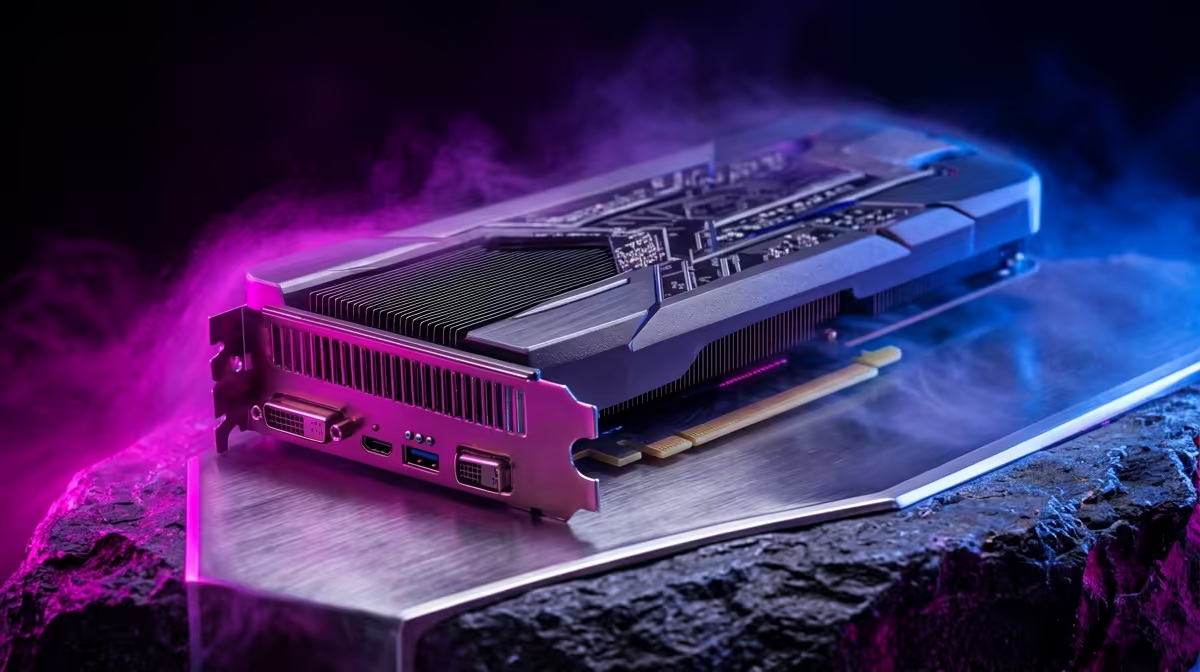
If the RTX 5080 has slipped out of stock or out of budget, the smart move for timeline editing and export in Premiere, DaVinci or CapCut is to shortlist cards that hit the same target without overspending.
Quick Answer
For timeline editing and export in Premiere, DaVinci or CapCut you want smooth 4K timeline scrubbing and quick exports, and the RTX 5080 typically lands around R32,000. A RTX 5080 Super or RTX 5070 Ti gets you there for similar money, so the right pick is the one whose 16GB matches your case and PSU. Around R32,000, the RTX 5080 is the reference point, but editing leans on VRAM and encode/decode blocks more than gaming clock speed is where video editing buyers really decide.
Where the RTX 5080 sits today
On a South African shelf the RTX 5080 usually carries a R30,000 to R35,000 ticket and a roughly 360W board power, paired with 16GB of VRAM. For timeline editing and export in Premiere, DaVinci or CapCut, editing leans on VRAM and encode/decode blocks more than gaming clock speed, so the question is whether a nearby card clears that bar more cheaply. The RTX 5080 Super and the RTX 5070 Ti both sit close enough in raw performance that the deciding factors become price, cooler quality and how well the card fits your existing 850W PSU.
When to step up instead of sideways
Sometimes the honest answer is to spend a little more rather than sideways. If your video editing genuinely needs smooth 4K timeline scrubbing and quick exports, jumping to the RTX 5070 Ti can be the better long-term buy than squeezing the RTX 5080. But for most SA buyers focused on timeline editing and export in Premiere, DaVinci or CapCut, the nearby alternatives free up budget for a better monitor, more storage or a quieter cooler.
Two cards worth comparing
The first option is the RTX 5080 Super, which trades a little in one direction for a better price-to-performance ratio on timeline editing and export in Premiere, DaVinci or CapCut. The second is the RTX 5070 Ti, which can pull ahead in the heaviest moments. Both pair happily with a 850W power supply, and either will handle smooth 4K timeline scrubbing and quick exports as long as the CPU and memory keep up. Compare the actual SA price on the day, since stock swings move the value pick week to week.
FAQ
Should I wait for a price drop on the RTX 5080?
Stock and pricing move quickly. If a RTX 5080 Super or RTX 5070 Ti is in stock now at a fair price and clears smooth 4K timeline scrubbing and quick exports for your timeline editing and export in Premiere, DaVinci or CapCut, there is little reason to wait.
Is the RTX 5080 overkill for video editing?
It depends on your target. For timeline editing and export in Premiere, DaVinci or CapCut the RTX 5080 has enough headroom, but a RTX 5080 Super often hits the same smooth 4K timeline scrubbing and quick exports for less, leaving budget for the rest of the build.
Is the RTX 5070 Ti a better long-term buy?
If your video editing will grow more demanding, the extra headroom in the RTX 5070 Ti can pay off. For a steady timeline editing and export in Premiere, DaVinci or CapCut focus, though, the cheaper option usually serves just as long.
live RTX 5080 price against the RTX 5080 Super and RTX 5070 Ti before you buy, then pick whichever clears smooth 4K timeline scrubbing and quick exports in your case for the least money.