


MacBook Pro 16-Inch M5 Max: Complete Specs, Features and SA Pricing Guide
MacBook Pro 16-Inch M5 Max: Complete Specs,. Everything you need to know with SA pricing, step-by-step instructions & expert recommendations.
Read moreRX 9070 XT streaming empowers creators to capture high-quality gameplay and livestream with low performance impact. Learn OBS/encoder setup, recording tips, and performance tweaks to stream and record reliably 🎥⚡
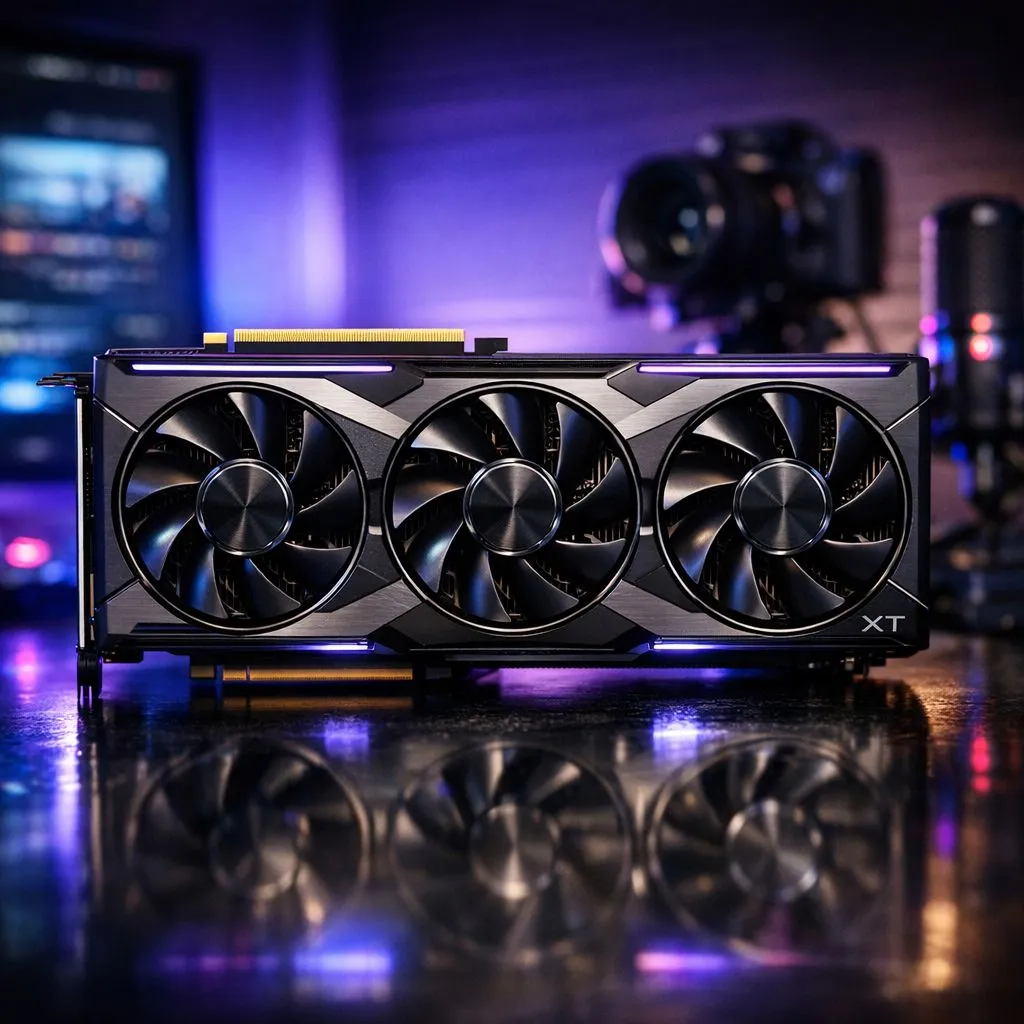
Tired of pixelated streams while trying to climb the ranks in Apex Legends or Warzone? For South African creators, high-quality broadcasting used to require a dual-PC setup or a massive budget. With the arrival of the new RDNA architecture, RX 9070 XT streaming is finally here to make high-end content creation accessible. It delivers the horsepower needed to game at 1440p while maintaining a crisp, professional feed for your viewers. 🚀
The heart of why you can now stream and record like a pro lies in the dedicated hardware encoders. If you are browsing the latest Radeon Graphics Cards, you will notice a heavy emphasis on AV1 support. This codec is a massive win for local gamers on asymmetric fibre lines. It allows you to push higher visual fidelity at much lower bitrates... ensuring your Twitch or YouTube audience sees every detail without the constant buffering.
In the past, many users looked toward GeForce Graphics Cards for their NVENC capabilities. However, the RX 9070 XT has closed that gap entirely. By using AV1, you can achieve better image quality at 6Mbps than H.264 could ever manage at 8Mbps. This means even if your upload speed fluctuates... your stream remains stable and sharp.
When you look at the full selection of graphics cards currently available, the value proposition of the 9070 XT becomes clear. You are getting top-tier gaming performance paired with a media engine that handles 4K recording without breaking a sweat. Whether you are capturing gameplay for a TikTok montage or going live on Facebook Gaming, the overhead on your CPU is virtually zero.
When setting up OBS for the first time with your new card, ensure you select the 'AMD HW AV1' encoder. Set your bitrate to 6000kbps for 1080p60 streams. This provides the best balance for South African viewers who might be watching on mobile data or slower home connections, preventing unnecessary lag on their end.
To truly stream and record like a pro, your GPU needs to stay cool under pressure. Many local enthusiasts prefer MSI gaming hardware for their RX 9070 XT builds because of the robust thermal designs. Keeping those temperatures low ensures that your clock speeds don't throttle during a long six-hour charity stream.
Remember to optimise your Windows settings by enabling "Game Mode" and ensuring your drivers are updated via the Adrenalin software. This software suite also includes built-in recording tools that are surprisingly powerful... offering a one-click solution for those who find OBS a bit too complex. With prices starting to stabilise in the ZAR market, upgrading your rig has never been more tempting. ✨
Ready to Find Your Perfect Match? The RX 9070 XT is a beast for creators, but finding the right deal in South Africa is key. Explore our massive range of graphics card specials and find the perfect machine to conquer your world.
Yes — RX 9070 XT streaming handles 1080p60 with low CPU impact using the AMF encoder; use OBS or Radeon tools for stable streams.
Use AMD AMF in OBS for hardware encoding on RX 9070 XT; tweak bitrate and preset to balance quality and performance.
In OBS, pick AMF encoder, set rate control to VBR or CQP, target 6000–9000 kbps, and enable GPU scaling — RX 9070 XT OBS setup done.
Yes. RX 9070 XT recording can capture 4K if your storage and bitrate support it; use NVMe and higher bitrates for clean files.
Minimal — using AMF offloads encoding to the GPU. Update drivers, use efficient presets, and limit overlays to reduce FPS impact.
Not usually. RX 9070 XT can capture and stream internally; capture cards are needed for dual-PC rigs or console capture workflows.
RX 9070 XT streaming is strong, but Nvidia NVENC may offer slightly better quality-per-bitrate. Choose based on tools and workflow.
MacBook Pro 16-Inch M5 Max: Complete Specs,. Everything you need to know with SA pricing, step-by-step instructions & expert recommendations.
Read more
Travelling With a MacBook: Travellers. Everything you need to know with SA pricing, step-by-step instructions & expert recommendations.
Read more
Back-to-School Parent Guide: Laptops. Everything you need to know with SA pricing, step-by-step instructions & expert recommendations.
Read more
MacBook Air 13-Inch M5: Complete Specs, Features. Everything you need to know with SA pricing, step-by-step instructions & expert recommendations.
Read more
MacBook Neo Unboxing and First Setup Guide for. Clear setup instructions with SA-specific considerations, troubleshooting tips & recommended components.
Read more
MacBook Pro 16-Inch M5 Pro: Complete Specs,. Everything you need to know with SA pricing, step-by-step instructions & expert recommendations.
Read more
CS2 Low FPS: Monitor Bottleneck. Real-world benchmark data, FPS numbers & performance analysis. What SA gamers can actually expect.

Is AOC a Good Monitor Brand for Gaming in South Africa Detailed answer with SA data, expert analysis & practical recommendations for local buyers.

What Gaming Monitor Can You Get for R20,000. Full parts list, Rand pricing & expected performance. Build confidently with SA-available components.

What Gamers Actually Bought: November Report. Real purchase data from SA retailers revealing what local buyers are actually choosing and why.

Can the RX 7700 XT Handle 1440p 144Hz Gaming. Performance testing verdict with real data & practical recommendations for SA buyers.

Top Laptop with Core i7 + RX 7700S: Picks picks evaluated on performance, value & SA availability with current Rand pricing from Evetech.

RX 7700 XT Black Myth Wukong 2 FPS: Performance. Real-world benchmark data, FPS numbers & performance analysis. What SA gamers can actually expect.

RTX 6080 Gran Turismo 7 PC Performance: FPS Test. Real-world benchmark data, FPS numbers & performance analysis. What SA gamers can actually expect.

Eliminate background noise in gaming voice chat using cardioid microphones to focus on your voice and reject room sounds. Get cleaner comms fast with smart placement and settings—🎮🎧

Wondering how much to spend on a high-end gaming headset in South Africa? We break down budget vs performance, what you actually get, and smart upgrade steps 🎧⚡

Wondering about THX Spatial Audio vs 7.1 surround for positional awareness? We compare imaging, depth, and cueing so you can pick the best option for gaming. 🎧👣

50mm bio-cellulose drivers vs standard drivers: does material affect audio precision? Compare clarity, bass control, and imaging so you can choose the right headphones. 🎧🔍