


GTA 6 Max Settings on RTX 5070: Complete Guide
GTA 6 Max Settings on RTX 5070. Tested & verified settings for best FPS and visual quality on SA hardware budgets.
Read moreDecode SATA SSD speeds: is 530 MB/s read and 450 MB/s write actually fast? We break down specs, bottlenecks, and best use cases so you can upgrade confidently 🚀💾
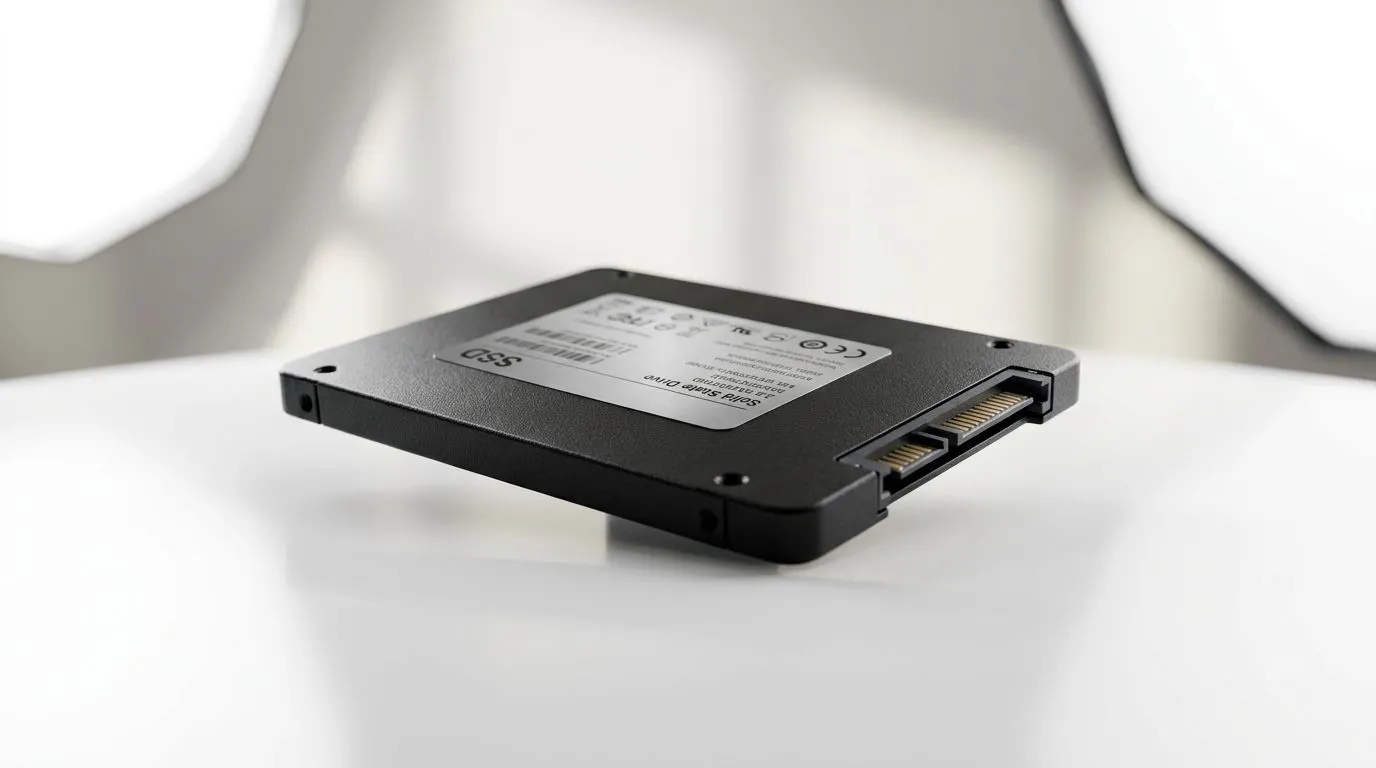
If you’ve ever waited for a match to launch, loaded a loot menu, or watched shaders compile… you already know storage matters. 🔧 In South Africa, where upgrades are often budget-driven, knowing the difference between “fast on paper” and “fast in real life” saves money. This guide breaks down SATA SSD Speeds Explained: 530 MB/s Read & 450 MB/s Write and how those numbers affect everyday gaming, Windows boot, and game installs.
SATA SSDs connect through the SATA interface, which caps real-world throughput. Even if an SSD claims high speeds, the interface and the drive’s controller still set the ceiling.
A common spec you’ll see is “up to” 530 MB/s read and 450 MB/s write. Those figures are typically measured under ideal conditions. In real use, you’ll see lower numbers during mixed workloads, when the drive is partially full, or when you’re transferring lots of small files.
Why should gamers care? Modern games stream assets continuously. Your SSD helps with:
And yes… Windows updates and shader compilation also benefit.
Read speed is usually what you notice first. When you launch a game, the drive mostly reads game files into memory. Higher read throughput can reduce “press Play… wait…” time.
Write speed matters for installs, updates, and file copying. If you move game libraries between drives, writes will show up.
One important nuance: games often perform lots of small reads. That’s why “average user experience” won’t always match benchmark graphs exactly.
If you’re coming from a hard drive (HDD), even a SATA SSD will feel dramatically faster. If you’re already on an SSD, the gains may be smaller and more noticeable during large installs or heavy patching.
On Windows, check your storage with the built-in Resource Monitor and Task Manager. If game loading stalls align with high Disk Active Time, upgrading your system drive (even to a SATA SSD) can improve responsiveness. Keep at least 15-20% free space on the SSD for steadier performance.
Specs are only half the story. For compatibility and value in South Africa, think about:
If your motherboard supports M.2 and you want maximum speed, NVMe usually beats SATA. But SATA is still a smart buy for budget builds and for upgrading older systems.
For browsing options that match your needs, start with Evetech’s SSD selection here:
Before you click “add to cart”, confirm the physical connector you actually have space for:
With the right fit, SATA 530 MB/s read and 450 MB/s write specs translate into faster installs, calmer load screens, and fewer “why is it stuck?” moments.
Choose a SATA SSD if you’re:
But if you already own an NVMe SSD and you’re chasing the last 5-10% of speed… don’t expect SATA to magically erase differences in every benchmark. You’ll feel gains mostly during large file reads, installs, and system responsiveness rather than raw frame-rate increases.
Storage won’t increase FPS directly. However… it can reduce stutters caused by slow asset streaming, and it makes the whole system feel less “heavy”.
Ready to Find Your Perfect Match? The Mac vs Windows debate is complex, but for maximum power, choice, and value in South Africa, Windows is hard to beat. Explore our massive range of laptop specials and find the perfect machine to conquer your world.
Often only in ideal sequential tests. Real speeds depend on controller, file type, system load, and the SSD’s cache behavior.
It usually refers to sequential read throughput from benchmarks. It best reflects copying large files, not many small app loads.
It’s typically sequential write performance under test conditions. Sustained writes can be lower due to SLC cache limits and drive thermals.
Common causes include SATA III negotiation mode, RAID/controller limits, driver settings, firmware, low SLC cache, and benchmark queue depth.
SATA III caps theoretical transfer around 6 Gb/s, so real SATA SSD bandwidth typically lands below max gigabit-style marketing figures.
For OS and apps, random I/O and low queue performance often matter more than sequential numbers, even when you see 530/450 MB/s.
Yes, compared to HDD. However, SATA SSDs may feel less dramatic than NVMe due to higher latency and lower IOPS potential.
If your system supports NVMe, it usually delivers higher real-world responsiveness. SATA SSDs remain a great upgrade for older systems.
GTA 6 Max Settings on RTX 5070. Tested & verified settings for best FPS and visual quality on SA hardware budgets.
Read more
Cyberpunk 2077 Max Settings on RTX 5080. Tested & verified settings for best FPS and visual quality on SA hardware budgets.
Read more
Starfield Max Settings on RTX 5070 Ti. Tested & verified settings for best FPS and visual quality on SA hardware budgets.
Read more
AMD RX 9050 XT: Rumoured Specs, Price & Release. SA-focused analysis with local pricing data, real-world insights & actionable buying advice.

Can RTX 4080 Super Run AI Workloads for SA Developers Detailed answer with SA data, expert analysis & practical recommendations for local buyers.

Can RTX 4090 Run AI Workloads for SA Developers Detailed answer with SA data, expert analysis & practical recommendations for local buyers.

Top Settings for Intel Arc B580 at Ultrawide 1440p picks evaluated on performance, value & SA availability with current Rand pricing from Evetech.

RTX 4060 CS2 Low Settings at 1080p: FPS Results. Real-world benchmark data, FPS numbers & performance analysis. What SA gamers can actually expect.

Visual Artifacts: Possible GPU Issue Issue #1. Diagnosis steps, proven fixes & when to seek professional help. SA-specific support info included.

Can the RTX 4090 Handle 1440p 144Hz Gaming. Performance testing verdict with real data & practical recommendations for SA buyers.

Top ASUS GPU Under R15000 picks evaluated on performance, value & SA availability with current Rand pricing from Evetech.
GTA 6 Max Settings on RTX 5070. Tested & verified settings for best FPS and visual quality on SA hardware budgets.
Cyberpunk 2077 Max Settings on RTX 5080. Tested & verified settings for best FPS and visual quality on SA hardware budgets.
Starfield Max Settings on RTX 5070 Ti. Tested & verified settings for best FPS and visual quality on SA hardware budgets.

Top RTX 5090 Under R5000 picks evaluated on performance, value & SA availability with current Rand pricing from Evetech.