Breaking the Single-Device Barrier
Ever checked into a hotel in Umhlanga or landed at OR Tambo only to find the Wi-Fi is limited to one device? It is a massive frustration for South African travellers. Whether you need to grind on your laptop while keeping your phone connected or share a single paid voucher with the family, there is a better way. You can easily share paid Wi-Fi connection with multiple devices using the right hardware. 🚀
Why Public Wi-Fi Limits You
Most paid networks use a "captive portal" to lock your connection to a single MAC address. This means once your smartphone is logged in, your tablet and gaming handheld are left in the dark. To share paid Wi-Fi connection with multiple devices, you need a middleman. This device authenticates with the provider once and then broadcasts its own private signal for all your gear.
The Travel Router Advantage
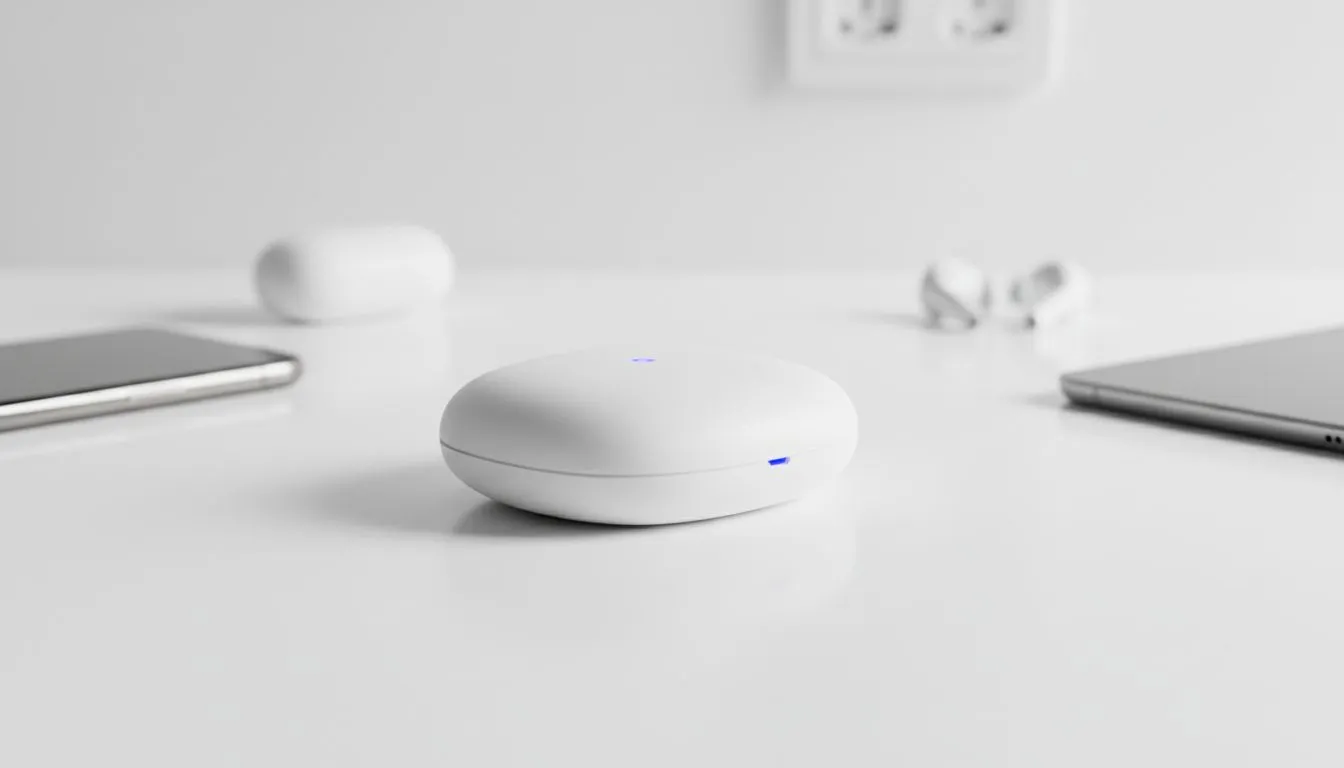
The most reliable method involves using a dedicated travel router. These compact units can log into a public network and create a secure hotspot. If you are looking for high-performance options that handle South African conditions, the Cudy South Africa range offers excellent versatility for users on the move. They are small enough to fit in a laptop bag but powerful enough to keep everyone online.
Leveraging 4G and LTE Backup
Sometimes the local Wi-Fi is just too slow for stable gaming or streaming. In these cases, having a router that supports SIM cards is a total lifesaver. The Cudy LT700 AC1200 4G Cat6 Router is a fantastic choice for this scenario. It allows you to bridge an existing connection or switch to LTE when the hotel signal becomes unusable. ⚡
Security Pro Tip 🛡️
When sharing a public Wi-Fi connection through your own router, always enable WPA2 or WPA3 encryption on your private hotspot. This adds a vital layer of security between your devices and the public network. It protects your data from other users on the same open connection while you browse.
Using Your PC as a Mobile Hotspot
If you do not have a dedicated router yet, your Windows laptop can act as a bridge. Simply connect your laptop to the paid Wi-Fi... navigate to your Network settings... and toggle on the "Mobile Hotspot" feature. This shares your existing connection over your laptop’s Wi-Fi card. However, keep in mind that this can drain your battery quickly. It often lacks the range and stability of a dedicated networking device.
Choosing Reliable Hardware
Reliability is key when you are working remotely or trying to stay connected during a holiday. Many South Africans trust established names for their home and travel setups. You can browse various TP-LINK wireless routers to find a model that supports WISP mode or repeater functions. This ensures your connection stays stable even when the source signal is weak or inconsistent. ���
Ready to Stay Connected Everywhere?
Don't let single-device limits slow you down or inflate your travel costs. Whether you need a portable LTE solution or a powerful home setup, Evetech has the hardware to keep you online. Explore our full range of networking deals and take control of your connection today.