


RTX 4060 Ti Throttling Under Load: SA Temperature Guide
RTX 4060 Ti Throttling Under Load: Temperature. Everything you need to know with SA pricing, step-by-step instructions & expert recommendations.
Read moreIs motherboard worth the money in 2026? Honest verdict on real performance gains, where it makes sense, and when a cheaper alternative delivers the same outcome.
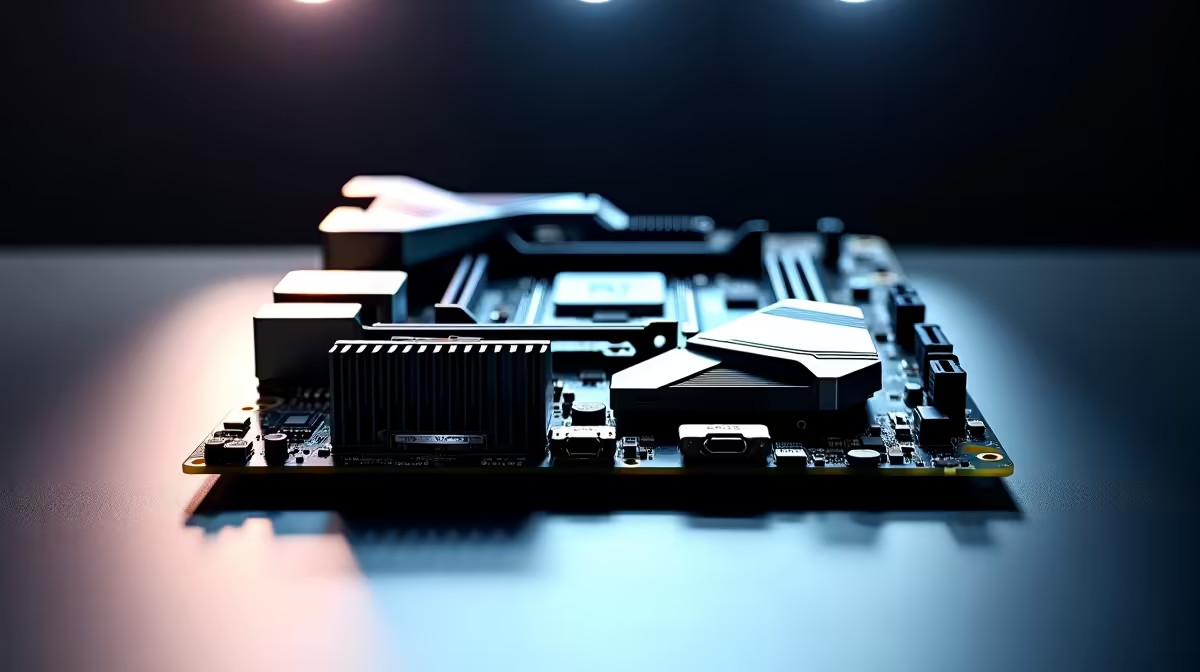
Building a gaming rig in South Africa usually means squeezing every last drop of performance out of your hard-earned ZAR. You might be staring at your parts list right now, weighing up your options. A frequent question we get is whether you should choose a motherboard with PCIe 4.0 M.2 if you only need one NVMe SSD slot. It is a brilliant question... let us unpack whether that extra speed is worth your cash.
When you explore the latest motherboards, the spec sheets can often look like an intimidating alphabet soup. PCIe 4.0 basically doubles the data transfer bandwidth compared to the older 3.0 standard. If your budget only allows for a single drive, making sure it is a fast one makes perfect sense.
A Gen 4 NVMe SSD can push speeds up to 7000MB/s... while older Gen 3 drives usually max out around 3500MB/s. This translates directly to faster boot times, snappier Windows navigation, and much quicker level loading in your favourite titles. Whether you are looking at reliable ASUS Intel boards or browsing through cutting-edge ASUS AMD options, that Gen 4 slot is becoming the gold standard for a very good reason.
Modern games are getting absolutely massive. A single 1TB or even 2TB drive fills up incredibly fast these days. If your setup only has room for one M.2 slot, you want to ensure it can handle the fastest storage technology available over the next few years.
New gaming technologies rely heavily on raw NVMe speeds to render massive open worlds without frustrating stutters. So, should you choose a motherboard with PCIe 4.0 M.2 if you only need one NVMe SSD slot? Absolutely. It guarantees your system will not bottleneck your storage performance when you eventually upgrade to a larger drive down the line.
Pair your fast Gen 4 NVMe drive with a decent motherboard heatsink. High-speed drives run notoriously hot. Thermal throttling can quickly drag your expensive 7000MB s speeds down to a crawl during heavy gaming sessions.
Of course... a blazing-fast SSD is just one piece of the performance puzzle. To truly optimise your rig, you need to balance all your components. Your processor needs to compute that data quickly, and you will definitely need reliable high-speed RAM kits to keep the information flowing smoothly without any hiccups.
A fast drive cannot save a system that is starved for memory. If building from scratch and matching all these parts sounds like too much hassle, you can always grab one of our expertly balanced pre-built gaming PCs that already feature Gen 4 storage out of the box.
Ready to Build Your Dream Rig? Getting the right foundation is crucial for any gaming setup. For maximum performance and value in South Africa, upgrading your motherboard is the way to go. Explore our massive range of PC components and find the perfect hardware to conquer your next digital adventure.
The motherboards, tools and accessories referenced in this article are stocked at Evetech.co.za with local SA warranty, ZAR pricing and nationwide delivery.
For specific use cases, yes. The article defines exactly who benefits and who gets equivalent real-world performance from a cheaper alternative.
The guide lists the three buyer profiles that see real value, plus the buyers who'd be overspending for features they won't use.
We name the specific mid-range picks in the SA market that deliver 90% of the performance for a much smaller Rand spend.
Platform longevity, upgrade path and driver/BIOS support are all covered so you know how long this purchase will stay current.
RTX 4060 Ti Throttling Under Load: Temperature. Everything you need to know with SA pricing, step-by-step instructions & expert recommendations.
Read more
Apex Legends Max Settings on RTX 4080. Tested & verified settings for best FPS and visual quality on SA hardware budgets.
Read more
GPU Buying Guide. Everything you need to know with SA pricing, step-by-step instructions & expert recommendations.
Read more
GPU Terms Guide. Everything you need to know with SA pricing, step-by-step instructions & expert recommendations.
Read more
AMD Adrenalin Download & Setup Guide: GPU. Clear setup instructions with SA-specific considerations, troubleshooting tips & recommended components.
Read more
Back-to-School GPU Buying Guide. Everything you need to know with SA pricing, step-by-step instructions & expert recommendations.
Read more
Can RTX 4080 Super Run AI Workloads for SA Developers Detailed answer with SA data, expert analysis & practical recommendations for local buyers.

Can RTX 4090 Run AI Workloads for SA Developers Detailed answer with SA data, expert analysis & practical recommendations for local buyers.

Top Settings for Intel Arc B580 at Ultrawide 1440p picks evaluated on performance, value & SA availability with current Rand pricing from Evetech.

RX 7600 Overclocking Guide: Safe OC Settings for. Real-world benchmark data, FPS numbers & performance analysis. What SA gamers can actually expect.

RTX 4060 CS2 Low Settings at 1080p: FPS Results. Real-world benchmark data, FPS numbers & performance analysis. What SA gamers can actually expect.

Visual Artifacts: Possible GPU Issue Issue #1. Diagnosis steps, proven fixes & when to seek professional help. SA-specific support info included.

Can the RTX 4090 Handle 1440p 144Hz Gaming. Performance testing verdict with real data & practical recommendations for SA buyers.

Top ASUS GPU Under R15000 picks evaluated on performance, value & SA availability with current Rand pricing from Evetech.
RTX 4060 Ti Throttling Under Load: Temperature. Everything you need to know with SA pricing, step-by-step instructions & expert recommendations.
Apex Legends Max Settings on RTX 4080. Tested & verified settings for best FPS and visual quality on SA hardware budgets.
GPU Buying Guide. Everything you need to know with SA pricing, step-by-step instructions & expert recommendations.
GPU Terms Guide. Everything you need to know with SA pricing, step-by-step instructions & expert recommendations.