Staring at a flickering screen or waiting ages for a file transfer? We’ve all been there. You’ve dropped serious ZAR on a beastly PC, but that one flimsy cable could be throttling your entire experience. What if you could find cables that boost signal instantly, unlocking the performance you already paid for? It’s not magic… it’s just good engineering. Let's dive into how a simple swap can make a massive difference. 🚀
Why a Kiff Cable is Your PC's Unsung Hero
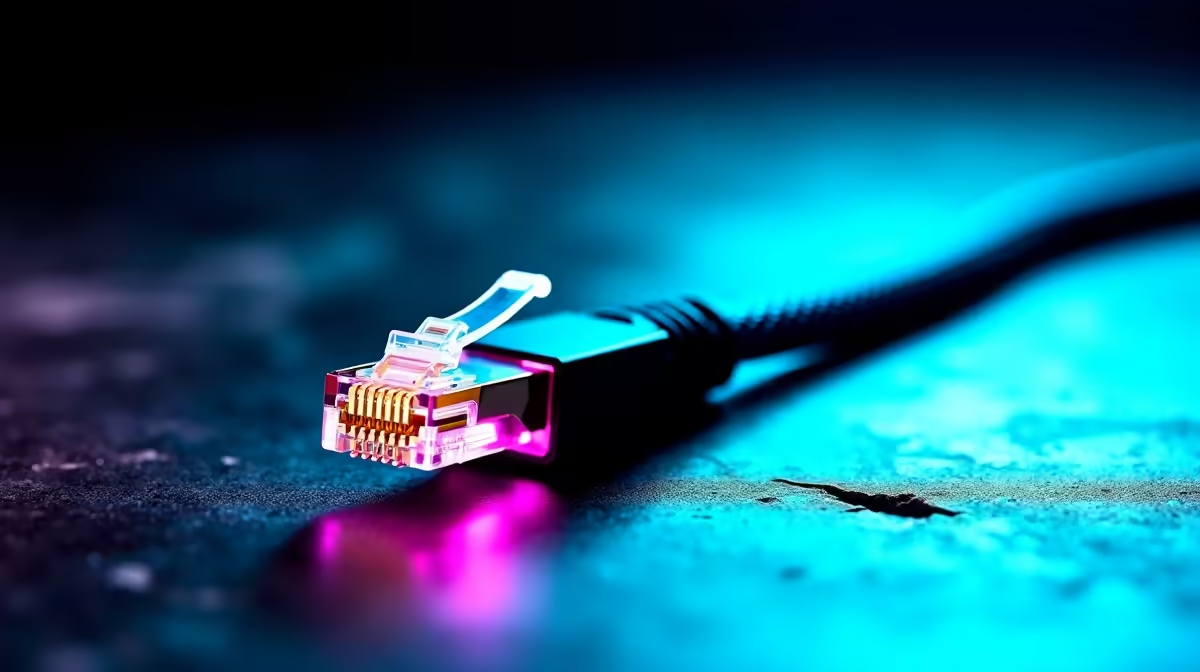
It's easy to overlook the humble cable when you're speccing out a new graphics card or CPU. But think of it like the tyres on a race car... you can have all the power in the world, but without good grip, you're going nowhere fast. Cheap, poorly shielded cables are notorious for causing signal degradation. This can show up as screen tearing, audio crackles, or data transfer speeds that are just… sad. Investing in comprehensive cable solutions ensures the powerful signal from your components reaches its destination intact. These are essentially cables that deliver an instant signal boost, the final, crucial link in your performance chain.
Real-World Gains from Quality Signal Cables
We've seen it countless times. A gamer in Durban finally gets their 4K 144Hz monitor, only to find it's stuck at 60Hz. The culprit? An old HDMI cable that couldn't handle the bandwidth. A quick upgrade to a proper signal-boosting cable delivered that buttery-smooth gameplay they were dreaming of. This is the real impact of using quality cables.
Crystal-Clear Visuals: DisplayPort & HDMI
Your new RTX card is a powerhouse, capable of pushing incredible frame rates and vibrant HDR colour. But if your cable isn't up to spec, you're literally not seeing the full picture. High-quality cables, like these quality HP DisplayPort cables, use pure copper conductors and robust shielding to protect the signal from interference, ensuring every frame is delivered perfectly. ⚡
Quick Cable Check 🔧
Check the version printed on your cable's connector (e.g., HDMI 2.1, DisplayPort 1.4). If it doesn't match your monitor and GPU's capability, you're leaving performance on the table. It's the cheapest performance check you can do!
Lightning-Fast Data & Power: USB & Thunderbolt
This isn't just about what you see on screen. How long does it take to transfer a massive game file to your external SSD? Or to charge your peripherals? Modern quality cables for better signal integrity, including the latest USB4 and Thunderbolt 4 standards, can make these tasks feel instantaneous. For a setup that needs to do it all, from charging a laptop to connecting multiple devices, exploring versatile options from Promate can streamline your entire workflow.
Finding the Perfect Cable for Your Mekaar
Choosing the right cable doesn't have to be complicated.
- Identify the Ports: Check your GPU, monitor, and peripherals. DisplayPort? HDMI? USB-C?
- Check the Specs: What refresh rate and resolution are you aiming for? This determines the required bandwidth (e.g., HDMI 2.1 for 4K@120Hz).
- Choose the Right Length: Get a cable that's long enough, but not excessively so. Longer cables can be more susceptible to signal loss if they aren't high quality.
A small investment in something like these reliable GIZZU cables can save you a lot of troubleshooting headaches. It's one of the smartest, most affordable upgrades you can make, and the closest you'll get to a component that boosts signal instantly.
Ready for an Instant Upgrade?
Stop letting old cables throttle your high-end gear. Shop now at Evetech for performance that leaves lag in the dust.
{{< /CALLTOACTION >