

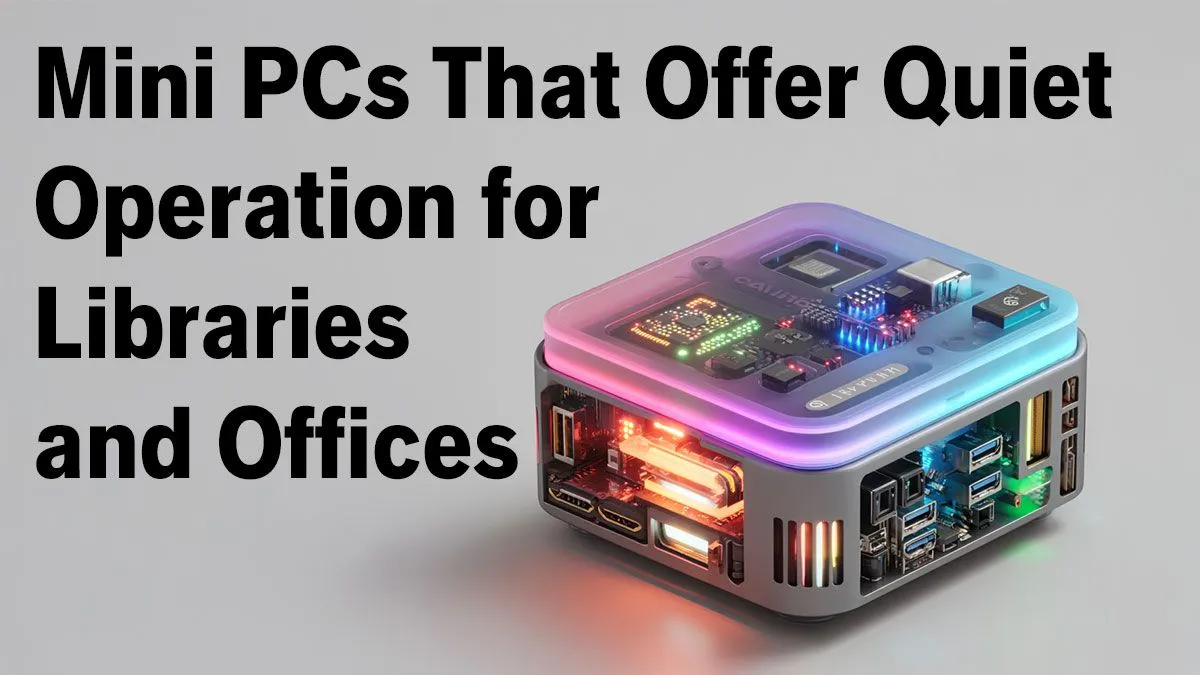
Tired of the constant hum from a bulky desktop tower ruining your focus? In a busy South African office or a hushed university library, noise is the enemy of productivity. Imagine a PC with all the power you need for your daily tasks, packed into a box smaller than your lunch tin, that runs whisper-quiet. That’s the magic of using silent mini PCs for libraries & offices, and they are the perfect solution for professional environments.
Why a Silent Mini PC is Your Office's Best Mate
The most obvious benefit is the silence. Traditional PCs use multiple fans that create a constant, distracting drone. A silent mini PC, on the other hand, is engineered for near-inaudible operation, using either passive cooling or ultra-quiet fans. This creates a more peaceful and productive atmosphere, whether you're drafting reports in an open-plan office in Sandton or managing archives in a quiet library.
But the advantages don't stop there. These compact PCs are incredibly space-efficient, freeing up valuable desk real estate. Plus, their low power consumption is a welcome bonus, especially with Mzansi's unpredictable electricity grid. They sip power, which can lead to noticeable savings on your utility bill over time and less strain on your UPS during load-shedding. These machines are built with powerful and efficient mini PC components designed for modern workloads.
The Tech Behind the Silence 🤫
So, how do these little machines stay so quiet while still packing a punch? The secret lies in smart design and specialised hardware.
Key Features of a Quiet Mini PC:
- Fanless Cooling: Many models use passive cooling, relying on advanced heatsinks and chassis design to dissipate heat without any moving parts. This means zero noise.
- Efficient Processors: They utilise low-power CPUs from Intel and AMD that generate less heat, reducing the need for aggressive cooling.
- Solid-State Drives (SSDs): Unlike traditional hard disk drives (HDDs) with their spinning platters and moving read/write heads, SSDs are completely silent and significantly faster.
- Optimised Airflow: Even models with fans are designed for quietness. They use larger, slower-spinning fans and intelligent layouts to keep things cool without making a racket.
Maximise Silence: Placement Matters
Place your mini PC on a hard, flat surface like a desk or shelf, not on a carpet. This ensures unobstructed airflow to the vents, helping the system stay cool without its fan needing to work overtime.
Finding the Right Silent Mini PC for Your Needs ✨
Choosing the right model depends entirely on your workload. For general office tasks like email, web browsing, and running Microsoft Office, a basic fanless model is perfect. If you're doing more intensive work like graphic design or handling large databases, you'll want a model with a more powerful processor and active, yet still quiet, cooling.
Evetech stocks a fantastic selection of mini PCs suitable for any professional setting. Brands like Minisforum have become leaders in this space, offering an impressive balance of performance, features, and quiet operation in a tiny footprint. These are not just basic machines; they are fully-fledged silent mini PCs for libraries & offices that can drive multiple 4K displays and handle demanding software with ease.
Upgrade Your Workspace Today Ready to reclaim the peace and quiet in your office or library? Explore our curated selection of powerful and silent mini PCs. Shop now at Evetech for compact performance that works as hard as you do.











