

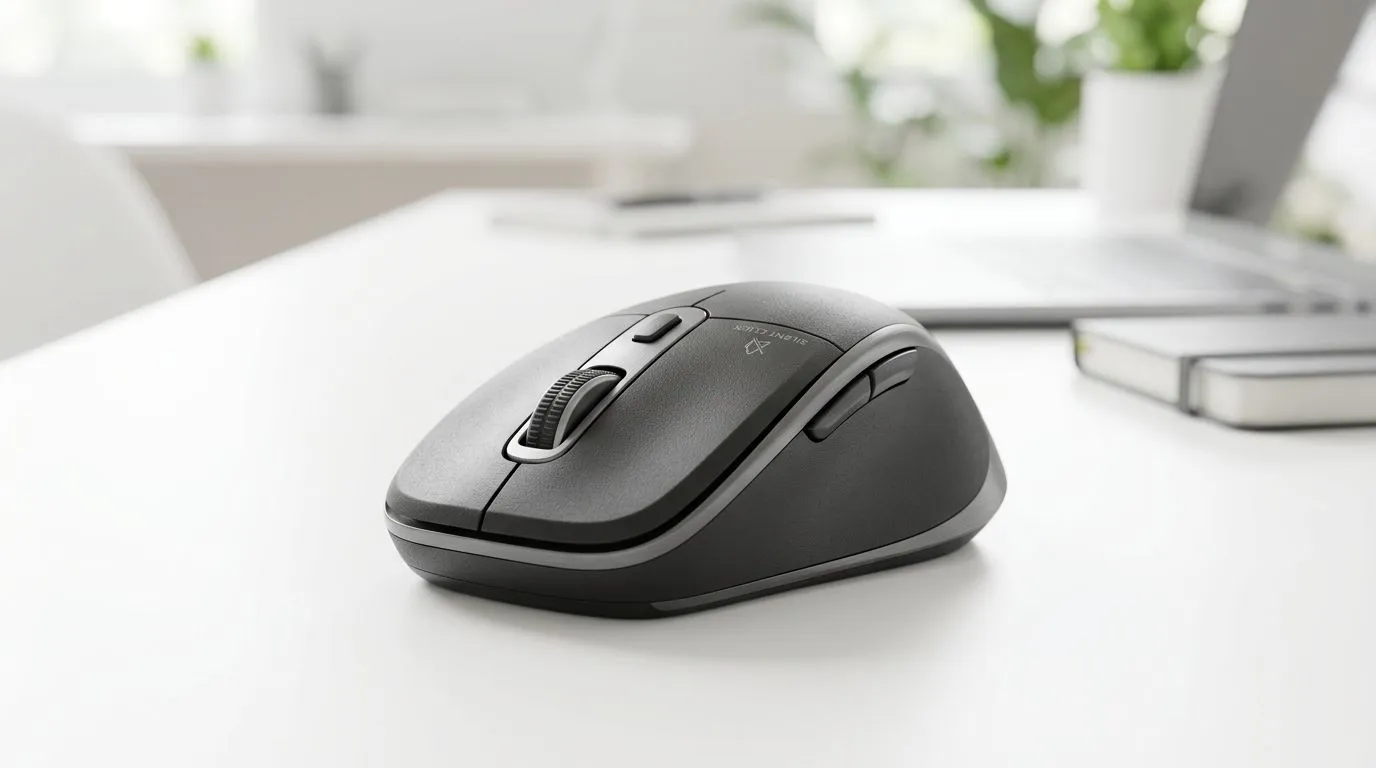
Silent Wireless Mouse for Work and Study Setups in South Africa: the “quiet” upgrade SA deserves
If you’ve ever edited a clip at 01:00 or crammed for exams in the library… you know the sound of a click can be distracting. A silent wireless mouse for work and study setups in South Africa is one of those small upgrades that makes daily grind feel smoother. You get less noise, steady control, and the freedom of no cable snagging on your desk. And if your setup is shared with family or roommates, this matters even more. ✨
What “silent” really means for productivity (and comfort)
“Silent” usually refers to a switch design that reduces the audible click. It does not automatically mean “zero sound”, but it’s noticeably gentler than standard buttons for most people. For work and study, that translates to fewer interruptions during focus sessions, quieter calls, and less click fatigue after long hours. 🙂
Beyond the noise level, wireless mice shine when your desk is tight. No cable means fewer tangles behind the monitor and easier docking if you move between a laptop stand and a study station.
Look for these specs before you buy
When comparing models, prioritise:
- Battery life: longer is better, especially if you forget to charge.
- Connection type: reliable wireless connectivity matters for smooth scrolling and fewer dropouts.
- Sensor quality: consistent tracking on your desk surface.
- Ergonomics: the best “silent” mouse is the one that doesn’t cause hand strain.
For a quick browse of mouse options across different needs, you can start here: Mouse accessories and extras for your setup.
Productivity Pro Tip 🔧
"If your laptop lid is closed during study sessions, you’ll still keep working with an external mouse. On Windows, switch off sleep for your USB devices so the mouse doesn’t briefly disconnect mid-session. Then add a manual “charge reminder” to avoid surprise low-battery moments."
Wireless vs wired for study desks: when silence meets reliability
Wired mice can be extremely consistent. If you’re in a place with weaker Wi‑Fi signals or you simply hate charging, wired is a solid choice. For students who share power strips and travel between rooms, simplicity often wins. If you’re leaning wired, check wired mouse options.
But if your desk is “move-friendly” (one day gaming, the next day assignments), wireless is cleaner. The silent part helps you stay focused while the wireless part keeps your desk tidy.
If you want to compare wireless models in one place, start with wireless mouse options. ⚡
A small buying reality check (ZAR)
Prices in South Africa swing depending on brand, sensor, and battery tech. If you find a silent wireless mouse on offer for around R500–R1,000, it’s often a good zone for work and study, especially when you care about comfort and reduced noise. If you want premium smoothness and longer battery life, you’ll usually pay more. Shop smart around sales cycles.
Choose the right silent wireless mouse: work, study, and casual play
Even if your goal is office and coursework, many “work” mice still perform well for light gaming. If you ever switch from spreadsheet duty to a quick match after dinner, you’ll appreciate accurate tracking and responsive buttons. 🚀
For shoppers who like deals, browse best gaming mouse deals. Many discounts include models that are comfortable for long sessions, with button feedback that stays quiet enough for shared spaces.
Need more choice by category and features? This is a useful starting point: mouse components and related options.
CALLTOACTION
Ready to Find Your Perfect Match? Silent or not, the right mouse comes down to comfort, reliable wireless performance, and value in South Africa. Browse our range of mice and gear, then pick the one that feels right on your desk from day one: Explore our massive range of laptop specials and find the perfect machine setup to power through work and study.











