


Starfield Max Settings on RTX 5070: Complete Guide
Starfield Max Settings on RTX 5070. Tested & verified settings for best FPS and visual quality on SA hardware budgets.
Read moreSilentClick technology reduces noise in office and gaming by dampening clicks for smoother, quieter use. Upgrade your setup for focus and comfort 😊🎧.
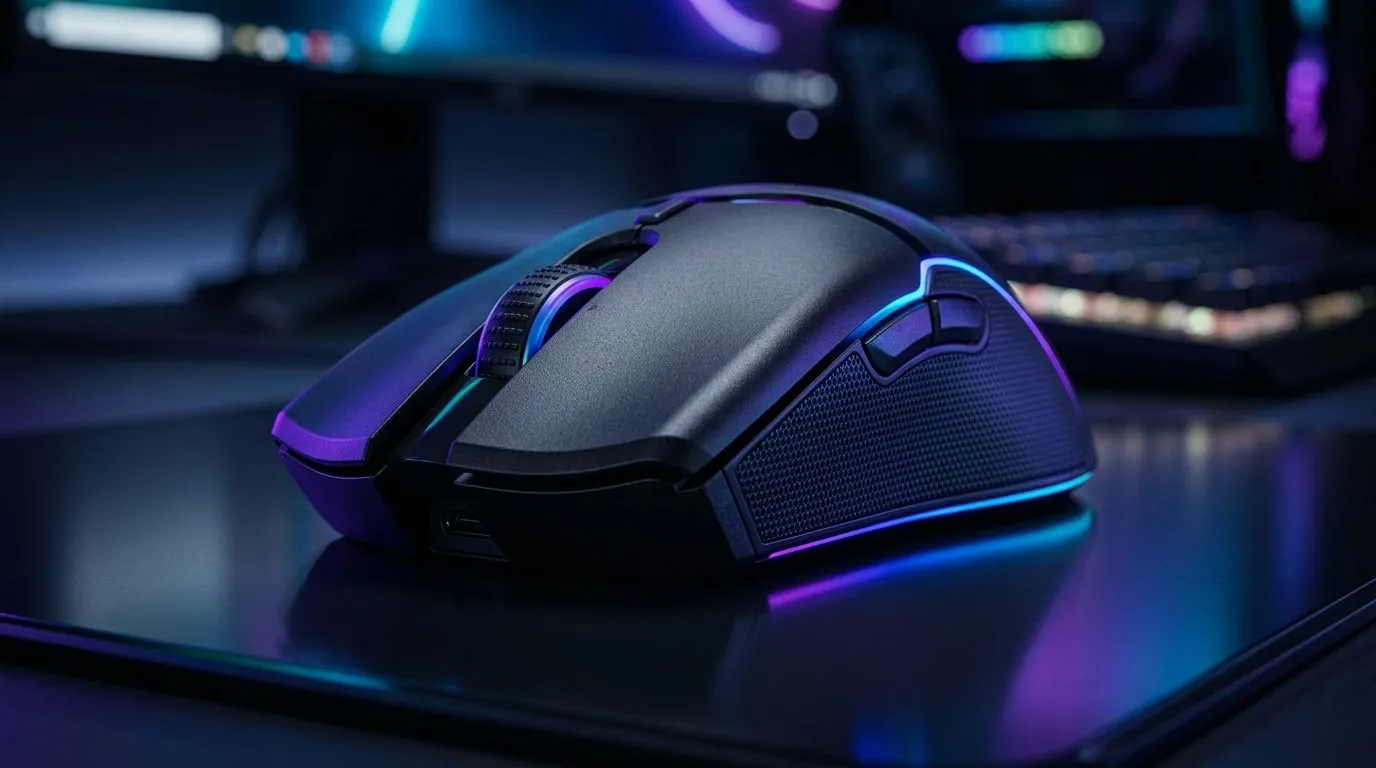
If your desk setup sounds like a small factory… it’s usually not the PC. It’s the peripherals. The clicks from a mouse, the clacks from a keyboard, even the fan ramp-ups can turn a focused session into background irritation.
That’s where SilentClick Technology: Reduce Noise in Office and Gaming earns its keep. It helps you keep communications professional in the office, and keeps your team comms calmer during ranked sessions. 🎧
In South Africa, where loadshedding, budget constraints, and shared home spaces are real, “quiet” isn’t a luxury. It’s usability.
Silent switches generally reduce the audible click sound while keeping actuation fast enough for gaming. The goal is straightforward: lower perceived noise without making your inputs feel slow.
But here’s the part people miss: noise reduction is only half the story. You also want:
That’s why SilentClick setups often pair well with ergonomic shapes and reliable sensors. You still get precision, just with less distraction. 🔧
Before buying, think about where the “noise” problem really happens:
Also, connection matters. Wireless can be great, but the best experience depends on battery management and latency needs. If you work across multiple devices, you’ll also care about how fast you switch profiles.
a mouse that matches your daily workflow: if you bounce between work apps and games, look for strong software support or smooth DPI switching. Pair it with a quiet click design so your focus stays on the game, not the sound.
Let’s make it practical.
If you want predictable input with no charging routine, wired is hard to beat. For many gamers, it’s the simplest path to stable performance, especially when you’re not trying to juggle batteries.
Explore wired options here: Wired mouse deals and models.
Wireless keeps cable clutter down, which helps your workspace feel calmer. And calmer desks usually mean fewer distractions.
If you want to go wireless, start with: Wireless mouse options.
Even the best silent click mouse benefits from a good surface. A smoother glide can reduce the “scratchy” noise you hear while moving.
Browse mouse-friendly accessories here: Mouse accessories.
If you’re buying in South Africa, you’re likely watching price. The trick is to compare the same category first: quiet switch style plus the right connection plus comfort.
Start by checking what’s on offer right now:
One tip when comparing: focus on comfort and click feel, not just marketing. If a mouse is silent but awkward to grip, you’ll end up changing your posture… and that’s when fatigue hits.
Silent click mice help, but your whole setup decides the “overall noise”:
Quiet isn’t about silence perfection. It’s about reducing distractions so you can work, grind, and chat without irritation.
Ready to Find Your Perfect Match? The Mac vs Windows debate is complex, but for maximum power, choice, and value in South Africa, Windows is hard to beat. Explore our massive range of laptop specials and find the perfect machine to conquer your world.
SilentClick technology dampens the sound of button or switch actuation, reducing click noise for a quieter office and gaming experience.
SilentClick can maintain responsive actuation while lowering sound, so you get quiet feedback without sacrificing click performance for most play styles.
Yes. SilentClick technology reduces disruptive noise from keypresses, helping you stay productive in shared spaces and during calls.
SilentClick focuses on dampening switch action for lower noise with a more defined feel than many dome designs, depending on model.
It can. Reducing repetitive click noise helps limit distractions, supporting longer focus sessions in home offices.
Quiet damping is designed to keep responsiveness consistent, though overall latency still depends on the keyboard and connection method.
Check switch type, intended noise level, key travel feel, and compatibility with your setup to match office or gaming needs.
Starfield Max Settings on RTX 5070. Tested & verified settings for best FPS and visual quality on SA hardware budgets.
Read more
When Will the RTX 6090 Launch in South Africa Detailed answer with SA data, expert analysis & practical recommendations for local buyers.

Top Valorant Settings for RTX 5070: FPS Optimisation picks evaluated on performance, value & SA availability with current Rand pricing from Evetech.

RDNA 3.5 Graphics in Ryzen AI 400? Can You Game. Plain-English explanation of what it means, why it matters & how it affects your buying decisions in SA.

GPU Price Index : December Report. Current stock data & price tracking for SA buyers. See what is available and where prices are heading.

Core i5-14600K + B760 + RTX 5060 Build Under. Full parts list, Rand pricing & expected performance. Build confidently with SA-available components.

RX 7600 Apex Legends at 4K: FPS Benchmark. Real-world benchmark data, FPS numbers & performance analysis. What SA gamers can actually expect.

RX 7900 XTX GTA 6 at 4K: FPS Benchmark & Optimal. Real-world benchmark data, FPS numbers & performance analysis. What SA gamers can actually expect.

Head-to-head comparison of RTX 5070 vs RX 9070 XT: Gaming Performance for SA gamers. Performance benchmarks, Rand pricing & which delivers better value.

GPU Setup Guide Gamers. Clear setup instructions with SA-specific considerations, troubleshooting tips & recommended components.

Top RTX 5090 Under R12000 picks evaluated on performance, value & SA availability with current Rand pricing from Evetech.

Call of Duty Warzone 2 Settings on RX 7600. Real-world benchmark data, FPS numbers & performance analysis. What SA gamers can actually expect.

GTA 6 Settings on RTX 5070 Ti: Performance. Real-world benchmark data, FPS numbers & performance analysis. What SA gamers can actually expect.