Why Your Lap Times Depend on Your Processor
Ever felt your steering wheel go light or noticed a micro-stutter just as you hit the apex at Kyalami? It isn't always your graphics card struggling. In the world of high-fidelity simulators like Assetto Corsa Competizione or iRacing, your processor is doing the heavy lifting. Understanding why Sim Racing is CPU Bound is the first step to smoother lap times and consistent podiums in the South African sim community. 🏎️
The Invisible Math of Sim Racing Physics
Most modern titles focus on visual fidelity, but simulators are different. They are essentially massive calculators disguised as games. Every millisecond, the engine calculates tyre deformation, suspension geometry, and track surface grip. These calculations happen on a "physics thread" that usually runs on a single CPU core.
If your processor cannot finish these calculations before the next frame needs to render, you experience a physics bottleneck. This is why you might see 100 FPS while driving alone, but find your performance tanking when the grid is full. To avoid these frustrations, many local racers choose to buy high-performance CPU processors online to ensure their rig can handle the mathematical load of a 40-car endurance race.
Identifying a Sim Racing CPU Bound Scenario
How do you know if you are limited by your silicon? If you lower your resolution from 4K to 1080p and your frame rate stays exactly the same, you are likely facing a CPU bottleneck. In sim racing, this often manifests as "CPU Occupancy" warnings in games like Assetto Corsa.
When the physics thread is maxed out, your inputs... like steering and braking... can feel delayed. This latency is a silent killer for consistency. High clock speeds and efficient architecture are vital here. If you prefer Team Blue, upgrading to the latest Intel CPU range can provide the high single-core frequencies required to push through complex physics calculations without breaking a sweat. ⚡
Sim Racing Performance Tip ⚡
Disable unnecessary background applications like RGB software or browser tabs before launching your sim. Sim racing physics threads are extremely sensitive to "interrupts." By clearing the path for your processor, you can reduce micro-stutters during heavy pack racing without spending a cent on new hardware.
Balancing Cores and Clock Speeds
While the primary physics engine often relies on one or two cores, modern sims are getting better at multitasking. Background tasks like AI logic, sound processing, and multiplayer data updates are spread across remaining cores. This is where high core-count chips shine.
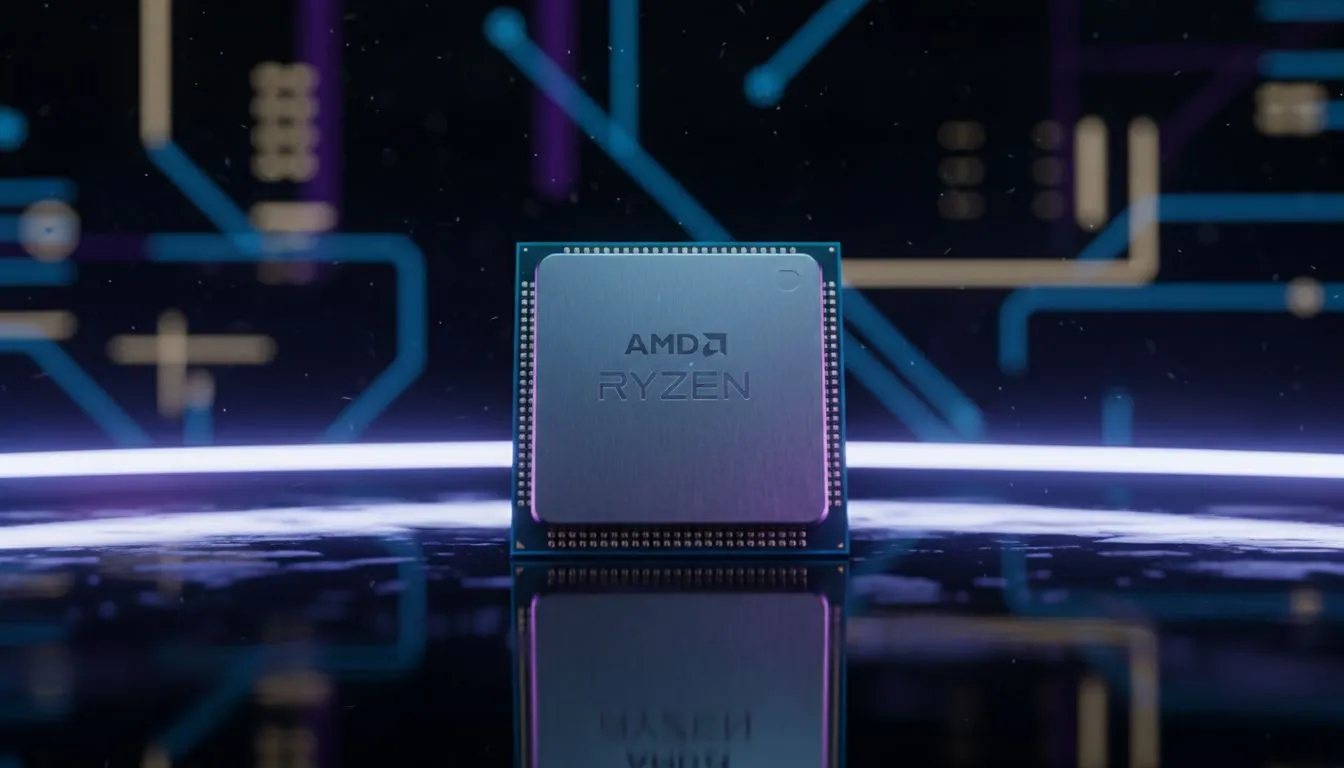
For those who multi-task or stream their races to YouTube and Twitch, the AMD CPU options available today offer incredible multi-threaded performance. Having those extra cores ensures that your physics thread remains undisturbed while your PC handles the heavy lifting of encoding video or managing complex pit wall telemetry. 🚀
Future-Proofing Your Virtual Cockpit
As simulation technology evolves, the demand on your hardware will only increase. Rain physics, dynamic track evolution, and more complex tyre models mean that being Sim Racing CPU Bound will become a more common hurdle for budget builds. Investing in a solid platform now prevents you from having to turn down the "fun" settings later.
In South Africa, where we often deal with higher ambient temperatures, ensuring your CPU has a capable cooler is just as important as the chip itself. A thermal-throttling processor will drop its clock speeds, leading to those dreaded mid-race stutters that can send you spinning into the barriers. 🔧
Ready to Break the Bottleneck?
Don't let a slow processor ruin your qualifying lap. Whether you are chasing tenths at Zwartkops or competing on the global stage, we have the hardware to keep your physics thread running smooth. Explore our massive range of CPU specials and find the perfect engine for your sim rig.