

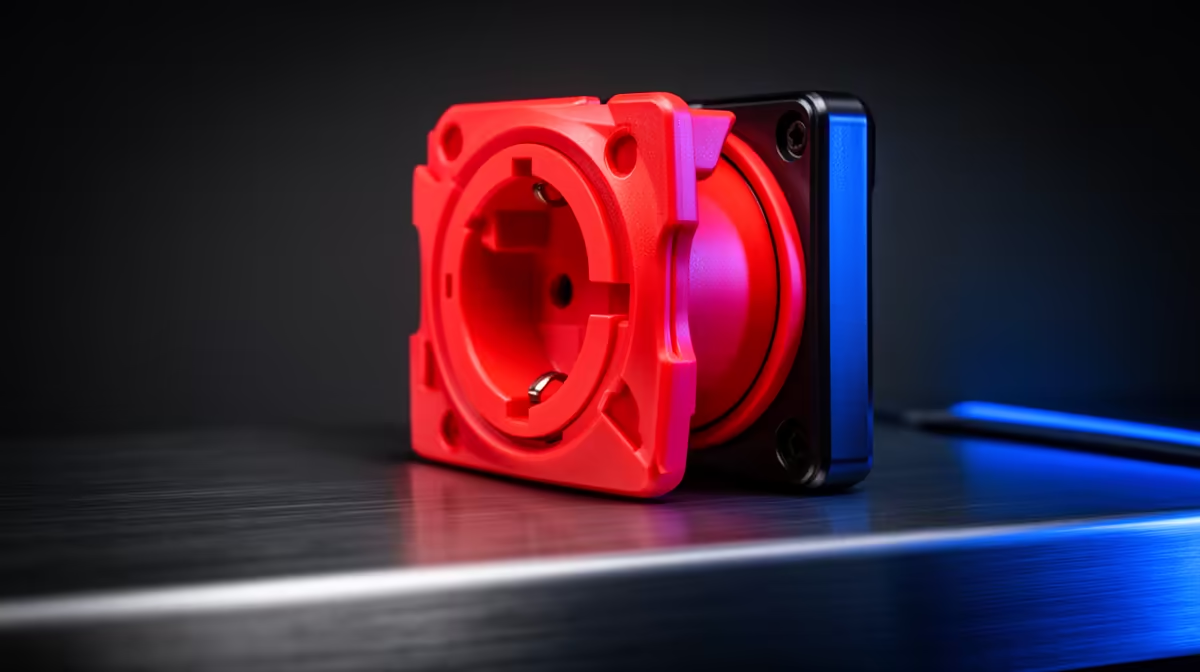
Picture this, Mzansi: you’re clutching a 1v3 in Valorant, the win is in sight… and then, lag spike. Disconnected. The culprit isn’t always your ISP. Sometimes, the chaos is closer to home—in the tangled mess of cables behind your desk. The concept of using slide-cover boosters for safer outlets isn't just about tidiness; it's about building a stable foundation for victory. Let's sort it out. ⚡
Why a Tidy Power Setup Equals Stable Ping
That "bird's nest" of cables behind your PC isn't just an eyesore; it's a performance risk. A poorly managed power strip can lead to accidental unplugs, and electrical interference can, in some cases, affect sensitive network gear. Organising your cables and ensuring you're not overloading a single wall socket is the first, unsung step to better gaming.
Think of it as creating a secure base for your entire digital life. It starts with having the right wireless networking gear, powered safely and reliably. A clean setup minimises physical risks and ensures your expensive hardware gets the consistent power it needs to perform. After all, a stable connection begins at the wall plug.
From Dead Spots to Sweet Spots: Boosting Your Wi-Fi
Now for the "booster" part of the equation. Once your power situation is sorted, it's time to tackle those frustrating Wi-Fi dead zones. Your router's signal can be weakened by walls, floors, and even home appliances. This is where a strategic upgrade makes all the difference.
The heart of your network is, of course, the router. Modern wireless routers offer powerful features like beamforming and MU-MIMO to direct the signal right to your devices. But what about that one room the signal just can't reach? This is where wireless range extenders become essential. These nifty devices pick up your existing Wi-Fi signal and rebroadcast it, eliminating dead spots for good. 🚀
Pro Placement Tip
Wi-Fi extenders work best when placed halfway between your router and the dead zone, not in the dead zone itself. This ensures they receive a strong signal to amplify and rebroadcast effectively.
Securing the Final Metre: Your PC's Connection
You've organised your power, and you've boosted your signal across the house. There's just one last link in the chain: your PC. A powerful network is useless if your computer can't take full advantage of it. Onboard Wi-Fi can sometimes be a bottleneck, especially on older motherboards.
To complete your setup of slide-cover boosters for safer outlets, make sure your PC can actually catch that signal with a powerful wireless adapter. A dedicated USB or PCIe adapter can offer faster speeds, greater stability, and better range than built-in solutions, ensuring you get every last drop of performance you've worked so hard to unlock. ✨
Ready for a Rock-Solid Connection? Stop letting preventable issues sabotage your gameplay. Explore our full range of networking solutions to build a faster, safer, and more reliable gaming environment. Shop now at Evetech for performance that leaves lag in the dust.











