

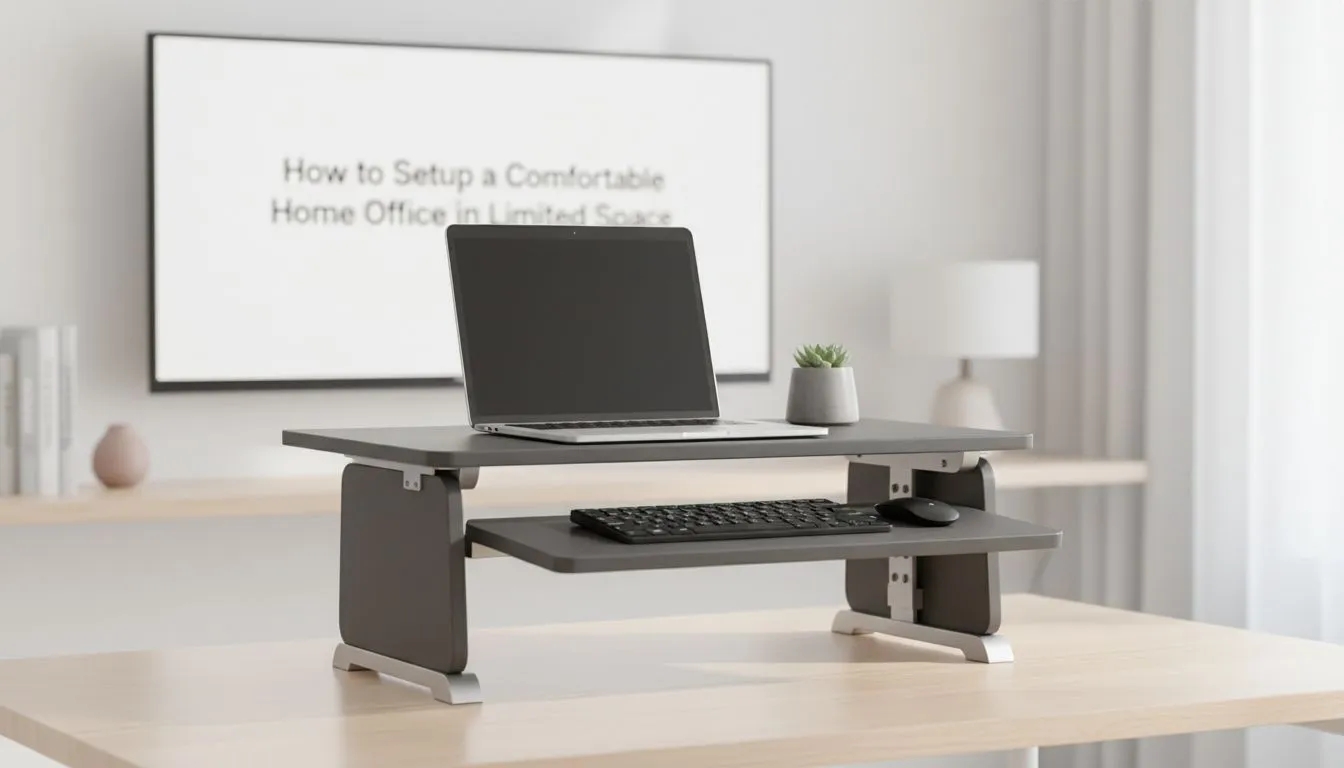
Small home office basics for a comfortable workspace in tight spaces
If your spare room is a closet-sized corner or your lounge is doubling as an office, you still deserve a comfortable, productive setup. This guide shows practical ways to build a small home office setup that stays ergonomic, tidy and frankly enjoyable—without breaking the bank. Whether you game after hours or run a side hustle, small adjustments make a big difference. 🔧
Layout and ergonomics for a small home office setup
Start with sight-lines and movement. Place your monitor so the top third of the screen sits level with your eyes and about an arm's length away. Use a wall-mounted or clamp monitor arm to free desk space and tilt easily for comfort—browse Evetech's monitor accessories to compare options and mounts. For keyboard and mouse, keep wrists straight and shoulders relaxed.
A brief micro-story: I once squeezed a dual-screen setup into a 1.2m desk by using a clamp arm and vertical storage. The desk felt twice as big, and my posture actually improved. Small choices compound into comfort.
Smart kit choices to optimise limited space
Choose compact peripherals and vertical storage. Slim keyboards, a low-profile mouse, and a vertical headphone stand save inches. For cable tidiness and small-desk friendly hubs, check out Orico's space-saving accessories—perfect for neat, professional-looking cable runs. ✨
For budget-conscious buyers, there are solid accessory bundles under R3,338 if you prioritise monitor mounts and a compact hub—see curated budget monitor accessories to balance cost and functionality. If you prefer a specific brand, WINX has a range of compact monitor mounts and risers that suit narrow desks and gamer setups; compare WINX mounts and specs to find the right fit.
Lighting, colour and comfort in a small home office setup
Good light reduces eye strain. Position a desk lamp with a warm 3000–4000K output off to the side to avoid glare on your screen. Add a small plant or a colourful mat to define your zone and make the space feel intentional. Use soft textures to dampen sound and make long editing or gaming sessions more pleasant.
Productivity Pro Tip ⚡
Use a monitor arm to lift the screen and create storage underneath. Combine that with a slim keyboard and vertical dock so your desk clears in seconds when you need extra surface space.
Cable management, mounts and final tweaks
Clever cable management is non-negotiable in tiny offices. Use adhesive channels, a small under-desk tray, or a compact hub to keep cables out of sight. Explore Evetech's monitor accessories range for clips, trays and tidy solutions that fit small desks. For brand-specific cable organisers and docking solutions, Orico's selection helps keep things neat. For a compact mount or riser to create under-monitor storage, WINX parts are worth checking.
Before you buy, measure your desk width and the monitor VESA pattern. A clamp mount can save up to 30cm of desk depth compared with a freestanding monitor stand... and it often costs less than upgrading to a larger desk.
Short checklist before checkout
- Measure desk width and monitor VESA.
- Prioritise a monitor arm or riser to reclaim surface area.
- Choose a slim keyboard and a vertical dock.
- Set lighting to 3000–4000K and add a soft mat for comfort.
🔧✨ Small adjustments give you a workspace that feels larger, cleaner and more productive.
Ready to Find Your Perfect Match? The Mac vs Windows debate is complex, but for maximum power, choice, and value in South Africa, Windows is hard to beat. Explore our massive range of laptop specials and find the perfect machine to conquer your world.











