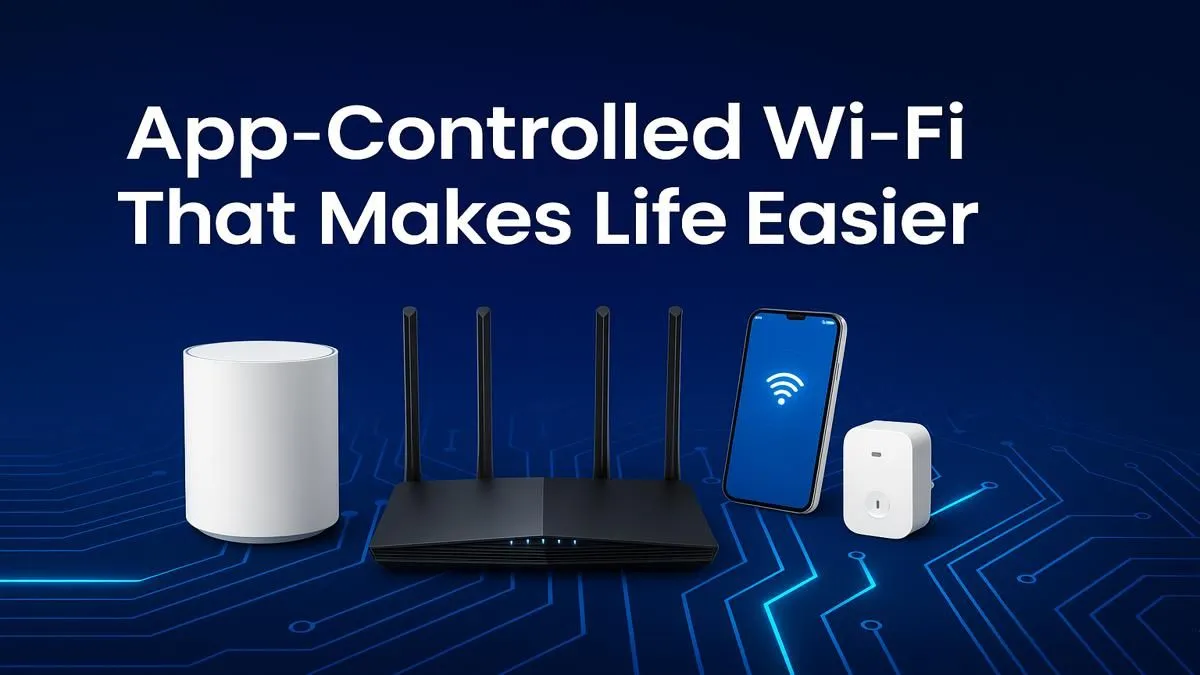
Tired of your Wi-Fi dropping the moment someone streams Showmax in the other room? Or that one spot in the house where the signal just... dies? In South Africa, a reliable connection isn't a luxury; it's essential. Modern smart home Wi-Fi with app control puts the power back in your hands, letting you manage your entire network from your phone. No more confusing browser menus, just simple, powerful control. 📱
Gain Ultimate Control Over Your Home Network
Let's be honest, logging into your router's admin panel feels like a trip back to 2005. It's clunky, confusing, and often slow. The biggest leap forward in home networking is the shift to intuitive mobile apps. Why does this matter?
Imagine seeing every device connected to your network in a simple list. You can instantly spot a neighbour's device that somehow got your password, pause the kids' tablets when it's time for homework, or prioritise your gaming rig for a lag-free session. This level of management, once reserved for IT pros, is now accessible to everyone with a new generation of modern wireless routers.
Key Features of Smart Home Wi-Fi with App Control
When you're looking to upgrade, not all app-controlled systems are created equal. Here are the features that deliver real-world benefits for a busy South African household.
Quality of Service (QoS) That Actually Works
QoS allows you to tell your router which devices get priority. This is crucial for gamers and anyone working from home. With a few taps in an app, you can ensure your Teams call doesn't stutter or your ping in Apex Legends doesn't spike just because someone else starts a large download. It's the secret to a stable connection when bandwidth is shared. 🚀
Prioritise Your Ping 🎮
Use your router's app to set your gaming PC or console as a 'high priority' device. This tells your network to handle its traffic first, reducing lag spikes when others are streaming or browsing. It’s a simple tweak for a smoother gaming experience.
Effortless Guest Networks & Parental Controls
Having guests over? Stop giving out your main Wi-Fi password. A proper app lets you create a separate, secure guest network in seconds. You can even set it to turn off automatically after a few hours.
For parents, app control is a lifesaver. You can create profiles for each child, assign their devices, and set internet curfews or filter content with ease.
Seamlessly Expand Your Coverage
Many South African homes have thick brick walls or multiple storeys, which are notorious Wi-Fi killers. A single router often isn't enough. Modern systems allow you to add nodes or extenders that work together as one network, all managed from the same app. You can easily add powerful wireless range extenders to eliminate dead zones in the braai area or the upstairs office.
Upgrading Your Devices for Peak Performance
Getting a new router with the latest Wi-Fi 6 technology is a great first step, but your devices need to support it to get the full benefit. While new phones and laptops have it built-in, an older desktop PC might be left behind. Fortunately, you don't need a whole new machine. Often, the bottleneck can be solved by upgrading with a new wireless adapter to unlock faster speeds and a more stable connection. ✨