

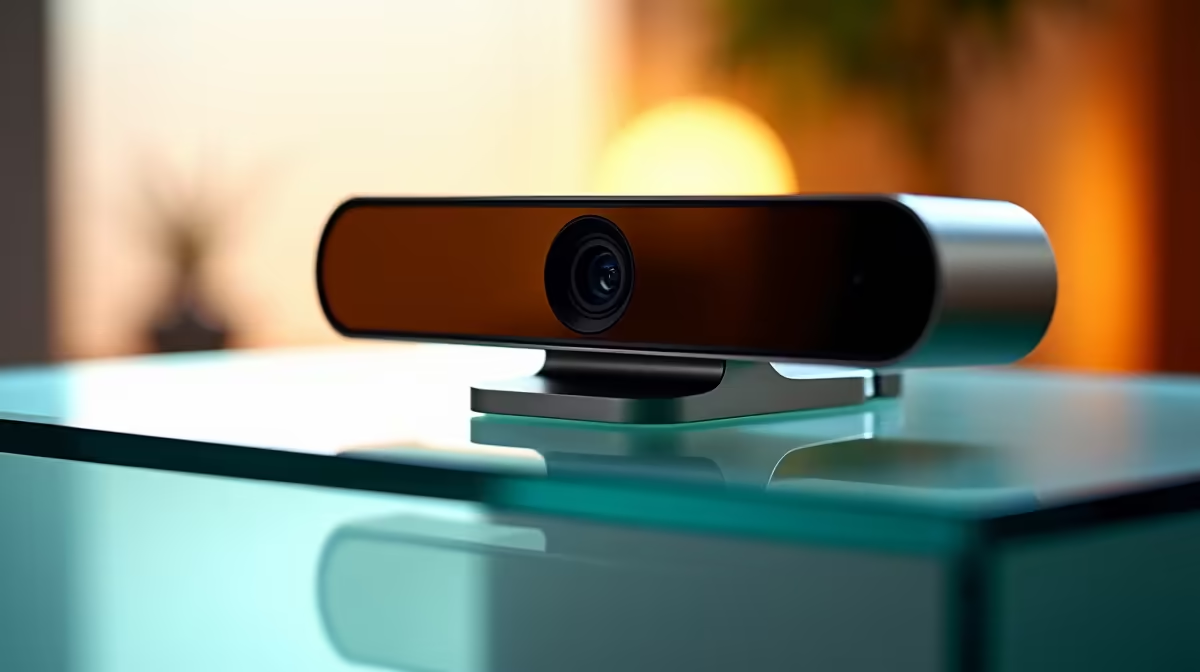
Tired of looking like a grainy silhouette during your stream or a blurry mess on that important work call? We've all been there. Fiddling with settings while everyone waits is a real vibe-killer. What if your webcam just… worked? A new breed of smart webcams that auto-adjust are here to rescue your on-screen presence, delivering a crisp, professional look without you touching a single slider. It's time to level up your video game. 🚀
Why Your Old Webcam is Sabotaging Your Stream
Let's be honest, that webcam you've had for years probably isn't cutting it anymore. The biggest culprits are usually poor focus, terrible low-light performance, and a narrow field of view that frames you awkwardly. When the lighting changes—thanks, Eskom—or you shift in your chair, your video quality tanks.
This isn't just about looking good; it's about maintaining a professional image and keeping your audience engaged. A fuzzy, poorly lit feed is distracting. Fortunately, you don't need a massive budget to fix this. Making the jump to a modern device can make a world of difference, and even an affordable upgrade under R1000 will offer significant improvements over older tech.
The Magic Inside: How Smart Webcams Auto-Adjust ✨
The secret sauce is a combination of better sensors and clever software, often powered by AI. These auto-adjusting webcams do the heavy lifting for you, creating a seamless, studio-like experience right from your desk.
Auto-Focus and Auto-Framing
Forget manual focus rings. Modern smart webcams use AI to detect your face and keep it perfectly sharp, even if you lean in or move around. Some advanced models also feature auto-framing, which digitally pans and zooms to keep you perfectly centred in the shot. It’s ideal for animated streamers or professionals who present while standing.
Auto-Light Correction
This is a massive deal for South Africans. Whether you're dealing with harsh afternoon sun or a dimly lit room during load shedding, these webcams adjust exposure, contrast, and colour on the fly. They analyse the ambient light and optimise the image so you always look clear and naturally lit. You'll find this intelligent technology in many excellent mid-range models under R2000, which strike a perfect balance between features and price.
Pro Lighting Tip 💡
Even with a great webcam, good lighting helps. Place your main light source (like a lamp or window) in front of you, not behind. This avoids the dreaded "witness protection programme" silhouette and helps your webcam's auto-adjustment features perform at their best.
Finding the Right Smart Webcam for Your Setup
Choosing the best webcam comes down to your primary use.
- For Streaming & Content Creation: Look for 1080p resolution at 60 frames per second (fps) for smooth motion. If you want the absolute best quality for your audience, premium 4K options under R3000 offer unparalleled detail and clarity.
- For Work & Online Meetings: A solid 1080p at 30fps is more than enough. Prioritise features like a good built-in microphone and reliable auto-light correction to ensure you always look and sound professional.
- For Casual Chats: A 720p or 1080p webcam with basic auto-adjustment will be a huge step up from your laptop's built-in camera, making calls with family and friends much clearer.
No matter your need, a webcam that auto-adjusts like a pro studio is no longer a luxury—it's an accessible tool that makes a real impact.
Ready for Your Pro-Level Upgrade? Stop fighting with blurry video and bad lighting. Find the perfect smart webcam that makes you look incredible, automatically. Explore the full range at Evetech and get the crystal-clear quality you deserve.











