


GPU Setup Guide for SA Gamers
GPU Setup Guide Gamers. Clear setup instructions with SA-specific considerations, troubleshooting tips & recommended components.
Read moreSouth Africa ambient temperatures can throttle PC cooling and distort fan performance. Learn what temps mean for airflow, fan curves, and airflow planning—so your PC stays stable in summer heat 🌡️❄️
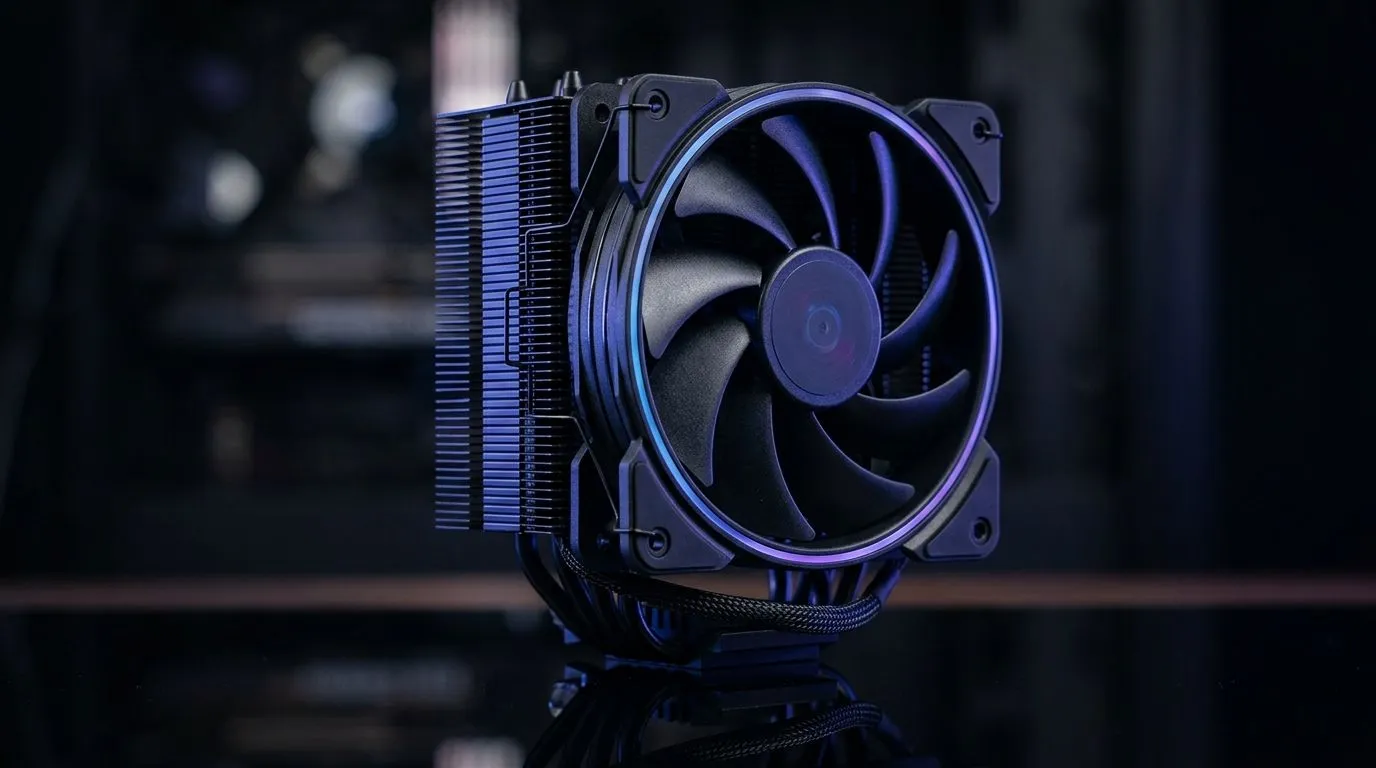
If your PC feels like it is fighting you… it might not be the GPU. In South Africa, ambient temperatures can swing hard between evenings, indoor rooms, and poorly ventilated spaces. That’s when “it was fine last month” becomes “why is my fan screaming?” 🔧
South Africa Ambient Temperatures and PC Cooling Performance is not just a theory. Warmer air means less headroom for your CPU and GPU boost clocks. The good news? You can improve cooling with the right airflow plan, fan choice, and realistic expectations.
When the room is warmer, components have a higher starting point. Fans and radiators still move heat, but they work with less temperature difference. In practical terms, you may see:
In the real world, airflow often matters more than raw fan speed. A well-balanced case with clean intake and exhaust paths can run cooler and quieter than a case stuffed with high-RPM fans that fight each other.
Think like a wind tunnel. Air should enter the case, pass through the CPU/GPU area, then exit. If you only add fans but forget cable clutter, blocked intakes, or a mismatched intake-exhaust ratio… temperatures can stay stubborn.
On a Windows PC, use your motherboard’s fan curve software or BIOS fan tuning to set a calmer baseline, then stress-test (10 to 15 minutes) to confirm temps and noise. You want stable thermals before you turn gaming sessions into a “thermal audit.” It’s a simple way to stop ramping that annoys you every evening. "
Choosing fans is mostly about size, airflow direction, and tuning (not only RGB). For many builds, 120mm fans are a common sweet spot, while 140mm fans can move more air at lower noise when your case supports them.
Here’s where to start:
Start browsing the options on Evetech here:
RGB can be fun ✨, but it should never be the main selection criteria. Air movement and fan control do the heavy lifting. If you want a clean look without extra “light bleed”, check:
And if your desk setup needs that extra vibe:
Brand matters when it comes to fan consistency and how well they handle long gaming sessions. If you’re comparing models, pay attention to fan control behaviour (does the fan stay responsive without becoming obnoxiously loud?), and make sure your case layout supports your planned airflow.
If you want to compare across popular brands and specs, start here:
Try this airflow baseline:
If you’re running long sessions, consider adjusting fan curves based on your normal room conditions. In SA, your “summer evening” might be totally different from your “winter afternoon”. Your cooling plan should reflect that.
Ready to Find Your Perfect Match? If you want cooler temps without guesswork, the right fans and airflow setup matter. Explore our massive range and build for your room’s ambient conditions. Shop the best PC cooling options at Evetech and find the perfect fit for your next gaming session.
Higher ambient temperatures reduce cooling headroom, so your CPU and GPU reach higher temps sooner, often increasing fan RPM and noise.
Humidity mainly affects heat transfer efficiency and can increase perceived heat. Fans still spin by RPM, but components may run hotter.
As ambient rises, thermal margins shrink. If you often exceed typical room temps, expect more aggressive fan behavior and higher chance of thermal throttling.
Yes. A more responsive fan curve can maintain safe temperatures by ramping RPM earlier, preventing spikes that trigger throttling.
Radiators rely on temperature difference. In hotter ambient conditions, the coolant-to-air delta drops, often lowering radiator effectiveness.
Often yes. Warm ambient air reduces cooling capacity, so even with good airflow, GPU temps can rise and fans may need higher RPM.
Prioritize airflow first (front intake and balanced exhaust), then improve cooler/radiator capacity, and optimize thermal paste application.
It can. When components heat up faster in high ambient temperatures, fan curves typically command higher RPM, increasing noise.
GPU Setup Guide Gamers. Clear setup instructions with SA-specific considerations, troubleshooting tips & recommended components.
Read more
When Will the RTX 6090 Launch in South Africa Detailed answer with SA data, expert analysis & practical recommendations for local buyers.

Top Valorant Settings for RTX 5070: FPS Optimisation picks evaluated on performance, value & SA availability with current Rand pricing from Evetech.

RDNA 3.5 Graphics in Ryzen AI 400? Can You Game. Plain-English explanation of what it means, why it matters & how it affects your buying decisions in SA.

GPU Price Index : December Report. Current stock data & price tracking for SA buyers. See what is available and where prices are heading.

Core i5-14600K + B760 + RTX 5060 Build Under. Full parts list, Rand pricing & expected performance. Build confidently with SA-available components.

RX 7600 Apex Legends at 4K: FPS Benchmark. Real-world benchmark data, FPS numbers & performance analysis. What SA gamers can actually expect.

RX 7900 XTX GTA 6 at 4K: FPS Benchmark & Optimal. Real-world benchmark data, FPS numbers & performance analysis. What SA gamers can actually expect.

Head-to-head comparison of RTX 5070 vs RX 9070 XT: Gaming Performance for SA gamers. Performance benchmarks, Rand pricing & which delivers better value.
GPU Setup Guide Gamers. Clear setup instructions with SA-specific considerations, troubleshooting tips & recommended components.

Top RTX 5090 Under R12000 picks evaluated on performance, value & SA availability with current Rand pricing from Evetech.

Call of Duty Warzone 2 Settings on RX 7600. Real-world benchmark data, FPS numbers & performance analysis. What SA gamers can actually expect.

GTA 6 Settings on RTX 5070 Ti: Performance. Real-world benchmark data, FPS numbers & performance analysis. What SA gamers can actually expect.