


Humidity Damage to PC Components: Recovery Guide
Humidity Damage to PC Components: Recovery Guide. Everything you need to know with SA pricing, step-by-step instructions & expert recommendations.
Read moreDoes South Africa heat increase the need for liquid cooling? We compare cooling options, hotspot risks, and best practices for warmer homes and LAN setups. 🌡️💧
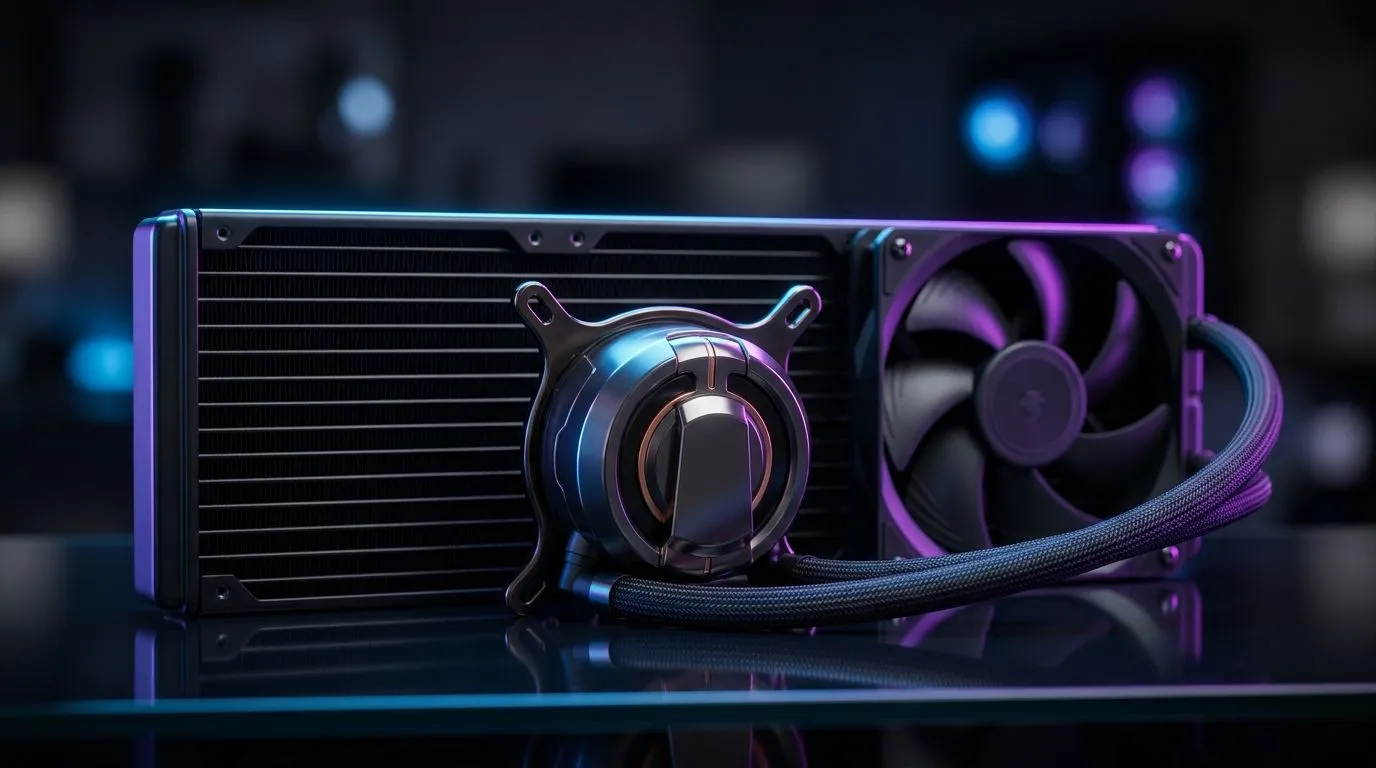
It’s no secret that South African summers can get sweltering. When your ambient room temperature climbs, your PC’s components feel it too. The question is: does South Africa heat increase the need for liquid cooling in gaming rigs and high-performance workstations? Absolutely, but the answer depends on your setup and usage.
For many local gamers and tech buyers, liquid cooling offers a cool edge when air cooling just can’t keep pace. Especially for those pushing clocks or playing long sessions, higher temperatures mean thermal throttling and unstable performance. 🧊⚡
Air coolers remain popular for budget builds and moderate climates. But South African heat can push those towers to their limits. Under prolonged load, fans ramp up, noise levels spike, and hot air recycling becomes a problem. This is where liquid cooling becomes a serious contender.
All-in-one (AIO) liquid coolers, like the models found in the Evetech AIO Liquid Cooler range, circulate chilled liquid through your CPU block, transferring heat efficiently to a radiator outside the case. This greatly improves thermal management in hotter rooms or cramped case setups.
Liquid coolers come in various radiator sizes: 240mm, 360mm, and beyond. In hotter environments like South Africa, bigger radiators offer more surface area for heat dissipation, maintaining cooler CPU temps during intensive gaming or rendering. Check out the popular 360mm radiator AIO coolers if you want optimal performance under heat pressure.
South African users also favour trusted brands known for reliability and support, such as Corsair liquid coolers and Deepcool options. Both deliver effective cooling solutions tailored to hot climates and demanding workloads.
If you enjoy heavy gaming, streaming, or creative work, your CPU and GPU heat output soar. South Africa’s ambient heat can raise your component temps by 5–10°C or more compared to cooler climates, increasing the risk of thermal throttling. In these cases, investing in liquid cooling can preserve performance and prolong hardware life.
Even without extreme overclocking, a 240mm radiator liquid cooler can keep your system stable. Evetech’s 240mm radiator AIO collection offers great balance between size, noise, and cooling power—well-suited for local setups with limited space but high heat.
Keep your PC off carpets and away from direct sunlight for better natural airflow and less heat soak. Combine that with liquid cooling for best results. }}
Many South African gamers hesitate at installing liquid cooling due to perceived complexity. However, modern AIOs are designed for easy setup, with clear instructions tailored for DIYers. Plus, the liquid is sealed – you’ll rarely need to refill or replace it.
Maintenance mostly involves dusting fans and radiators every few months to ensure optimal airflow. With the heat in South Africa, consistent cleaning helps prevent dust build-up that could degrade cooling performance.
Looking to upgrade now? Browse Evetech’s comprehensive CPU cooler selection to find the perfect fit for your needs and environment.
Keep Your Cool Under South African Skies Don’t let the heat throttle your rig—upgrade your cooling with premium liquid coolers designed to handle our climate. Shop now at Evetech for performance that leaves lag in the dust.
Not always, but higher ambient temps can raise CPU and GPU temperatures. AIO liquid cooling can help when airflow is limited or workloads are heavy.
In hotter rooms, both can struggle, but strong radiator + fan setups often hold steadier CPU temps than many stock air coolers—if airflow is well managed.
Generally, liquid cooling is reliable. Main risks come from poor installation, weak airflow around radiators, or clogged dust rather than the climate itself.
Improve case airflow, clean filters, use fan curves, and consider better cooling. For sustained loads, an appropriately sized AIO can reduce thermal spikes.
Many builds benefit from a 240mm or 280mm AIO; hotter environments and high-watt CPUs often do better with thicker or larger radiators if your case supports them.
Both are impacted, but GPUs can become the limiting factor under heavy gaming. Case airflow and fan control matter as much as CPU cooler type.
Mounting and pump orientation affect performance and air-bubble settling. Follow your AIO manual, and prioritize good radiator airflow for hot-climate stability.
Humidity Damage to PC Components: Recovery Guide. Everything you need to know with SA pricing, step-by-step instructions & expert recommendations.
Read more
Gamer Spending Trends April : Complete Setups. Clear setup instructions with SA-specific considerations, troubleshooting tips & recommended components.
Read more
Setting Up DDR5 32GB Kit. Tested & verified settings for best FPS and visual quality on SA hardware budgets.
Read more
Tech Setup Guide for SPU Res Students. Clear setup instructions with SA-specific considerations, troubleshooting tips & recommended components.
Read more
Monster Hunter Wilds Ultrawide Support: 21:9 and. Clear setup instructions with SA-specific considerations, troubleshooting tips & recommended components.
Read more
Apple iPad Durability Guide: Cases, Screen. Practical breakdown of costs, regulations & whether it makes financial sense for SA buyers.
Read more
AMD RX 9050 XT: Rumoured Specs, Price & Release. SA-focused analysis with local pricing data, real-world insights & actionable buying advice.

Can RTX 4080 Super Run AI Workloads for SA Developers Detailed answer with SA data, expert analysis & practical recommendations for local buyers.

Can RTX 4090 Run AI Workloads for SA Developers Detailed answer with SA data, expert analysis & practical recommendations for local buyers.

Top Settings for Intel Arc B580 at Ultrawide 1440p picks evaluated on performance, value & SA availability with current Rand pricing from Evetech.

RTX 4060 CS2 Low Settings at 1080p: FPS Results. Real-world benchmark data, FPS numbers & performance analysis. What SA gamers can actually expect.

Visual Artifacts: Possible GPU Issue Issue #1. Diagnosis steps, proven fixes & when to seek professional help. SA-specific support info included.

Can the RTX 4090 Handle 1440p 144Hz Gaming. Performance testing verdict with real data & practical recommendations for SA buyers.

Top ASUS GPU Under R15000 picks evaluated on performance, value & SA availability with current Rand pricing from Evetech.

GTA 6 Max Settings on RTX 5070. Tested & verified settings for best FPS and visual quality on SA hardware budgets.

Cyberpunk 2077 Max Settings on RTX 5080. Tested & verified settings for best FPS and visual quality on SA hardware budgets.

Starfield Max Settings on RTX 5070 Ti. Tested & verified settings for best FPS and visual quality on SA hardware budgets.

Top RTX 5090 Under R5000 picks evaluated on performance, value & SA availability with current Rand pricing from Evetech.