

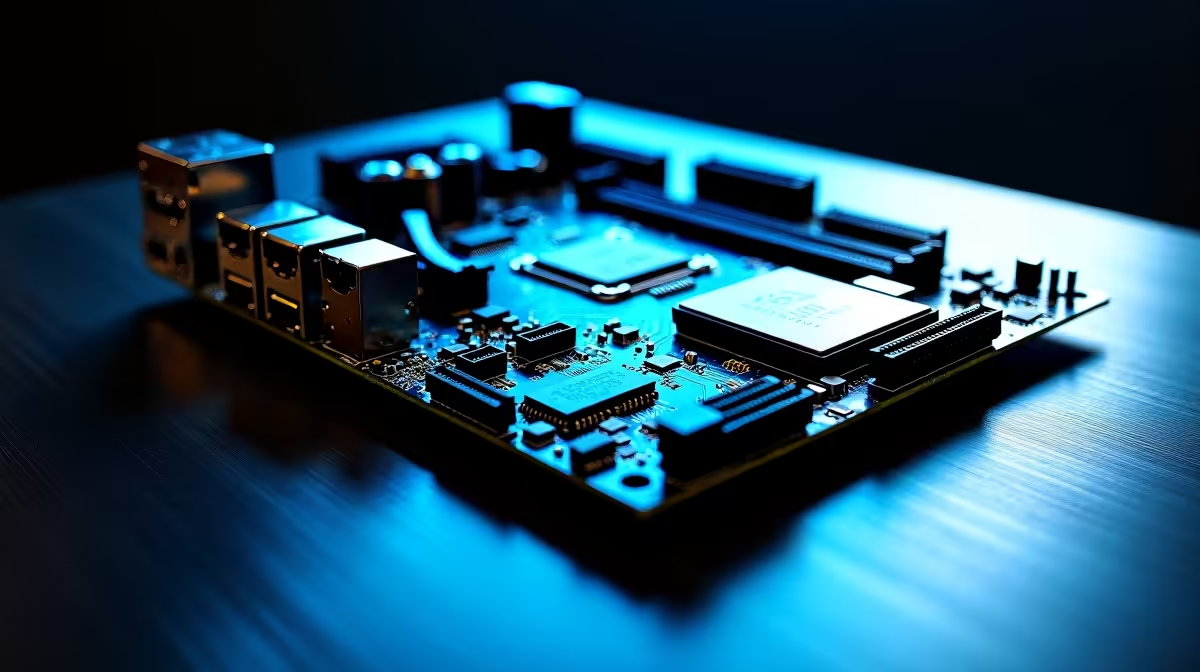
Building a PC in South Africa is thrilling... but picking the right base can be terrifying. You want top-tier performance without blowing your ZAR budget. From confusing chipsets to varying sizes, it is easy to get lost. Today, we get your South African motherboard buying questions answered. Let us break down DDR5, M.2 slots, USB-C speed, and case fit so you can build with confidence.
DDR5 Memory... Is It Worth the ZAR? 🚀
DDR5 memory used to cost an absolute fortune. Now, prices have dropped significantly across local retailers. If you are building a modern rig, DDR5 is definitely the way to go. It offers much faster speeds for heavy multitasking. It also delivers smoother frame rates in intense gaming sessions. You will need a compatible board to run it. Check out our massive range of desktop memory kits to find the perfect RAM for your new build. Investing now means your PC stays relevant for years.
Choosing Your CPU Camp
Your processor choice dictates your entire motherboard platform. Team Blue fans need specific LGA sockets. You can explore highly reliable ASUS Intel motherboards for incredible core performance. They are brilliant for both gaming and heavy productivity workloads. Prefer Team Red? Their latest processors offer massive cache sizes. Pair them with robust ASUS AMD motherboards for maximum frame rates. Both modern platforms support PCIe 5.0 graphics cards and rapid connectivity.
M.2 Slots and USB-C Speed Demystified ⚡
Modern blockbuster games are massive downloads. You need fast storage to avoid long loading screens. Multiple M.2 slots let you add terabytes of NVMe SSD storage easily. Look for boards with built-in metal heatsinks. These keep your drives cool during heavy transfers. USB-C speed is equally vital for modern setups. A 20Gbps Type-C port transfers massive video files in seconds. This is absolutely perfect for local content creators and streamers.
Case Fit and Form Factor Basics
Will your shiny new board actually fit inside your chassis? Motherboards come in several different sizes. Standard ATX offers the most expansion slots to optimise your extra hardware. Micro-ATX is brilliant for compact and budget-friendly gaming builds. Always check your chassis specifications first to avoid cramped cables. Ready to browse sizes? View our full catalogue to buy motherboards that match your exact case dimensions perfectly.
Compatibility Pro Tip 🔧
Always check the QVL (Qualified Vendor List) on the manufacturer website before buying RAM. It ensures your specific DDR5 kit is tested to run at its advertised speed on that exact board... saving you hours of troubleshooting.
Skipping the DIY Route
Sometimes building a PC from scratch is just too stressful. You might simply want to plug in and start playing. We completely understand that feeling. If you want guaranteed compatibility and full warranty peace of mind... skip the assembly entirely. You can grab one of our best gaming PC deals right now. Let our Evetech experts handle the complicated wiring and BIOS updates for you.
Ready to Build Your Dream Rig? Having your motherboard buying questions answered is just the start. Now it is time to choose the heart of your PC. Explore our massive range of PC components and find the perfect foundation to conquer your favourite games.











