

So, you’ve just captured some epic shots from your weekend away in the Drakensberg. You import them, start tweaking the saturation, and… wait. Why do the vibrant greens on your screen look dull when you upload them to Instagram? You’ve just stumbled into the great colour debate for photographers: sRGB vs AdobeRGB. Don't stress, we're here to demystify it so your photos look brilliant, from your PC to the web. 🎨
Understanding Colour Spaces: A Simple Analogy
Before we dive deep into the sRGB vs AdobeRGB for amateur photo editing discussion, let's get one thing straight. A "colour space" or "gamut" is just the range of colours a device can display or capture.
Imagine sRGB is a standard 24-pack of crayons. It has all the essential colours you need to make a great picture, and it's the pack everyone else has. AdobeRGB, on the other hand, is the massive 120-crayon box with every shade imaginable… think more vibrant greens and cyans.
While more crayons sound better, it gets tricky if you're showing your art to someone who only has the 24-pack. They simply won't see the extra colours you used. That's the core of this challenge.
sRGB: The Universal Standard for the Web
sRGB (Standard Red Green Blue) is the king of the digital world. It was created to be a one-size-fits-all colour space for monitors, printers, and the internet.
Why You'll Probably Use sRGB
For most amateur photographers in South Africa, sRGB is the perfect choice. Here’s why:
- Web Consistency: Every web browser, social media platform (Instagram, Facebook), and smartphone screen is designed to display sRGB correctly. When you export your photos in sRGB, you can be confident that what you see is what everyone else will see.
- No Fuss: It’s the default setting on most cameras and editing software. You can shoot, edit, and share without worrying about complex colour management workflows.
- Great for Most Screens: The vast majority of standard PC monitors are built to display nearly 100% of the sRGB gamut accurately, so you don't need specialised hardware to get started.
If your goal is to share stunning photos online with friends and family, sticking with sRGB is your safest and most reliable bet.
AdobeRGB: For the Pros and Print Enthusiasts
So, what about that big box of crayons? AdobeRGB offers a significantly wider colour gamut—about 35% larger than sRGB. This extra range is most noticeable in the cyan-green spectrum, which is crucial for capturing the lush landscapes of places like Tsitsikamma or the vibrant colours of a Cape Town sunset.
When to Consider AdobeRGB
- You Print Your Work: High-end photo printers can reproduce colours that fall outside the sRGB gamut. If you plan on printing large, professional-quality photos, editing in AdobeRGB will give you more colour data to work with, resulting in richer, more accurate prints.
- You're an Aspiring Pro: If you're serious about photography and want the maximum amount of colour information to play with during editing, shooting in a wider gamut like AdobeRGB gives you more flexibility.
However, there's a catch. To truly see and use the benefits of AdobeRGB, you need a monitor that can actually display that wider gamut. Many top-tier high-resolution 4K or 5K monitors are designed specifically for this, offering 99-100% AdobeRGB coverage for professional creative work. Even some modern gaming monitors now boast impressive colour specs, making them fantastic hybrid options. ✨
Don't Forget Calibration!
matter which colour space you choose, your monitor's accuracy is key. A colour calibrator is one of the most important [monitor accessories](https: www.evetech.co.za PC-Components buy-monitor-accessories-368.aspx) you can own. It ensures your screen is showing true colours, so your edits are consistent and predictable, whether you're at your desk or using one of the latest [portable monitors](https: www.evetech.co.za buy-portable-monitors x 1590.aspx) on the go.
The Verdict: Which is Best for Amateur Photo Editing?
For the vast majority of amateur photographers, the winner in the sRGB vs AdobeRGB battle is clear: sRGB.
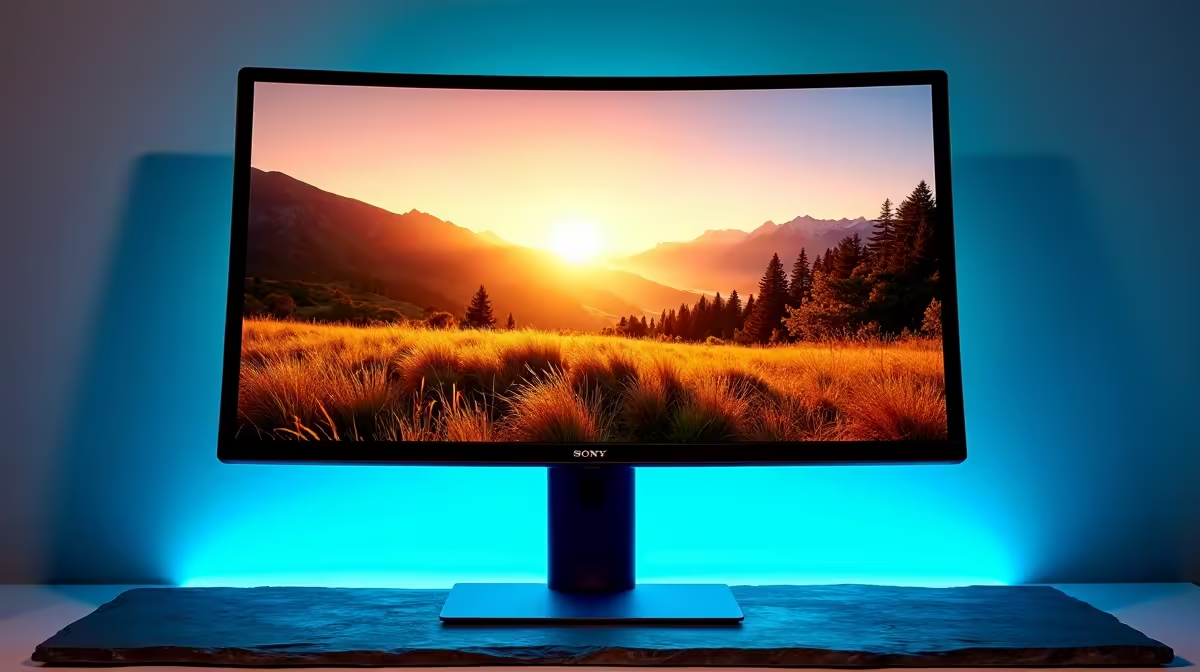
It guarantees your photos will look great and consistent across the web, where most of your work will be viewed. It simplifies your workflow and works perfectly with standard hardware. An immersive setup with modern curved monitors can still provide an incredible editing experience while working entirely within the sRGB space.
Only consider stepping up to an AdobeRGB workflow if you are deeply passionate about printing your photos or are planning to turn your hobby into a professional career. Just remember that it requires the right hardware to see the difference. 🖥️
Upgrade Your View, Perfect Your Colours Your photos deserve to be seen in their true colours. A quality monitor is the most critical tool for any photographer, ensuring your edits are accurate and impactful. Check out the best monitor deals at Evetech and find the perfect display for your creative passion.











