


GTA 6 Max Settings on RTX 5070: Complete Guide
GTA 6 Max Settings on RTX 5070. Tested & verified settings for best FPS and visual quality on SA hardware budgets.
Read moreOur SSD form factors explained guide breaks down everything from 2.5-inch SATA to lightning-fast M.2 NVMe drives. Discover which SSD gives you the best performance for your money and eliminates loading screens in South Africa. 🚀 Level up your rig today!
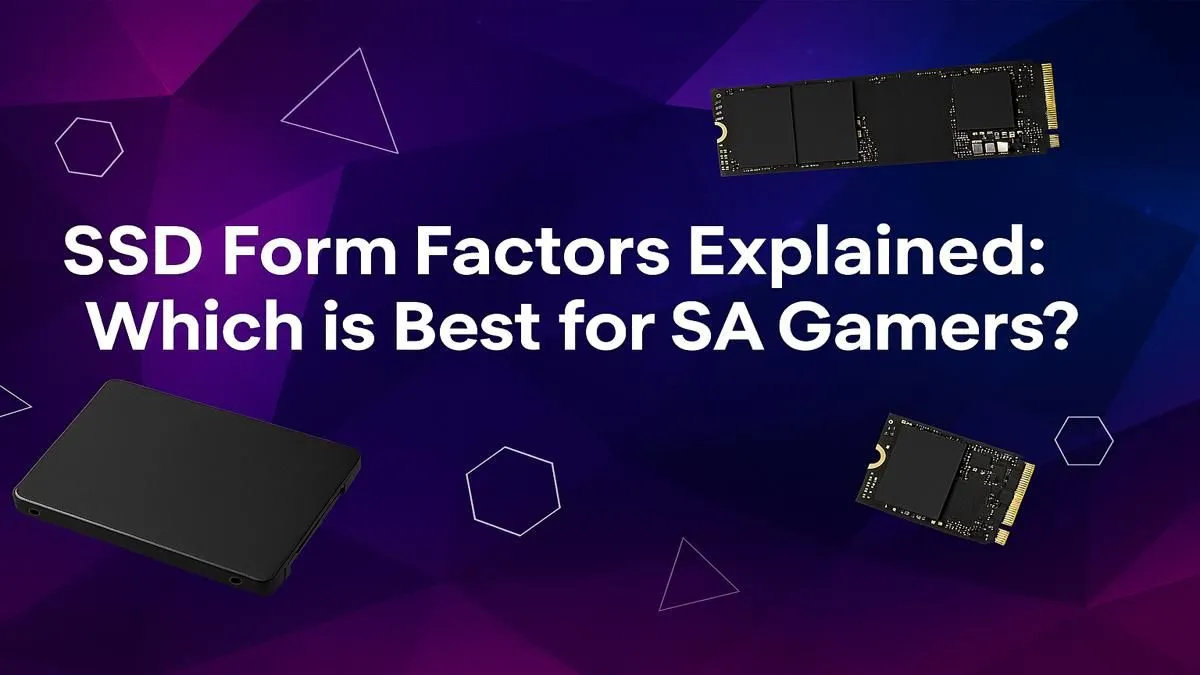
Tired of staring at loading screens while your mates are already dropping in? In South Africa, a slow drive can be the difference between a win and an early exit. But upgrading to an SSD isn't just about picking a size. The secret to unlocking true speed lies in understanding SSD form factors—a crucial detail many overlook. This guide explains everything you need to know to choose the best drive for your gaming rig. 🚀
Think of an SSD form factor as the drive's physical shape, size, and the type of connector it uses to talk to your PC. It's not about gigabytes; it's about compatibility and performance. Choosing the wrong one is like trying to fit a square peg in a round hole… it just won’t work. Getting this right ensures your new drive physically fits and performs at its peak potential.
Let's break down the three main types you'll encounter when building or upgrading a PC in SA. Each has its place, from budget-friendly boosts to face-melting speed.
This is the classic SSD format, resembling a slim laptop hard drive. It connects to your motherboard using a SATA cable for data and a separate SATA power cable from your power supply.
They are the universal donor of the storage world—compatible with almost any desktop or laptop from the last decade. While not the fastest option anymore, the leap from a mechanical hard drive to one of these solid-state drives is massive. They're perfect for breathing new life into an older machine or as a high-capacity secondary drive for your game library.
The M.2 is a small, stick-like drive that plugs directly into the motherboard, eliminating cable clutter. But here's the critical part: M.2 is just the form factor. The technology it uses can be either SATA or NVMe.
Before you buy an M.2 drive, check your motherboard’s specs! You need a compatible M.2 slot. Most modern boards have them, but older ones might not. Also, confirm if the slot supports SATA, NVMe, or both to avoid any build-day frustration.
Need to move large game files between your PC and a friend's, or want to expand your console storage? An external SSD is your answer. These drives pack the speed of an internal SSD into a portable, plug-and-play package, usually connecting via USB-C or USB 3.0. They're a fantastic solution for gamers who need speed and flexibility outside their main rig.
The best SSD form factor for SA gamers depends entirely on your needs and your hardware.
Ultimately, the perfect setup might even be a combination—a speedy M.2 NVMe for your operating system and a larger 2.5-inch SATA SSD for the rest of your Steam library. No matter your choice, you can explore our full range of SSDs to find the perfect match for your machine. ✨
Ready to Banish Load Screens for Good? Now that you understand the different SSD form factors, you're ready to make a smart upgrade. Check out the best SSD deals in South Africa and give your PC the speed it deserves.
An SSD form factor is the drive's physical size, shape, and connector type, like 2.5-inch, M.2, or U.2. It determines how the SSD connects to your motherboard and fits in your PC case.
Yes, an M.2 drive using the NVMe protocol is significantly faster than any 2.5-inch SATA SSD. This results in much quicker game load times and a more responsive system overall.
For most SA gamers, a PCIe 4.0 M.2 NVMe SSD offers the best balance of extreme speed and value. It provides incredible performance for modern games without the premium cost of PCIe 5.0.
While a SATA SSD works, an NVMe SSD is highly recommended for a modern gaming experience. It dramatically reduces loading screens, making it a crucial part of any serious gaming rig.
No. Your motherboard must have a compatible M.2 slot. Always check your motherboard's specifications to confirm support for the M.2 drive's size (e.g., 2280) and interface (SATA or NVMe).
First, check your motherboard's compatibility for M.2 NVMe or SATA ports. Then, balance your budget with your capacity needs. A 1TB or 2TB M.2 NVMe drive is the sweet spot for most gamers.
GTA 6 Max Settings on RTX 5070. Tested & verified settings for best FPS and visual quality on SA hardware budgets.
Read more
Cyberpunk 2077 Max Settings on RTX 5080. Tested & verified settings for best FPS and visual quality on SA hardware budgets.
Read more
Starfield Max Settings on RTX 5070 Ti. Tested & verified settings for best FPS and visual quality on SA hardware budgets.
Read more
Can RTX 4080 Super Run AI Workloads for SA Developers Detailed answer with SA data, expert analysis & practical recommendations for local buyers.

Can RTX 4090 Run AI Workloads for SA Developers Detailed answer with SA data, expert analysis & practical recommendations for local buyers.

Top Settings for Intel Arc B580 at Ultrawide 1440p picks evaluated on performance, value & SA availability with current Rand pricing from Evetech.

RX 7600 Overclocking Guide: Safe OC Settings for. Real-world benchmark data, FPS numbers & performance analysis. What SA gamers can actually expect.

RTX 4060 CS2 Low Settings at 1080p: FPS Results. Real-world benchmark data, FPS numbers & performance analysis. What SA gamers can actually expect.

Visual Artifacts: Possible GPU Issue Issue #1. Diagnosis steps, proven fixes & when to seek professional help. SA-specific support info included.

Can the RTX 4090 Handle 1440p 144Hz Gaming. Performance testing verdict with real data & practical recommendations for SA buyers.

Top ASUS GPU Under R15000 picks evaluated on performance, value & SA availability with current Rand pricing from Evetech.
GTA 6 Max Settings on RTX 5070. Tested & verified settings for best FPS and visual quality on SA hardware budgets.
Cyberpunk 2077 Max Settings on RTX 5080. Tested & verified settings for best FPS and visual quality on SA hardware budgets.
Starfield Max Settings on RTX 5070 Ti. Tested & verified settings for best FPS and visual quality on SA hardware budgets.

Top RTX 5090 Under R5000 picks evaluated on performance, value & SA availability with current Rand pricing from Evetech.