

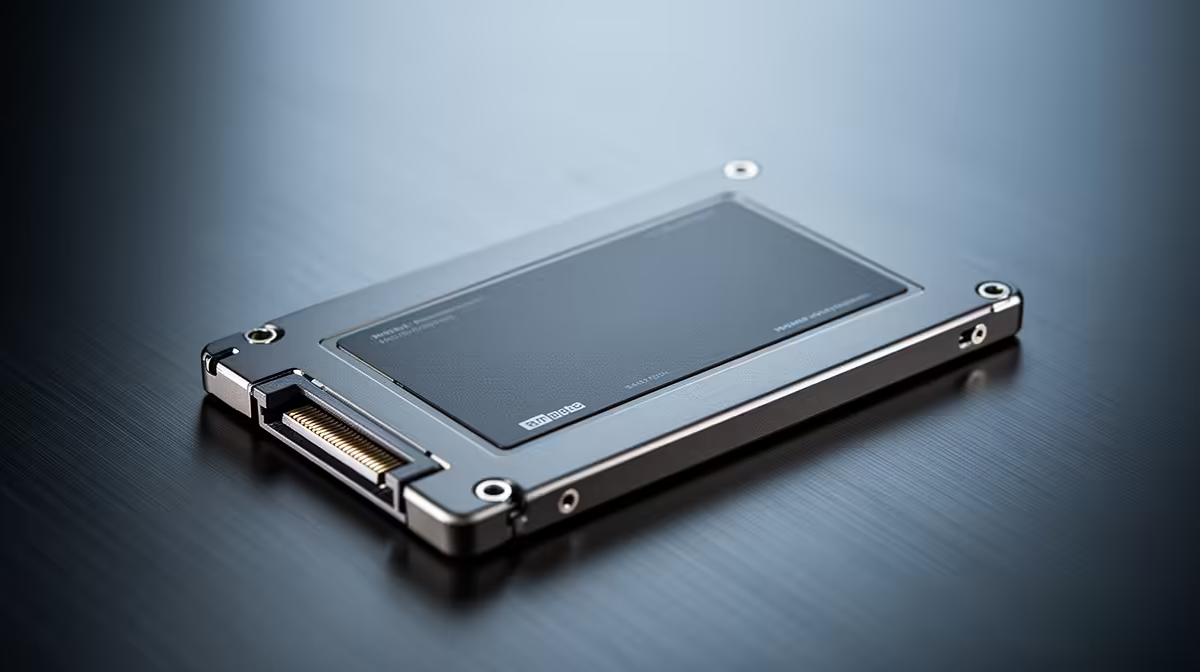
Staring at a progress bar while your game engine compiles shaders or loads a massive 4K texture library… again. For South African game developers, every second of productivity counts, especially when loadshedding looms. The bottleneck isn't always your CPU or RAM; often, it's your storage. Making the switch to high-performance Solid-State Drives (SSDs) is one of the most impactful upgrades you can make, turning frustrating waits into seamless creative flow.
Why SSDs for Game Development are Non-Negotiable
Traditional Hard Disk Drives (HDDs) with their spinning platters are a relic when it comes to the demanding, random-access workloads of game development. Think about your daily tasks: opening large project files, compiling thousands of lines of code, or scrubbing through complex asset timelines. These actions cripple an HDD.
An SSD, on the other hand, uses flash memory to access data almost instantly. This is the core reason why SSDs for game development are essential. Here’s how they give you a tangible edge:
- Drastically Reduced Compile Times: Compiling code involves reading and writing countless small files. An SSD accelerates this process, saving you minutes… or even hours on large C++ projects. ⚡
- Instant Asset Loading: Load massive 3D models, high-resolution textures, and complex environments into engines like Unreal or Unity in a fraction of the time.
- Smoother Engine Performance: A faster drive means the engine can stream assets into your viewport without stuttering, making level design and play-testing a much more fluid experience.
Choosing the Right SSD for Your Dev Rig
Not all SSDs are created equal. For a South African developer, balancing performance with budget is key. Your main choice will be between a standard SATA SSD and a much faster NVMe SSD.
NVMe vs. SATA: The Speed Difference
SATA SSDs are a fantastic starting point and a massive leap from any HDD. They are perfect for storing your OS, primary applications, and smaller projects.
However, for your main development drive—where your engine, source code, and active project files live—you want the best performance possible. This is where blazing-fast NVMe SSDs come in. They plug directly into the motherboard's M.2 slot, bypassing the slower SATA interface entirely for incredible read/write speeds. The performance boost when working with huge files is something you have to experience to believe. 🚀
Pro Dev Tip: Partition Your Drive 🔧
For an optimised workflow, install your Operating System and core software (like Visual Studio and your game engine) on one partition of your NVMe SSD. Use a separate, larger partition or even a second SSD exclusively for your active game projects. This separation keeps things organised and prevents OS background tasks from interfering with heavy asset loading.
Capacity and Backup Strategy
Game assets are notoriously large. A single high-quality 4K texture set can easily exceed several gigabytes. A 1TB SSD is a great starting point for a dedicated development drive, but 2TB or more is becoming the standard for serious projects.
Remember, a fast drive is not a backup. The golden rule is to have three copies of your data. Consider using reliable external SSDs for quick, local backups of your project files. They're fast, portable, and perfect for moving your work between a desktop and a laptop, or sharing builds with your team. Combining this with a cloud backup service gives you peace of mind.
Ultimately, choosing the right SSD for game development comes down to your specific needs and budget. Whether you're an indie dev starting out or part of an established studio, exploring the entire range of solid-state drives will reveal a solution that fits your workflow perfectly. Don't let slow storage hold your creativity back.
Ready to Supercharge Your Workflow?
Stop waiting and start creating. Check out the latest SSD deals at Evetech and find the perfect drive to bring your game to life, faster.











